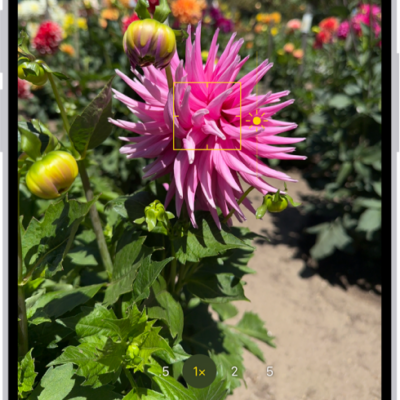
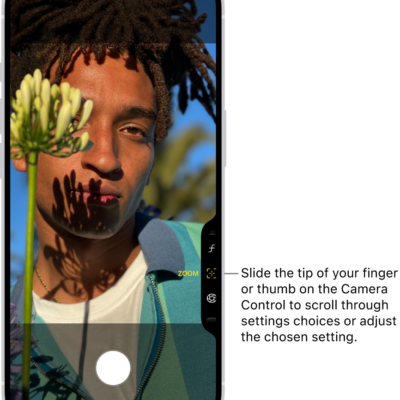
On supported models, the default for the 1x Main camera lens is 24 mm. On iPhone Air, the default is 26 mm. You can add 28 mm and 35 mm as secondary lenses, and change which lens is the default Main lens.
The 28 mm and 35 mm lenses need Photo Mode set to 24 MP, and once they’re added, you can pick which lens is the default for the Main camera.
- Start the Settings app on your iPhone.
- Tap Camera, tap Formats, and tap Photo Mode and make sure 24 MP is selected.
- Go back to Settings and tap Camera. Then tap Main Camera or Fusion Camera below Photo Capture (depending on your model).
- Below Additional Lenses, turn on the lenses you want to add as additional Main lenses.
- Below Default Lens, tap the option you want to use for the default Main lens.
When you open Camera, the Main lens will be either 1x (24 mm), 1.2x (28 mm), or 1.5x (35 mm). On iPhone Air, the Main lens will be either 1x (26mm), 1.1x (28 mm), or 1.4x (35 mm). Tap the Main camera lens to switch between the additional lenses you chose.
Tag: camera