How to enable cookies on iPhone
You can enable cookies. Some websites use cookies to keep track of your activity, such as your settings, and enabling cookies allows websites that require cookies to work normally. It’s one setting, Block All Cookies, in Safari’s Advanced settings on your iPhone.
- Start the Settings app on your iPhone.
- Tap Apps, then tap Safari.
- Tap Advanced and turn off Block All Cookies.
Read Next
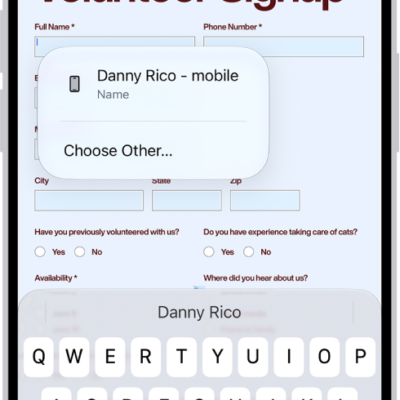
You can use AutoFill in Safari on iPhone to fill in your contact information, user names, and passwords from your saved contact card.
You can customize Safari on iPhone, including your start page, text size on websites, and display and privacy settings.
You can change the password for a website or app from the Passwords app on iPhone, or switch to Sign in with Apple where it's offered.