Use Distraction Control to hide menus and other diversions on a webpage. With Hide Distracting Items in the Safari app on your iPhone, you can hide as many items as you want from the webpage, and you’re free to stop hiding items later.
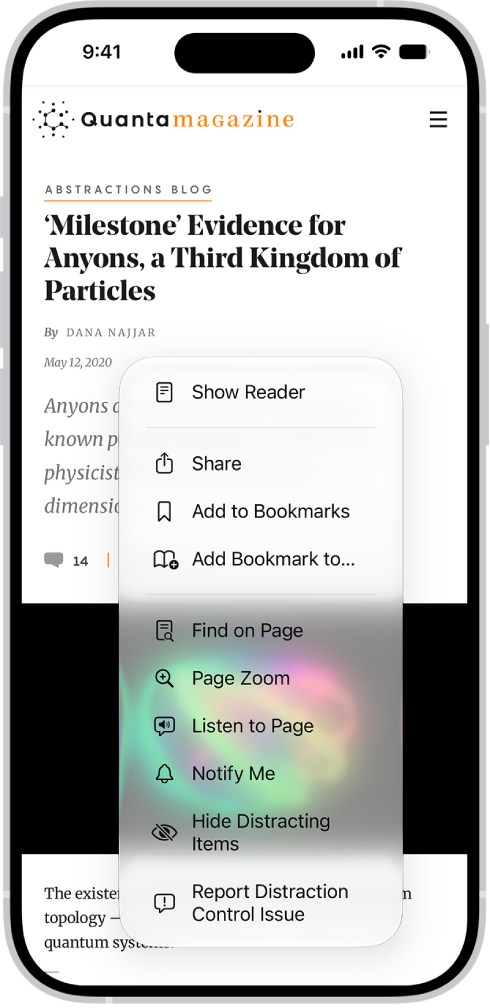
- Start the Safari app on your iPhone.
- On a website, tap the Page Menu button and then tap Hide Distracting Items.
- Tap an item you want to hide from the webpage and then tap Hide. You can hide as many items as you want.
- Tap the Selected button.
To stop hiding items, tap the Clear button.
Tag: Safari