You can see the local time in time zones around the world. In the Clock app on your iPhone, World Clock lets you manage your list of cities, so you can add a city, delete a city, or reorder the cities whenever it’s useful.
Siri: Ask Siri something like: “What time is it?” or “What time is it in London?”
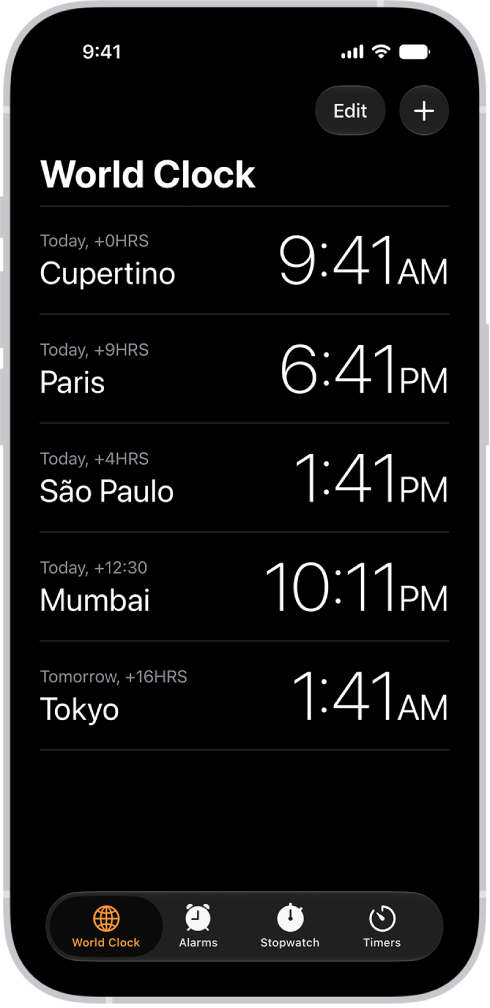
- Start the Clock app on your iPhone.
- Tap World Clock.
-
To manage your list of cities, do any of the following:
- Add a city: Tap the Add button and choose a city.
- Delete a city: Swipe left on the city. Then tap the Trash button.
-
Reorder the cities: Tap Edit, then drag the Reorder button up or down.
When you’re finished, tap the Done button.
Tag: Clock