How to sign in with fewer CAPTCHA challenges on iPhone
Some website and app sign-in screens require you to pass CAPTCHA challenges, such as recognizing letters in unusual shapes. iCloud allows you to bypass many challenges by automatically and privately verifying your iPhone and account. It’s called Automatic Verification, and you can turn this bypass on or off.
- Start the Settings app on your iPhone.
- Tap your name and tap Sign-In & Security.
- Turn Automatic Verification on or off.
Read Next
You can change your iPhone's name, which is used by iCloud, AirDrop, Bluetooth, your Personal Hotspot, and your computer.
You can change how long your iPhone display stays on before it dims and locks, and use the Always-On display on supported models.
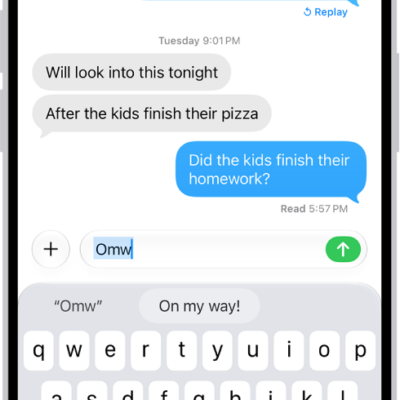
You can set up a text replacement on iPhone so a few keys enter long words and phrases, and sync your personal dictionary across devices.