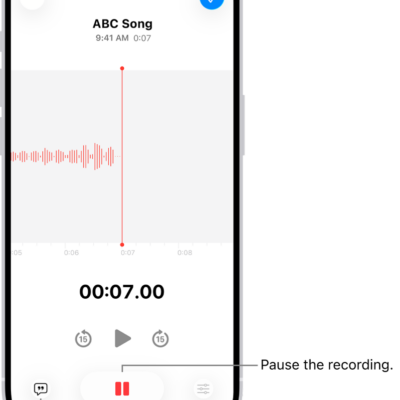
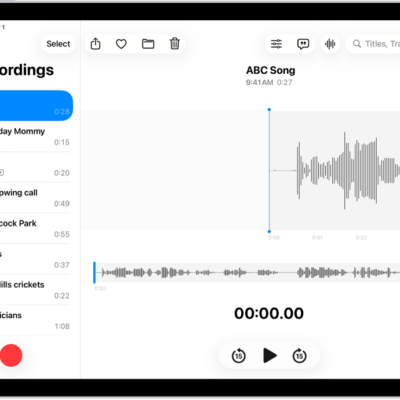
Use the Voice Memos app on Apple Watch to record personal notes. It’s simple. Recordings on your Apple Watch automatically sync to your iPhone, iPad, and Mac where you’re signed in with your Apple Account.
That means your watch recordings play back on your paired iPhone and on other devices signed in to your Apple Account, through iCloud. You can play a voice memo right on your watch, too.
Here’s how to record and play voice memos on Apple Watch.
Record a voice memo
- Start the Voice Memos app on your Apple Watch.
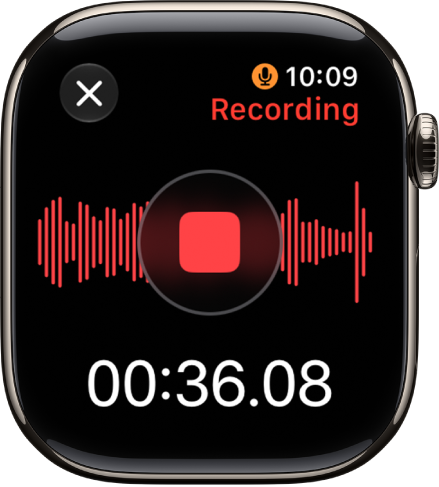
- Tap the Record button.
-
Tap the Stop Recording button to end the recording.
Play a voice memo
- Start the Voice Memos app on your Apple Watch.
- Tap a recording on the Voice Memos screen and tap the Play button to play it.
- Tap the Skip Ahead button or the Skip Back button to skip ahead or back, respectively.
Access your voice memos on other devices
With iCloud, your watch recordings can play on your paired iPhone, along with other devices where you’re signed in to your Apple Account.
- Go to the Voice Memos app on your iPhone, iPad, or Mac.
- Tap or click Watch Recordings.
See also
- Play music on Apple Watch
- Listen to audiobooks on Apple Watch
- Play podcasts on Apple Watch
- Control media playback on other devices using your Apple Watch
Tag: Voice Memos