Apple Watch health features can help you meet your sleep goals, track important information related to your heart, keep a log of your emotions and mood, log your medications, track your menstrual cycle, and encourage you to wash your hands. Here’s a quick tour.
With the Sleep app, for example, you can create a sleep schedule.
Prioritize your sleep
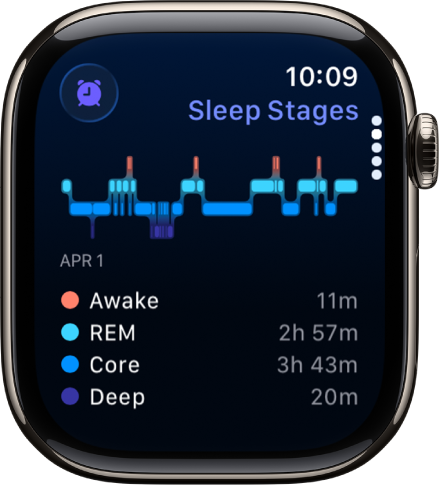
You can create a sleep schedule, review your recent sleep history, and set a sleep duration goal in the Sleep app on Apple Watch. To get started, follow the onscreen instructions after you open the Sleep app on your Apple Watch. Then wear your watch to bed. Apple Watch does the rest.
Set up sleep schedules on Apple Watch
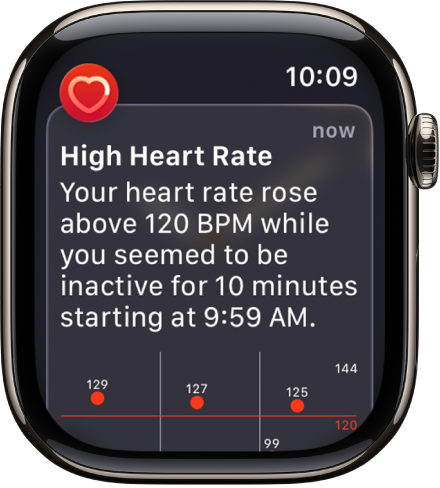
Get heart health notifications
You can enable notifications from the Heart Rate app on your Apple Watch to alert you to high or low heart rates, as well as irregular heart rhythms that may be suggestive of atrial fibrillation (AFib). If you have already been diagnosed with AFib, you can turn on AFib History to see an estimate of how frequently your heart is in this arrhythmia. You can also turn on alerts for low cardio fitness.
Monitor your heart health on Apple Watch
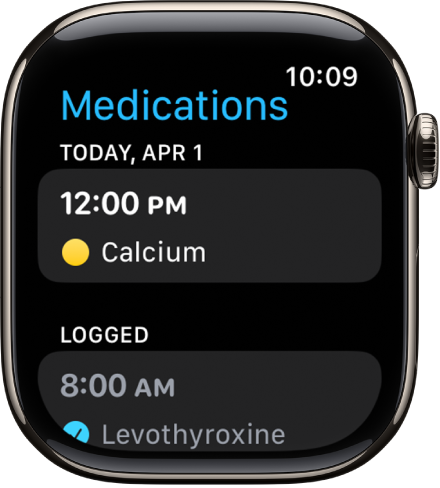
Stay on top of your medications
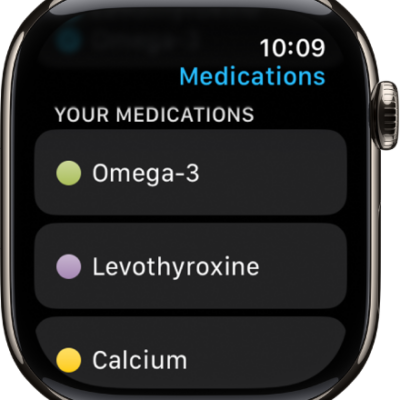
To keep track of your medications, vitamins, and supplements, use the Medications app. Add your medications to the Health app on your iPhone, then log them on your Apple Watch.
Track your medications on Apple Watch
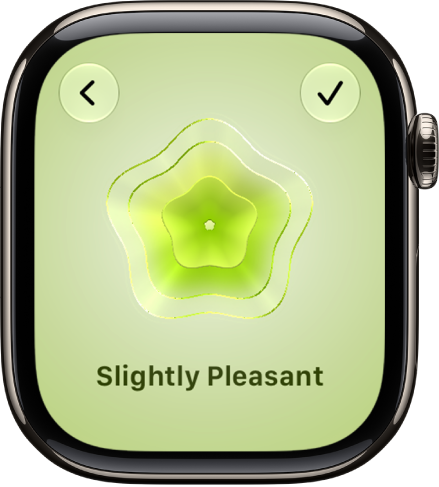
Log your state of mind
In addition to offering opportunities to breathe mindfully and promote moments of reflection, the Mindfulness app can help you build emotional awareness and resilience by identifying your feelings. Just open the Mindfulness app, tap State of Mind, then log your momentary emotions and daily moods.
Log your state of mind on Apple Watch
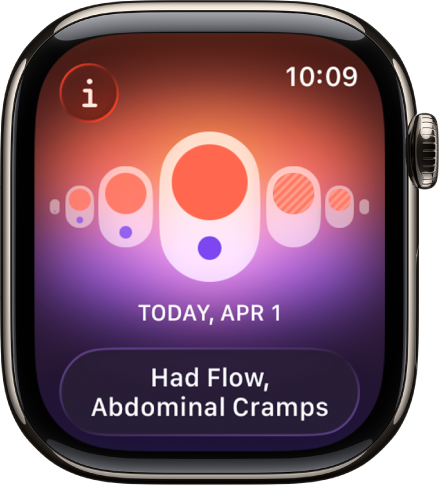
Track your menstrual cycle
The Cycle Tracking app is where you log daily information about your menstrual cycle, which your Apple Watch uses to provide period and fertile window predictions. Cycle Tracking can also use heart rate data, in addition to data you’ve logged, to improve predictions. Wear Apple Watch to sleep each night, and the app can also use wrist temperature to improve period predictions and provide retrospective ovulation estimates.
Use Cycle Tracking on Apple Watch
Note: The retrospective ovulation estimates feature isn’t available in all countries or regions.
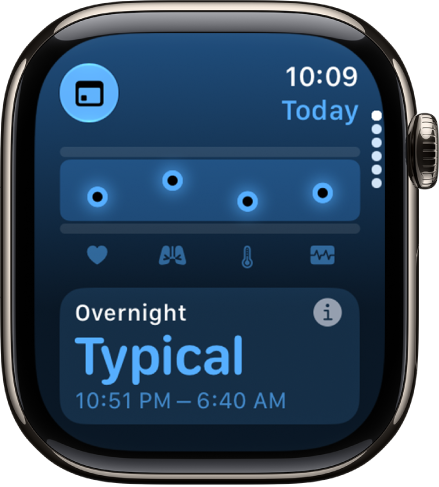
Better understand your daily health status
With the Vitals app, you can quickly see your overnight health metrics right on your watch: heart rate, respiratory rate, wrist temperature, blood oxygen*, and sleep duration. When you wear your Apple Watch to sleep, the Vitals app establishes a typical range for each of your health metrics. If multiple metrics are outside your typical range, you receive a notification along with context for factors that may be involved—like medications or illness, for example.
Track your vitals on Apple Watch
Note: For models of Apple Watch purchased in the United States on or after January 18, 2024 with part numbers ending in LW/A or LS/A, Blood Oxygen is not available in the Vitals app.
*Not all features are available in all areas and on all models.
See also
- Update your health details on Apple Watch
- Set up Handwashing on Apple Watch
- See time spent in daylight on Apple Watch