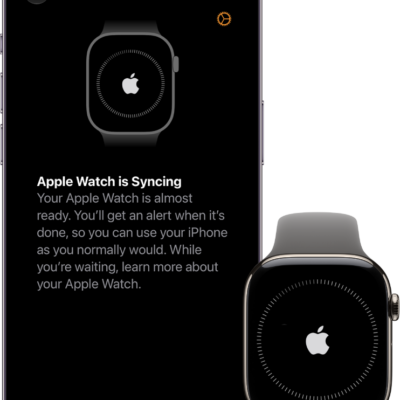
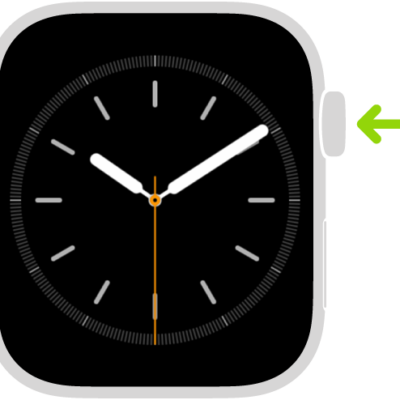
You can start fresh in more than one way. If you plan to sell or give away your Apple Watch, unpair it from your iPhone; if you plan to keep it and only need to reset it, erase it. Here are the two ways to clear the contents and settings of your Apple Watch:
- Unpair your Apple Watch from your iPhone. This erases the contents and removes Activation Lock, preventing someone else from activating it. Do this if you plan to sell or give away your Apple Watch.
- Erase your Apple Watch. This erases all content and settings from Apple Watch, but leaves it paired with your iPhone. Do this if you plan to keep your Apple Watch, and just need to reset it.
Unpair Apple Watch and remove Activation Lock
- Open the Apple Watch app on your iPhone.
- Tap My Watch, then tap All Watches.
- Tap the Info button next to your watch and tap Unpair Apple Watch.
Your Apple Watch is erased and removed from your Apple account, Activation Lock is removed, and your watch is ready to be set up again.
Erase Apple Watch and settings
To erase your Apple Watch without unpairing it, follow these steps.
- Open the Settings app on your Apple Watch.
- Tap General, then tap Reset.
- Tap Erase All Content and Settings. Then enter your passcode.
- If you have an Apple Watch with cellular, choose to keep or remove your cellular plan.
- Keep your plan if you want to pair your Apple Watch and iPhone again.
- Remove your plan if you want to pair your Apple Watch with another iPhone or intend to cancel your cellular subscription. (Contact your carrier to cancel your subscription.)
- When the process finishes, set up your watch again. When asked, restore from a backup.
You can also go to the Apple Watch app on your iPhone, tap My Watch, tap General, tap Reset, then tap Erase Apple Watch Content and Settings.
Note: If you can’t access the Settings app on your Apple Watch because you’ve forgotten your passcode, you must reset it.
Remove your cellular plan
You can remove the cellular plan at any time on an Apple Watch with cellular.
- Open the Apple Watch app on your iPhone.
- Tap My Watch, tap Cellular, and tap the Info button next to your cellular plan.
-
Tap Remove [carrier] Plan, then confirm your choice.
You may need to contact your carrier to remove this Apple Watch from your cellular plan.
See also