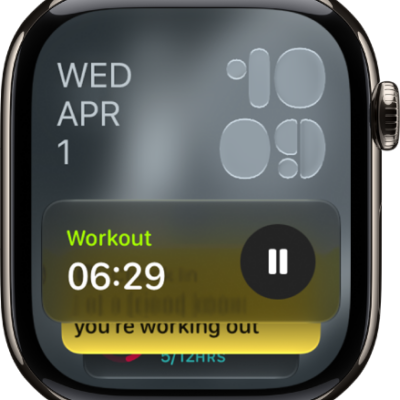
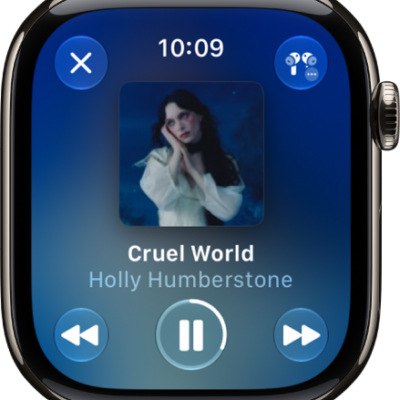
Live Activities—app activities in progress such as a workout, a timer, or music—appear on the Apple Watch face and at the top of the Smart Stack.
You can see them at a glance, and choose when and how Live Activities appear.
Here’s how to view Live Activities on Apple Watch.
See Live Activities
-
Tap the Live Activity at the top of the watch face.
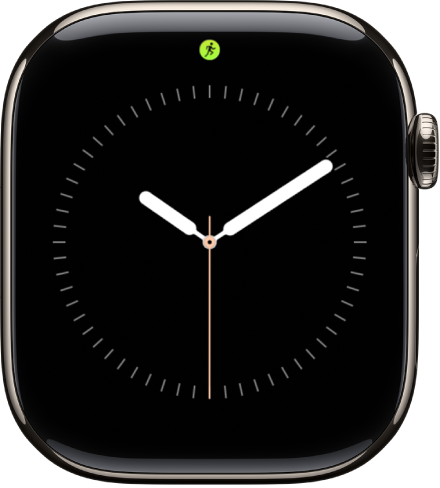
- To return to the watch face, press the Digital Crown.
Choose when and how Live Activities appear
- Start the Settings app on your Apple Watch.
- Tap Smart Stack and tap Live Activities. Then set any of the options.
See also
Tag: Smart Stack