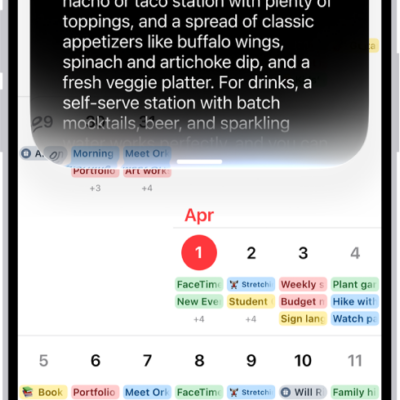
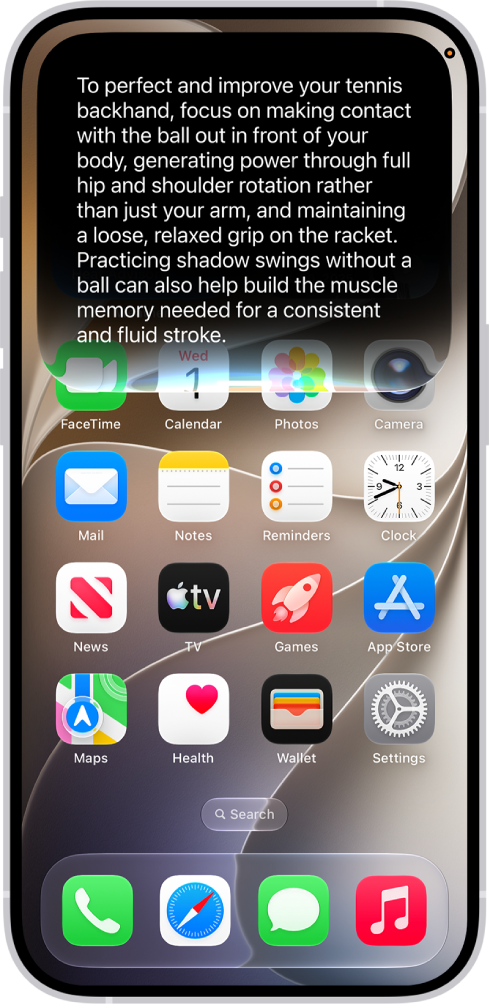
In iOS 27, Siri AI (Beta) is a conversational assistant with broad world knowledge and personal context, and your conversations are saved in a dedicated app. Extra-large widgets show more information from your favorite apps on the Home Screen, and a new slider lets you customize how Liquid Glass looks.
Here’s what’s new in iOS 27.
Siri AI (Beta)*. Siri AI is a conversational assistant with broad world knowledge and personal context understanding. Your conversations are saved in a dedicated app, so you can revisit or continue them. Siri can draw on your personal context to find what you need—like a specific photo, an email buried in your inbox, or a saved note—and take action across your apps, such as drafting an email or editing and sharing a set of photos. Siri writing tools help you generate first drafts, get feedback, and adjust the style and tone of your writing for the audience. Visual Intelligence comes to the Camera, so you can search, ask questions, and take action based on what’s in the frame. See Get started with Siri AI on iPhone and Siri AI (Beta): Use Siri mode in Camera.
Note: Siri AI is available in beta on iOS 27 or later on an Apple Intelligence-enabled iPhone 15 Pro, iPhone 15 Pro Max, or iPhone 16 model or later with Siri and device language set to a supported language. Available in English to start. Siri AI will not initially be available in the EU on iOS. Usage limits may apply.
Family. New and expanded child safety features make it easier for parents and guardians to keep kids safe on iPhone. Setup Assistant lets you choose which apps kids can use. Ask to Browse lets you approve new websites on Safari that your child requests. Communication Safety helps protect children from viewing or sharing images and videos containing detected nudity or gore. See Set up Family Sharing and Apple Devices for Kids and Families.
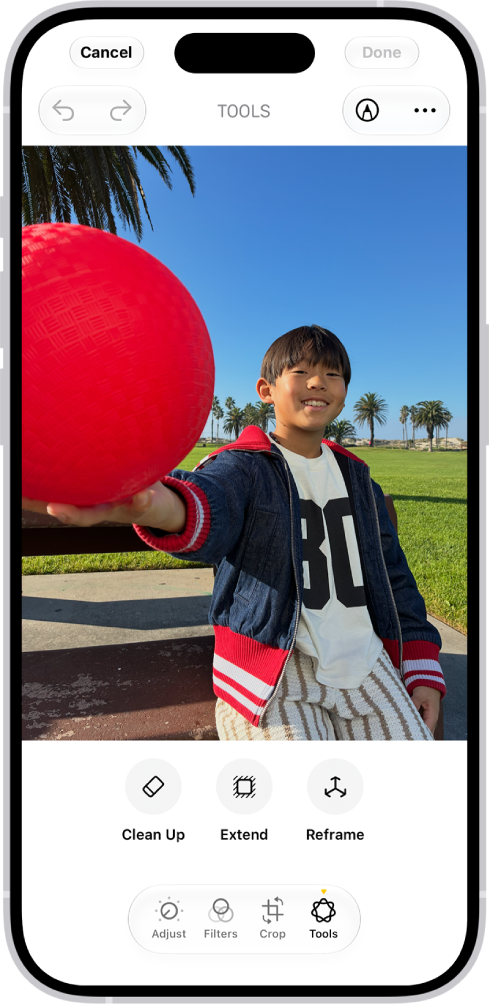
Photos. Apple Intelligence* editing tools let you reframe a photo after it’s been taken, extend the borders of a photo, and remove distracting objects with more precision. iCloud Shared Albums support full-resolution sharing and new ways to filter and react to photos in a shared album. You can save any frame from a video as a photo. See Clean up, extend, and reframe photos, Create shared albums, and Save a video frame as a photo.
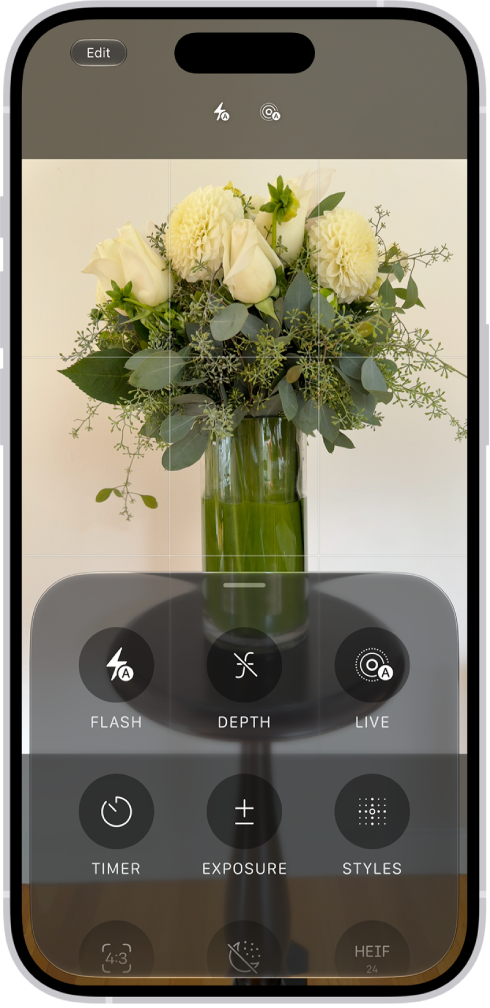
Camera. Pin the camera tools you use most often right above the camera frame for easy access when capturing photos and videos. See Use iPhone camera tools to set up your shot.
Safari. With Apple Intelligence, your tabs can be automatically grouped into topics, so related pages are easier to find. Create your own extension with just a description to personalize your experience on any website you visit. Notify Me monitors pages for changes—for example, a price change or restock—and alerts you when it’s time to act. See Organize your tabs with Tab Groups, Create your own extension, and Get notified when a website changes.
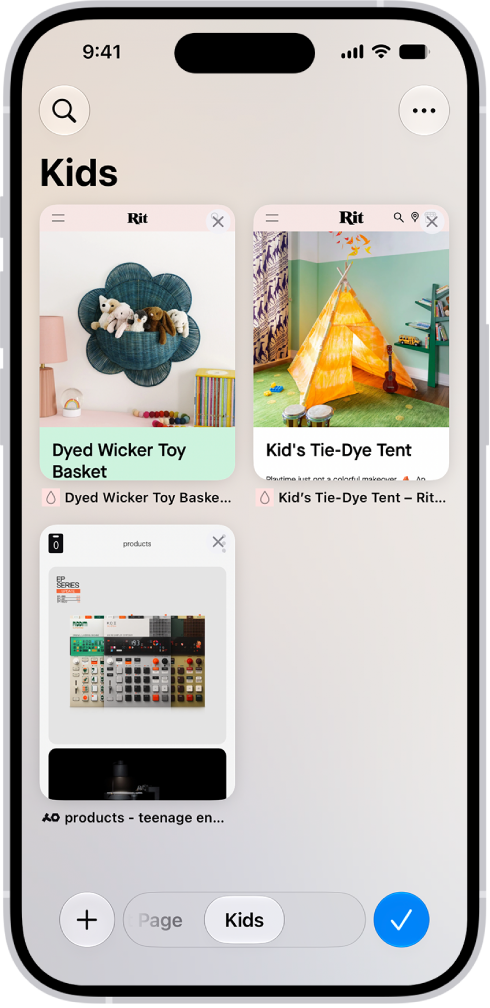
Image Playground. Create unique images in a range of new styles with Image Playground, then update them with a description or using touch. See Create original images with Image Playground.

Genmoji. Get suggested images based on photos in your library and phrases you commonly type. See Create your own emoji with Genmoji.
Phone. With Apple Intelligence, Call Context can proactively surface relevant information when you place a call to a business or while you’re on a call—like a confirmation code you get in Mail when you call an airline. See View information when you make a call and View relevant information during a call.

Accessibility. With Apple Intelligence, use the captioning feature to automatically generate synced subtitles and translate existing captions into other languages. VoiceOver includes richer image descriptions and can be accessed using the Action button on supported models. See Display subtitles and captions and Get information about content on your iPhone and in your surroundings with VoiceOver.
Home. Apple Intelligence in the Home app combines and streamlines related activity notifications, describes what happened in video footage before you watch, and can search for a video clip based on what happened. See Use Apple Intelligence with Home cameras and notifications.
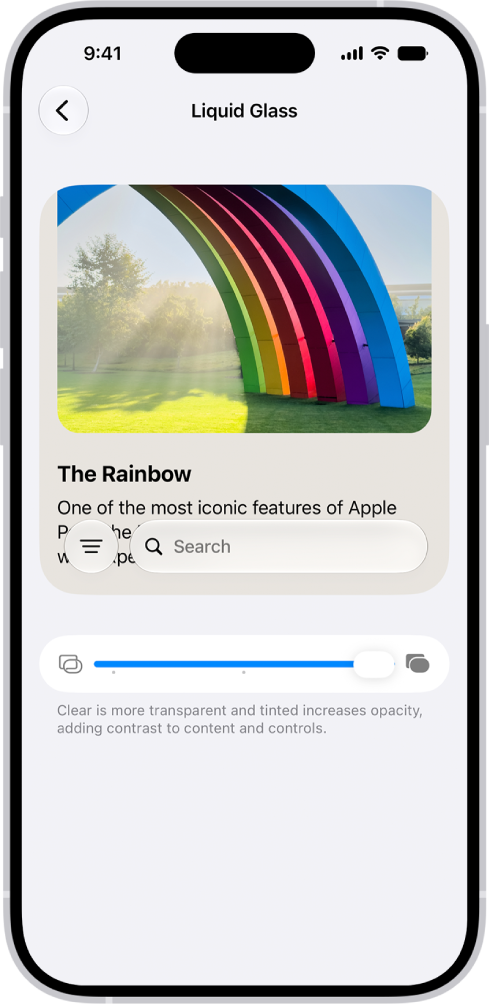
Liquid Glass. A new slider lets you easily customize how Liquid Glass looks, from ultraclear to fully tinted. See Choose your preferred look for Liquid Glass.
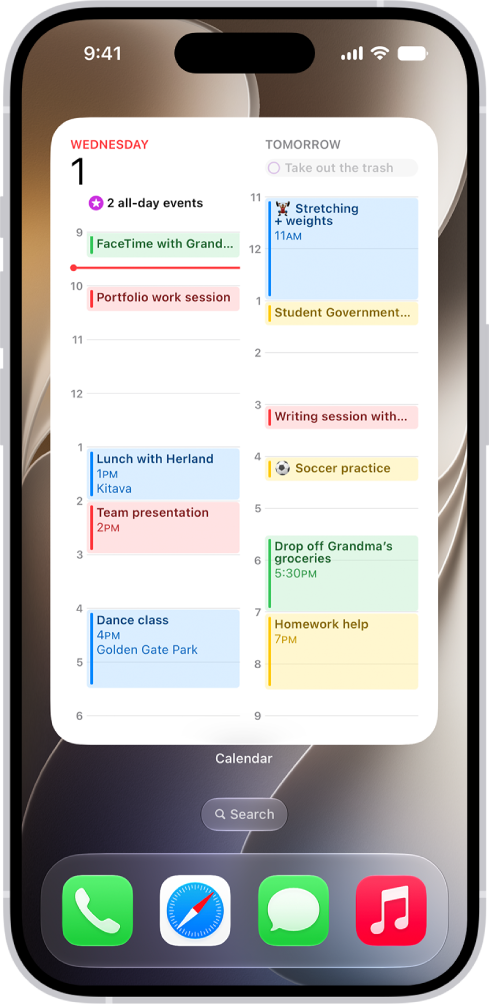
Home Screen. Extra-large widgets let you see more information from your favorite apps right on the Home Screen. See Customize apps and widgets on the iPhone Home Screen.
FaceTime. Dual Capture lets you share both your front and back camera views during a FaceTime call. With Apple Intelligence, while you’re on a FaceTime call with someone who speaks a different language, you can see translated captions in your preferred language. See Use camera controls during a FaceTime call and Use Live Captions and Live Translation in FaceTime.
Health. Log menopause and perimenopause symptoms in Cycle Tracking. The Health app can notify you when your logged cycle patterns are suggestive of perimenopause and provide educational resources. See Track menopause stages in Health.
Maps. Flyover view uses aerial imagery and Visual Intelligence models to render maps in stunning detail. Local Lists provide relevant collections of locations trending in your area (available in the U.S. only). See Explore maps with immersive views.
Learn tricks for iOS 27. The Tips app adds new suggestions regularly, so you can get the most from your iPhone. See Get tips.
Note: New features and apps may vary depending on your iPhone model, region, language, and carrier.
*Apple Intelligence is available with Siri and device language set to Chinese (Simplified), Chinese (Traditional), Danish, Dutch, English, French, German, Italian, Japanese, Korean, Norwegian, Portuguese, Spanish, Swedish, Turkish, or Vietnamese. Some features may not be available in all regions or languages. Some devices may not be available in all regions. Siri AI is available in beta in iOS 27, iPadOS 27, macOS 27, watchOS 27, and visionOS 27 and requires an Apple Intelligence–enabled device set to a supported language.
Available in English to start. Siri AI will not be initially available in the EU on iOS, iPadOS, and watchOS, according to Apple. Certain Apple Intelligence features that rely on server-side models are subject to daily usage limits, including but not limited to Siri AI, Intelligent Photo Editing Tools, Image Playground, and AFM 3 Cloud models in Shortcuts. Daily limits may vary by feature, request complexity, system demand, system policies, and other factors.
Expanded access to such features will be available for a fee in the future. Use of these features is subject to the Apple Intelligence Terms and Conditions.