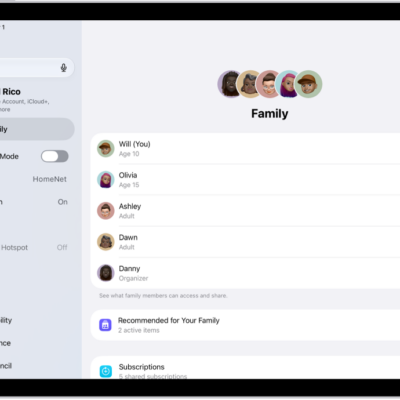
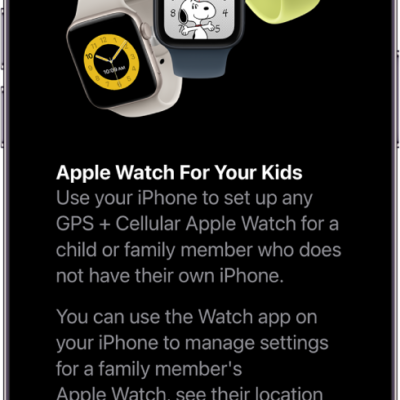
With Family Sharing, you and up to five other family members can share access to Apple services, eligible purchases, iCloud+ storage, and more. You can even help locate each other’s missing devices.
One adult—the organizer—invites the others, and each family member chooses the features they want to use. When they join, Family Sharing is set up on everyone’s devices automatically. Setting it up on one device is enough, since it’s then available on all your devices signed in to the same Apple Account. A Child Account is required for children under 13.
Create a Family Sharing group
You only need one device to set up Family Sharing, and it’s then available on all of your devices signed in to the same Apple Account. If a child doesn’t have an Apple Account yet, the family organizer can create one for them, or invite family members who already have one.
Note: A Child Account is required for children under 13 and available for children up to 18. (This age varies by country or region.)
- Start the Settings app on your iPhone.
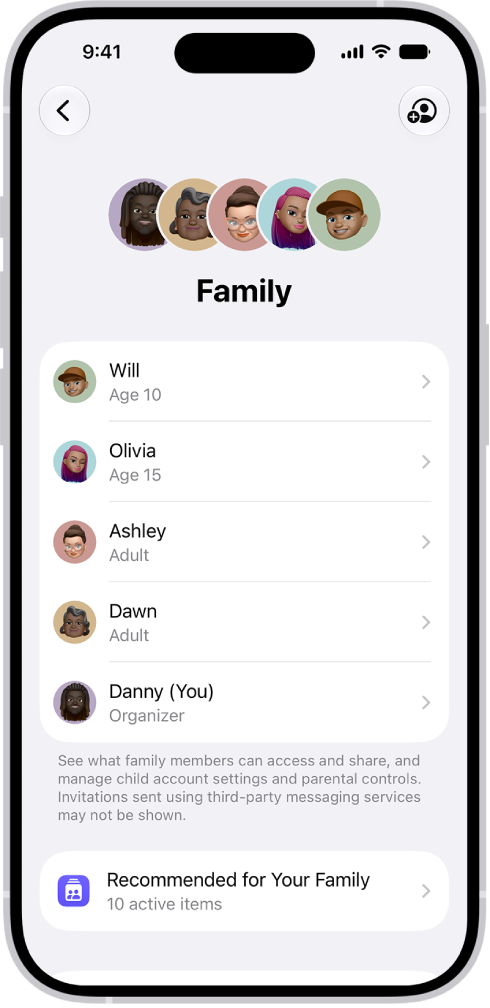
- Tap your name, then tap Family.
- Follow the onscreen instructions to set up your Family Sharing group.
-
Tap Invite next to suggested family members (if any are listed), or tap Invite Others and then do one of the following:
- Tap Create Child Account to create a Child Account for your kid.
- Tap Invite People, then follow the onscreen instructions to invite family members and designate added adult members as parents or guardians.
You can also add family members later.
- Tap a feature you want to set up for your Family Sharing group (for example, Subscriptions). Follow the onscreen instructions.
To set up parental controls or Apple Cash for a child, tap their name, tap the feature, then follow the onscreen instructions.
At any time, you can see what you’re sharing with your family and adjust your sharing settings.
What you can do with Family Sharing
Here’s what you can set up or share with your Family Sharing group:
- Apple and App Store subscriptions: You can share Apple subscriptions, including iCloud+, and eligible App Store subscriptions.
- Purchases: You can share items purchased in the App Store, Apple TV, and Apple Books. The family organizer pays for everyone’s purchases unless they turn off Purchase Sharing or other adult family members use their own payment method to make purchases.
- Locations: When you share your location with your Family Sharing group, all family members, including any new members added later, can use the Find My app to see your location and help locate a missing device.
- Passwords and passkeys: You can share passwords and passkeys with people in your family to access important accounts.
- Payment methods: The family organizer can set a default payment method in their Apple Account, which can be used by others in the Family Sharing group. By default, all purchases are billed to the family organizer, unless family members add their own payment method for their purchases.
- Parental controls, Apple Card and Apple Cash, and child device set up: You can manage your children’s purchases, how they use their Apple devices, and more. You can share Apple Card with trusted members of your Family Sharing group or set up an Apple Cash Family account for a child.
See recommendations for Family Sharing features
To see suggestions to help you get the most out of Family Sharing, go to Settings > Family, then tap Recommended For Your Family.