In the iTunes Store app, you can review and download music purchased by you or other family members. You can also customize content restrictions for the iTunes Store in Settings.
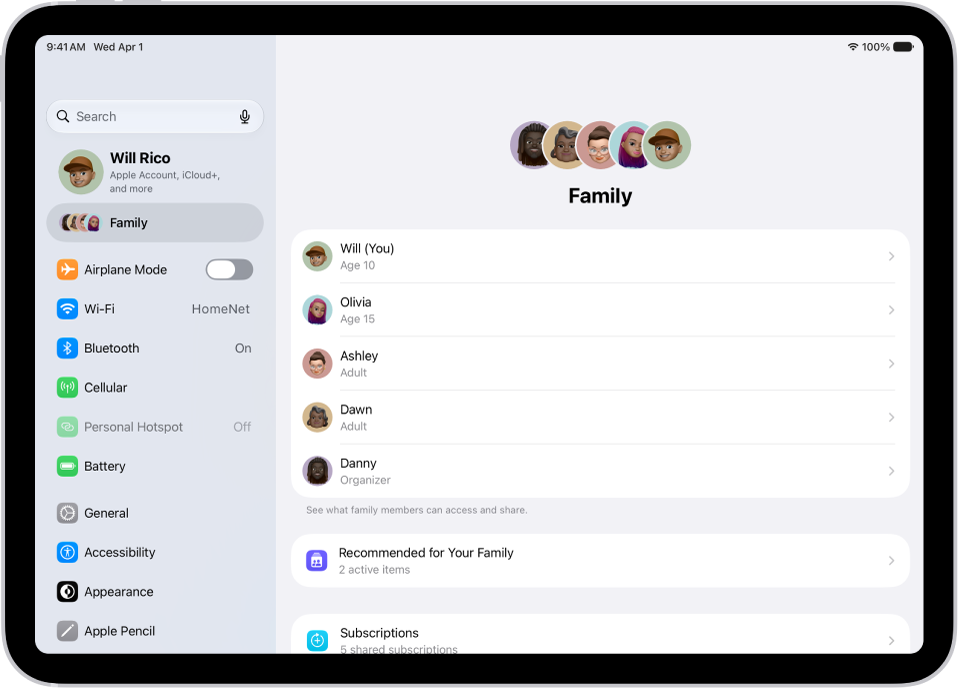
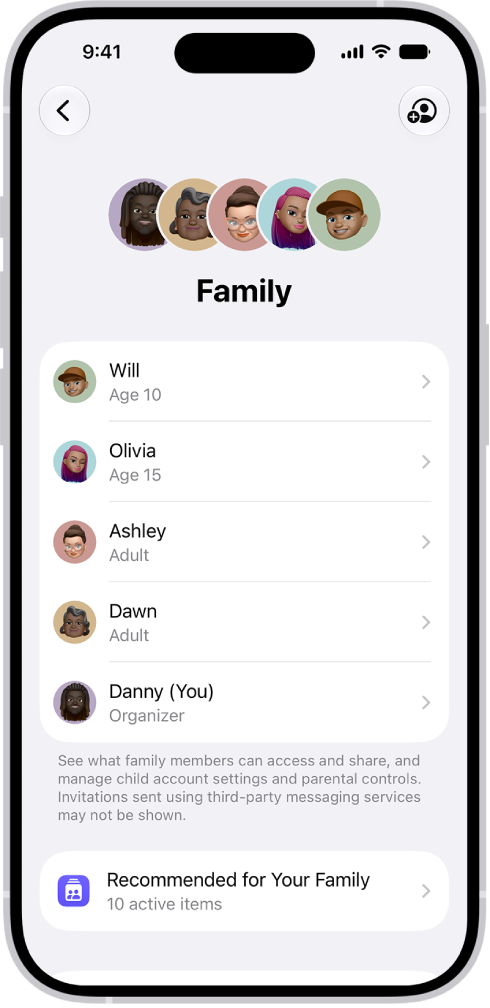
With Family Sharing, the organizer can approve purchases made by family members under a certain age. You see family members’ purchases only if they choose to share them, and you can view a chronological list of everything bought with your Apple Account.
Approve purchases with Family Sharing
When Family Sharing is set up, the family organizer gets to review and approve purchases by other family members under a certain age.
View and download music purchased by you or family members
- Open the iTunes Store app on your iPad.
- Tap Purchased in the tab bar at the top.
-
If you set up Family Sharing, tap My Purchases. Then choose a family member to view their purchases.
Note: You can see purchases made by family members only if they choose to share their purchases.
- Find the item you want to download. Then tap the Download button.
View your entire iTunes Store purchase history
Viewing your iTunes Store purchase history brings up a chronological list of the items purchased with your Apple Account, including apps, songs, books, and more.
Your purchase history is where you can do any of the following:
- View when an order was billed to your account.
- View the date of a purchase.
- Resend email receipts.
- Report a problem with purchased content.
Set content restrictions
Your child’s access to explicit content, music videos, and music profiles in Music is something you can restrict.
When you purchase access to movies, TV shows, music, music videos, ebooks, audiobooks, or ringtones from Apple, you also have the option to permanently download these items to a compatible iPhone, iPad, Mac, or PC. Apple cannot revoke your downloaded content, and you can always access your downloaded content without an internet connection.