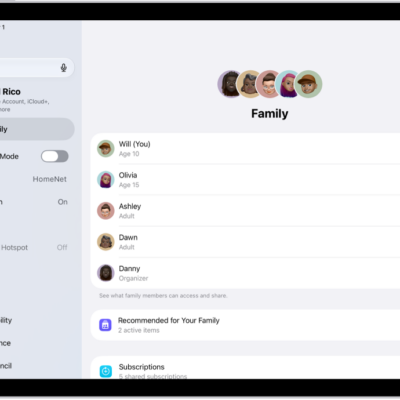
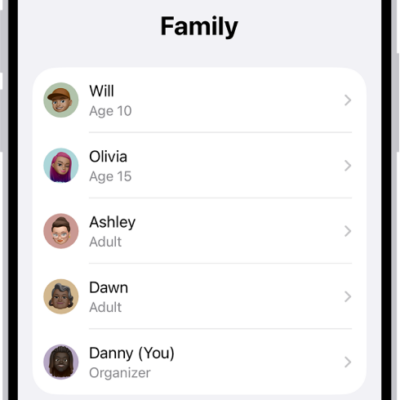
With Family Sharing, you can share your location with members of your Family Sharing group and help them find lost devices.
When the family organizer sets up location sharing, the organizer’s location is automatically shared with everyone in the family, including new members added later. Each family member decides whether to share their location, and you can stop sharing with anyone at any time. You can even get notified if a child leaves school during school hours. You can also ask a family member to share an AirTag with you.
Share your location with family members
When you share locations with your family, they’re able to see your location in Find My. If a child leaves school during school hours, for example, you can get notifications when family members’ locations change.
- Open Settings, tap Family, and then tap Location Sharing.
-
Turn on Location Sharing for the family member you want to share your location with.
You can repeat this step for each family member you want to share your location with. Each family member receives a message that you’re sharing your location and can choose to share their location with you.
You can stop sharing your location with any family member at any time.
-
If you want to share your location with new members that join later, turn on Automatically Share Location.
When Automatically Share Location is turned on for a child, only parents and guardians in the family group can see the child’s location, including parents and guardians that are added to the group later.
Note: Children and teens with Screen Time turned on may not be able to change their own location sharing settings.
To share your location, you must have Location Services turned on in Settings > Privacy & Security. See Control the location information you share.
Locate a family member’s device
Members of your Family Sharing group can help locate a missing device added to the Find My app after you share your location with them.
For the steps, see our article, Locate a device in Find My.
The list puts your devices at the top and your family members’ devices below them.
Ask a family member to share an AirTag with you
When the Find My app notifies you with AirTag Detected Near You or Unknown AirTag, the family member who owns the AirTag can share it with you if you ask.
- In the notification, tap Ask Owner to Share AirTag.
- Tap Ask Owner at the bottom of the screen.
Find Devices on iCloud.com can also locate a family member’s missing device.
See also