Apps ask for permission the first time they want to use something on your iPad, and you control what you share. You can control which apps can access your data, location, camera, and microphone, and manage safety protections.
A messaging app, for example, may request access to your contacts, to find friends who use the same app. When an app is using Location Services, its icon appears in the status bar, and you can turn access on or off for any individual app.
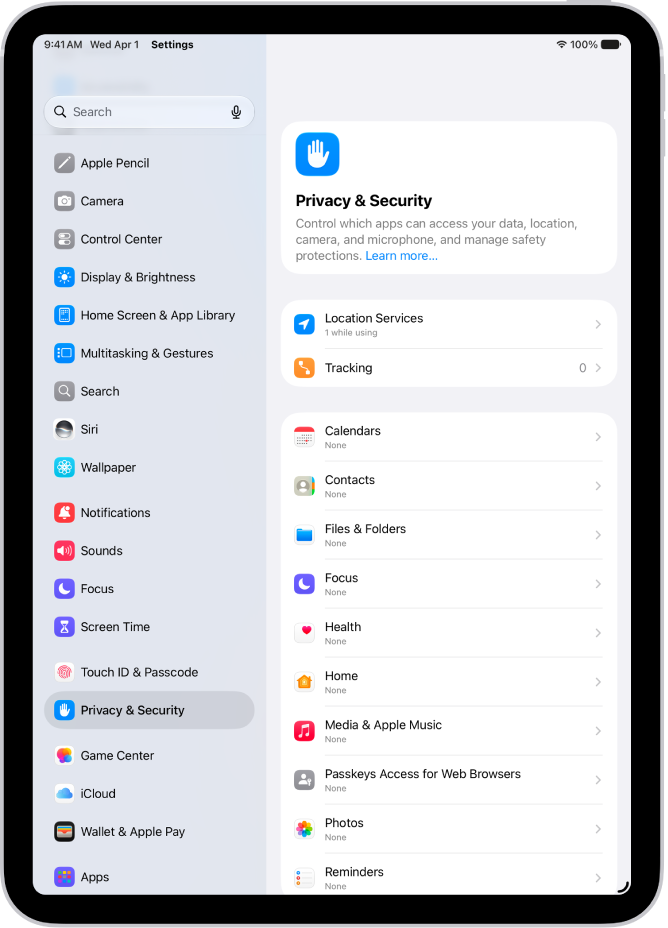
Control which apps have access to information on your iPad
Third-party apps can use information in your iPad apps, like Contacts, Photos, and Calendar, if you let them, and that’ll help you get things done more quickly. A messaging app might request access to your contacts to find friends using the same app, for example. And you can turn access on or off for each app individually.
How to allow access to information in iPad apps
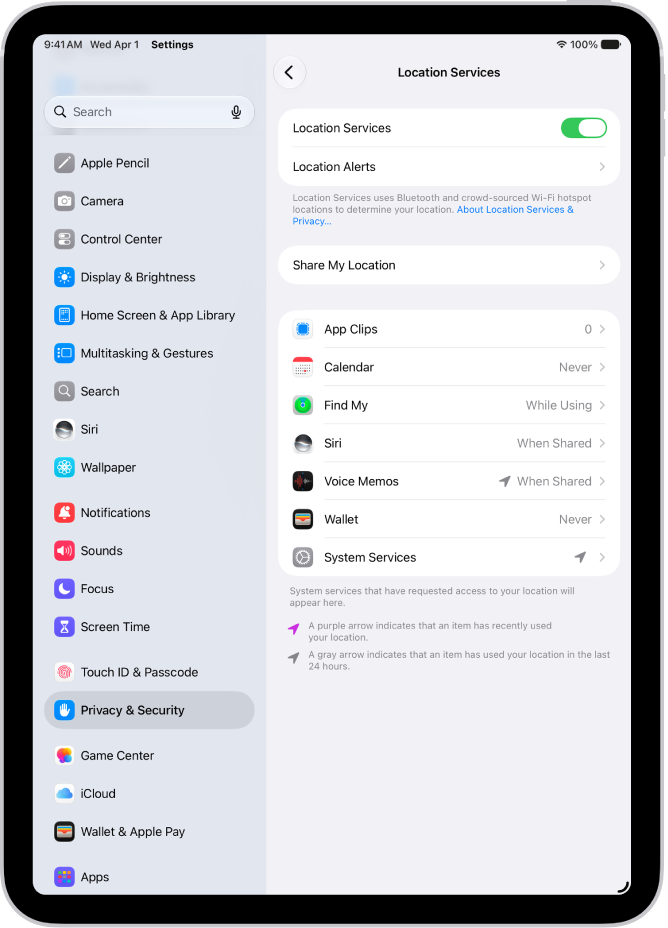
Control which apps can use the location of your iPad
Apps with access to your iPad’s location can help you get directions, get assistance in an emergency, and more. A ride-sharing app, for example, may ask for your location so it can pick you up. Whenever an app’s using Location Services, its icon shows in the status bar.
How to allow access to the location of your iPad
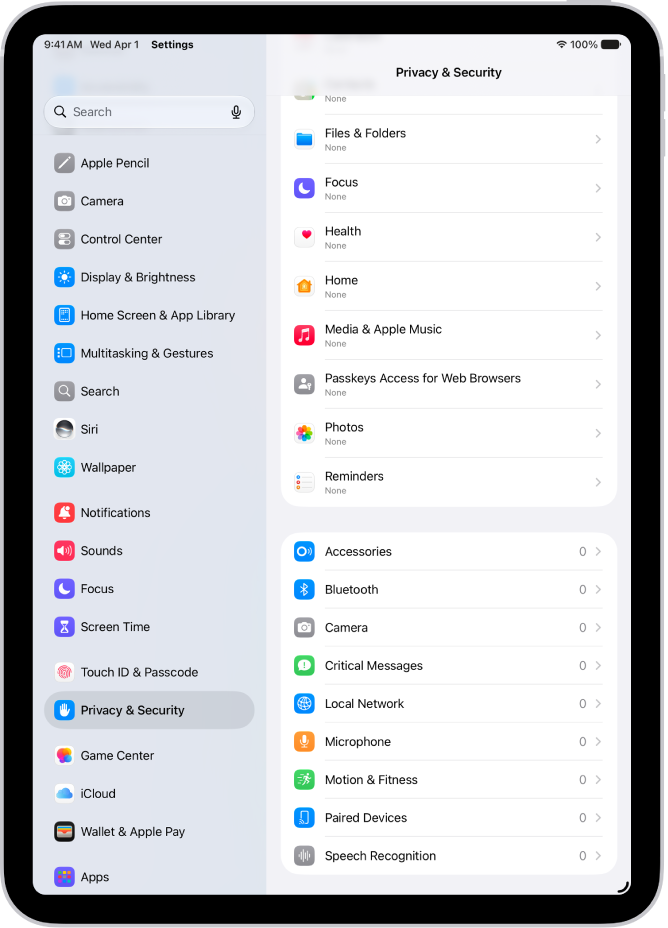
Control which apps have access to the camera and microphone on your iPad
Letting apps use the camera and microphone makes it easier to upload content directly to them. A social networking app might ask to use your camera, for example, so you can take and post pictures there. A green indicator appears any time an app uses the camera, even when the camera and microphone are working together.
How to allow access to the camera and microphone
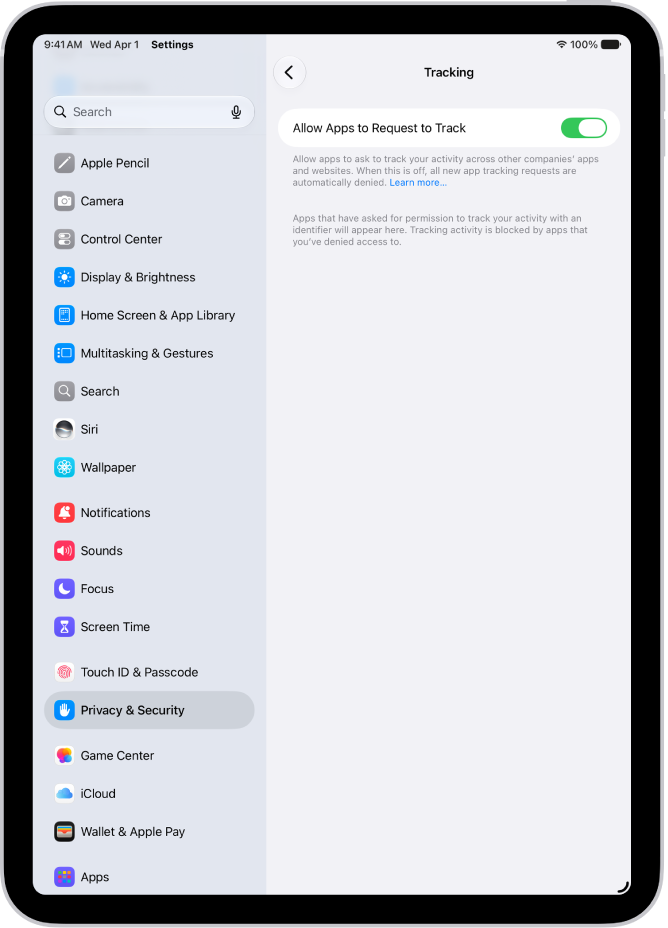
Control which apps can track you or your iPad across websites or other apps
Apple says all apps are required to ask your permission before tracking you or your iPad across websites or apps owned by other companies (for example, advertising or to share your information with data brokers). After you grant or deny permission to an app, you can change permission later. You can also stop all apps from requesting permission.
How to allow access to your web activity
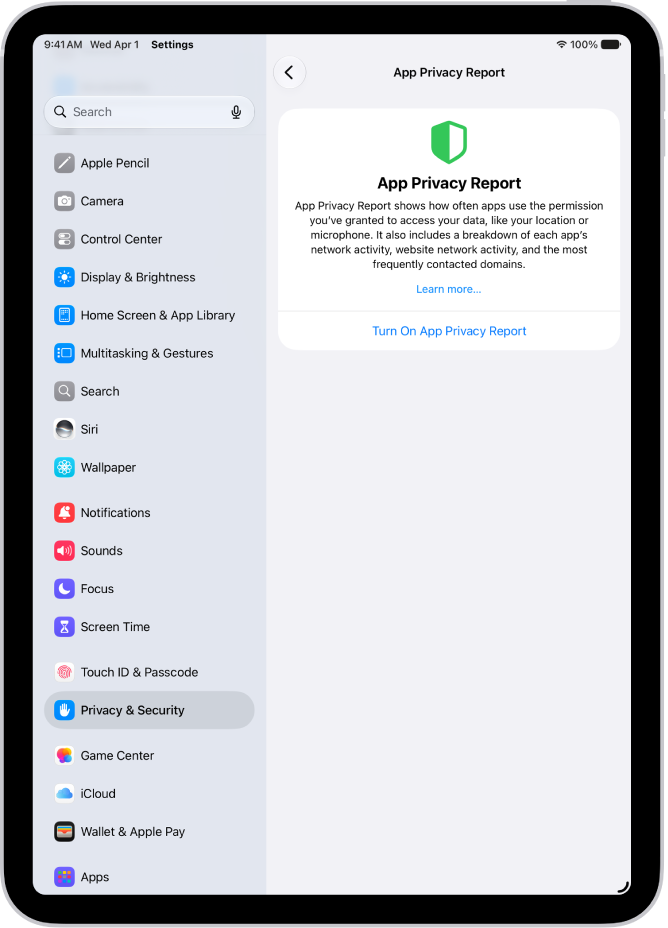
Review how apps are using the permissions you grant them
You can see how apps are using the permissions you’ve granted them, and their network activity, by reviewing an App Privacy Report.
How to view an app privacy report