Impersonation Risk Detection can help protect you from scams by detecting suspicious activity in real time. When it’s on and suspicious activity is detected in a third-party app, you may see a warning message or be asked to verify your identity before you continue. You can turn it on or off at any time.
Note: This feature is only available in third-party apps that support Impersonation Risk Detection.
Turn Impersonation Risk Detection on or off
- Open the Settings app on your iPad.
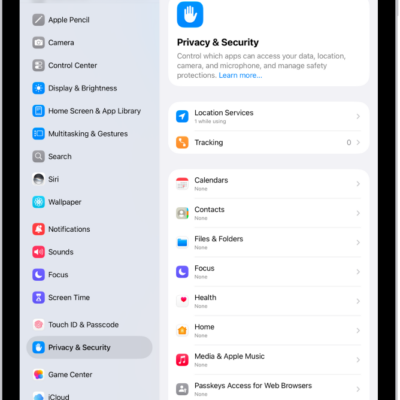
- Tap Privacy & Security, then tap Impersonation Risk Detection. (You may need to scroll down.)
- Turn Share with App Developers on or off.
Tag: Privacy & Security