The Maps app uses information about your significant locations from Location Services to provide you with personalized services like predictive traffic routing. Your significant locations are end-to-end encrypted and can’t be read by Apple.
You can delete your significant locations at any time, for example to reset predictive traffic routing and similar services. Clearing your history removes your significant locations from everywhere you’re signed in to the same Apple Account.
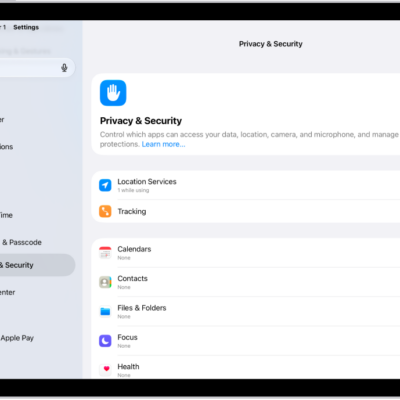
- Start the Settings app on your iPad.
- Tap Privacy & Security and then tap Location Services.
- Tap System Services and tap Significant Locations & Routes.
-
Tap Clear History.
This action clears all your significant locations everywhere you’re signed in to the same Apple Account.
See also
Tags: Maps, Privacy & Security