Connect your iPad to Bluetooth® accessories to stream music and videos, play games, connect to keyboards, and more.
iPad must be within about 33 feet (10 meters) of the accessory to pair, and you might need to enter its PIN or passcode, which you’ll find in the instructions that came with it. After you connect, you can rename the accessory, unpair it, or disconnect it.
Here’s how to connect iPad to Bluetooth accessories.
Pair your iPad with a Bluetooth accessory
- Put your Bluetooth accessory in discovery mode. If you aren’t sure how to make it discoverable, check the instructions that came with your accessory.
- On your iPad, open Settings and then tap Bluetooth and make sure Bluetooth is turned on.
-
Tap the name of the accessory when it appears onscreen, below the devices list.
You might need to enter the accessory PIN or passcode. Check the instructions that came with your accessory.
Note: To pair, iPad needs to be within about 33 feet (10 meters) of the Bluetooth accessory.
Rename a Bluetooth accessory
After you connect to a Bluetooth device, you can rename it.
- Start the Settings app on your iPad.
- Tap Bluetooth, then tap the info button next to the accessory you want to rename.
- Tap Name, enter a name for the accessory, and tap the Done button.
Note: Not all Bluetooth accessories support renaming.
Unpair a Bluetooth accessory
- Start the Settings app on your iPad.
- Tap Bluetooth, tap the Actions Available button next to the accessory you want to unpair, and then tap Forget This Device.
- Tap Forget Device to confirm.
If you don’t see the devices list, make sure Bluetooth is turned on.
Note: Unpairing AirPods also unpairs them automatically from other devices where you’re signed in to your Apple Account.
Disconnect from all Bluetooth accessories
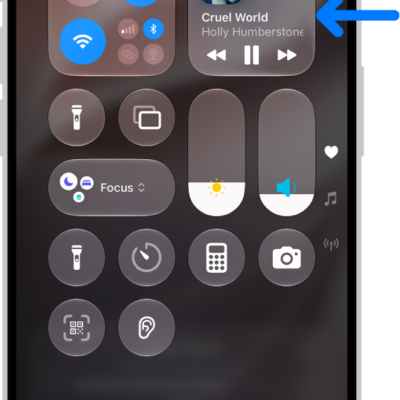
If you need to quickly disconnect from all Bluetooth accessories and devices without turning Bluetooth off, open Control Center, then tap the Bluetooth button. Your Bluetooth accessories and devices disconnect from your iPad until the next day.
Note: The use of certain accessories with iPad may affect wireless performance. Not all iOS or iPadOS accessories are fully compatible with iPad. Turning on Airplane Mode may eliminate audio interference between iPad and an accessory. Reorienting or relocating iPad and the connected accessory may improve wireless performance.
See also