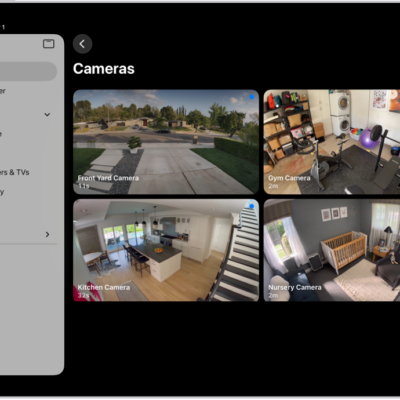
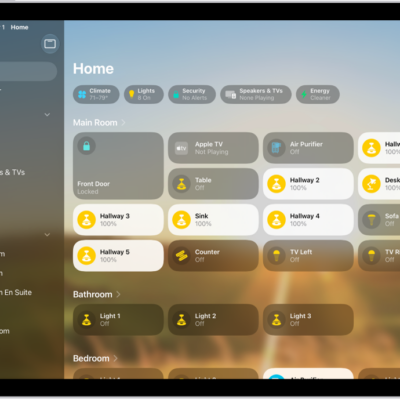
In the Home app, you can control your accessories even when you’re away from home. To do so, you need a home hub, which is a device such as Apple TV 4K or HomePod speakers, and Home turned on in iCloud.
Go to Settings > [your name] > iCloud, tap See All, then turn on Home.
You must be signed in to the same Apple Account on your home hub device and your iPad.
If you have an Apple TV 4K or HomePod, and you’re signed in to the same Apple Account as your iPad, it’s set up automatically as a home hub.
See also
Tag: Home