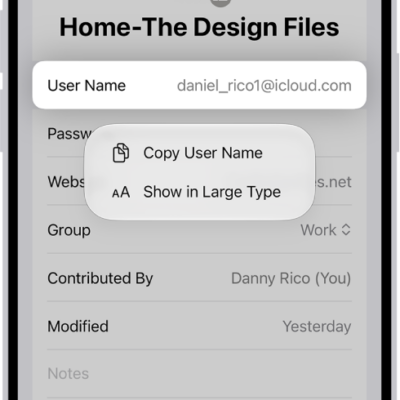
You can delete the password you use to sign in to a website or app on your iPad. You just find the account for the password you want to delete in the Passwords app and delete it. That doesn’t remove your password from the website or app where you created it, though.
- Go to the Passwords app on your iPad.
- Tap All, then tap the account for the password you want to delete.
- Tap Edit.
- Tap Delete and then tap Delete Password to confirm.
Note: The password stays on the website or app where you created it.
See also