You can forward one or more text messages in a conversation to a different recipient. You just select the messages you want to forward, share them, and enter recipients. To show the message bubbles and timestamps as they appear in a conversation, though, you can send a screenshot instead.
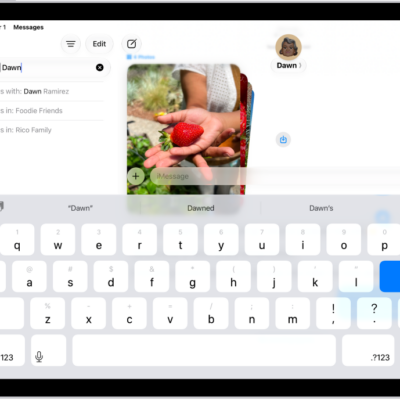
- Go to the Messages app on your iPad.
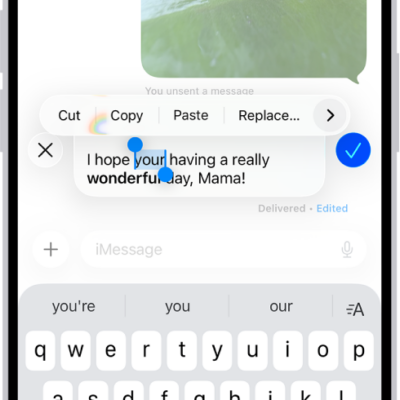
- Open a conversation. Touch and hold a message bubble you want to forward.
- Tap More, tap to select one or more messages to forward, and then tap the Share button.
- Enter recipients, then tap the Send button.
Quick tip: Instead of forwarding messages, send a screenshot as an attached image, and the message bubbles and timestamps look just as they do in the conversation.
See also
- Send and reply to messages on iPad
- Have a group conversation in Messages on iPad
- Set up Messages on iPad
Tag: Messages