









While it’s great to have every album you own always in your pocket, putting all your music on an iPhone 18 Pro or iPhone 18 Pro Max can present storage issues, leaving you with no space for videos, photos, and games. Thankfully there are solutions to this issue.
In this article, we show how to delete the music on your iPhone and explain how you can still access the tracks without storing them on your device.
Delete one album or song at a time
Open the Music app. From the Library tab, select Albums or Songs, and find the track or album you wish to delete. Long-press an album or tap the small three-dot menu and you’ll be presented with a list of options, one of which is a red trash icon labeled Delete from Library. Tap this and you’ll be asked to confirm the deletion.
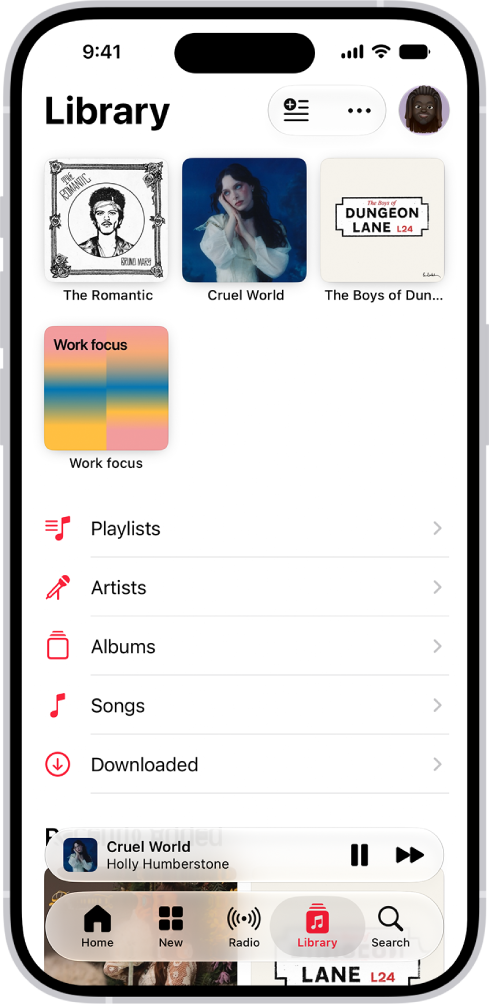
Go to the Music app on your iPhone, touch and hold an item that you downloaded, then tap Remove Download. The item is removed from iPhone, but not from your music library on your other devices.
Note that if you’ve purchased the music and don’t have it backed up in the cloud, you might lose the album. If you previously bought the music from iTunes or subscribe to Apple Music, you will be able to download it again for free.
Delete music all at once
If you’ve got a lot of albums stored on your iPhone 18 Pro Max, or just want to wipe the slate clean and start again, then there’s a quick way to delete everything in one go. To do this, go to Settings > Apps > Music > Downloaded Music, tap Edit, then tap the Delete button next to All Songs or the artists whose music you want to delete.
How to keep accessing the music you deleted
Any music you buy from the iTunes Store is always available to download again if you delete it, and Apple’s iTunes Match means that you can have access to your entire catalog. There’s also Apple Music, which offers a huge collection of music and videos ready to stream at any time.
The great thing about iTunes Match and Apple Music is you can download any track from your collection and listen to it whenever you want (as long as you have a data connection). It’s also good because you can delete any tracks on your phone if you need to and be confident that they will still be there in the cloud the next time you want to play them.


