Got a tip for us?

Abigail Shilets

Abigail is a staff writer for GeeksModo based in Pennsylvania. She covers news, how-tos, and user guides for iPhone, iPad, Mac, and Apple Watch. Before becoming a writer Abigail studied computer science at University and also worked at Apple for more than two years. When not creating masterpiece for GeeksModo, you can usually find Abigail hiking, climbing, or otherwise unplugged.

Abigail Shilets's Articles

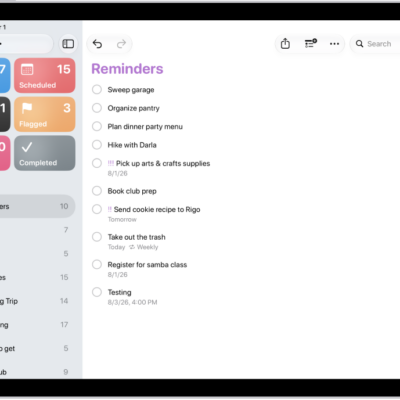
The Reminders app, showing a new task being added to the Reminders list.

How to get started with Reminders on iPad

You can get started with Reminders on iPad to set reminders, create grocery lists, collaborate on lists, and organize your tasks.
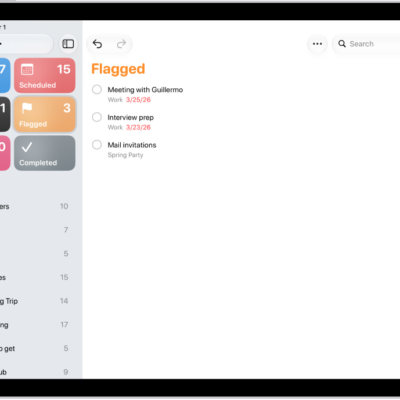
A Reminders screen showing a Smart List that contains all flagged items.

How to use Smart Lists in Reminders on iPad

You can use Smart Lists in Reminders on iPad to filter your items across lists by tags, dates, locations, and more.
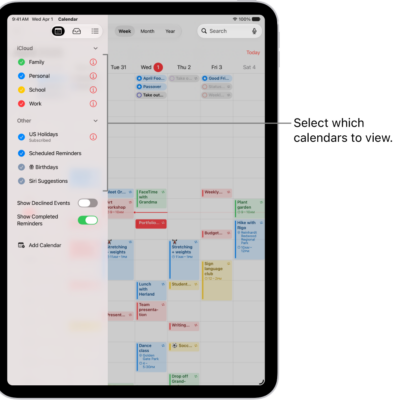
The Calendars list, with checkmarks indicating which calendars are active. The Done button for closing the list is in the top-right corner. The Add Calendar button is in the bottom-left corner.

How to set up multiple calendars on iPad

You can set up multiple calendars on iPad, subscribe to external or holiday calendars, and see several calendars at once.
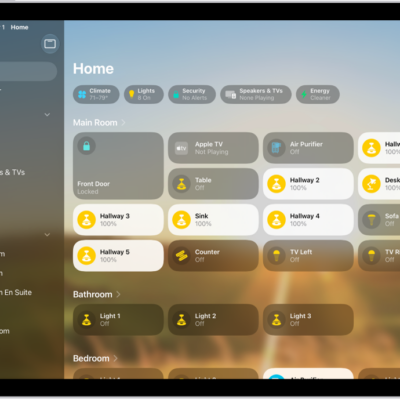
The Home app with the sidebar on the left, showing Home, Automation, and Discover tabs near the top left. Categories and Rooms in the home appear below. To the right of the sidebar, at the top, are the Intercom, Add, and More Options buttons. Category buttons appear near the top. Below that are scenes, camera images, and a room with its accessories.

How to set up HomePod in Home on iPad

You can set up HomePod in Home on iPad, control its settings, and send and receive Intercom messages.

A Settings screen showing Accessibility options such as VoiceOver, Live Recognition, and Audio Descriptions.

How to set up shortcuts for Live Recognition on iPad

You can set up shortcuts for Live Recognition on iPad with a VoiceOver gesture or the Accessibility Shortcut.
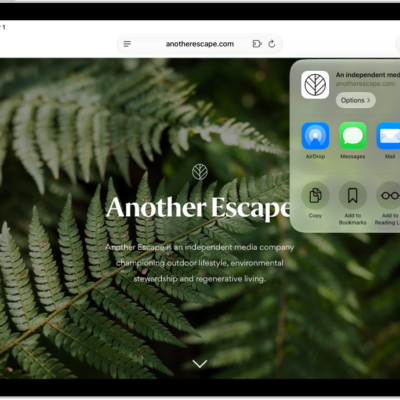
An open webpage. The Share button has been tapped, showing options for AirDrop, Messages, Mail, Notes, Copy, Add to Bookmarks, Add to Reading List, and More.

How to bookmark a website as a favorite in Safari on iPad

You can bookmark a website as a favorite in Safari on iPad, edit or reorder favorites, and show the Favorites bar.
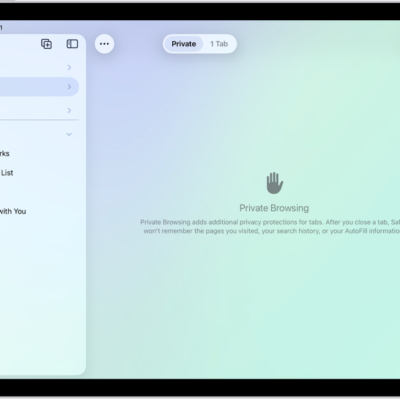
The Safari sidebar on the left side of the Safari window is open, with Private selected. On the right is an explanation that Safari won't remember your browsing.

How to browse the web privately in Safari on iPad

You can browse the web privately in Safari on iPad with Private Browsing, view the Privacy Report, and use iCloud Private Relay.
A Settings screen showing Accessibility options such as VoiceOver, Live Recognition, and Audio Descriptions.

How to hear audio descriptions for video content on iPad

You can hear audio descriptions for video content on iPad, a narration of the visual content, by turning on Audio Descriptions.
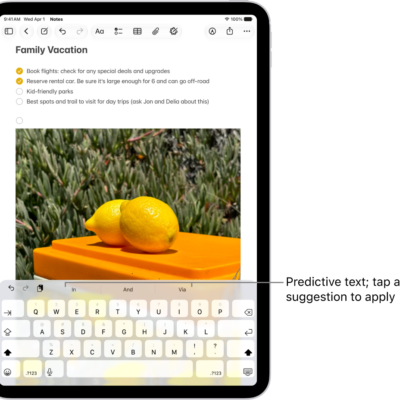
The onscreen keyboard is open in the Notes app. Text is entered in the text field and above the keyboard are predictive text suggestions for the next word.

How to use shortcuts on an Apple external keyboard with iPad

You can use shortcuts on an Apple external keyboard with iPad, including the Shortcuts bar and keyboard shortcuts.
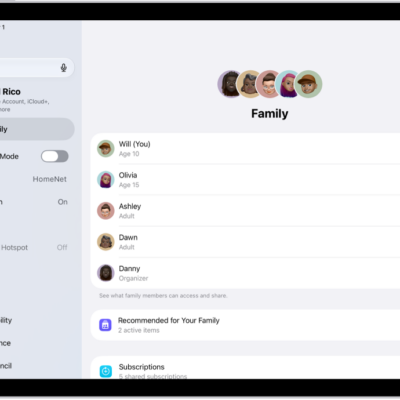
The Family screen in Settings. Up to five family members are listed above the features that are shared.

How to set up Family Sharing on iPad

You can set up Family Sharing on iPad to share Apple services, purchases, and iCloud+ storage with up to five family members.