









Abigail Shilets
Abigail Shilets's Articles
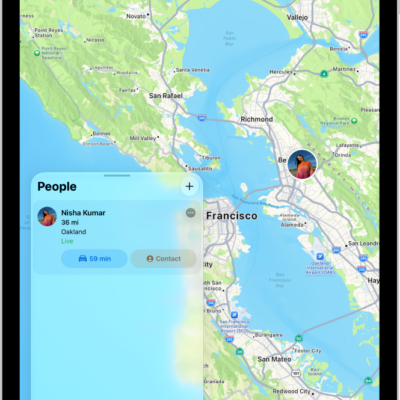
How to notify a friend when your location changes in Find My on iPad
You can notify a friend when your location changes in Find My on iPad, see who's notified about you, and turn off notifications.

How to share passwords and passkeys with people you trust on iPad
You can share passwords and passkeys with people you trust on iPad with shared password groups, and manage a group.

How to get started with Maps on iPad
You can get started with Maps on iPad, save your go-to addresses, get directions, discover places nearby, and explore in 3D.
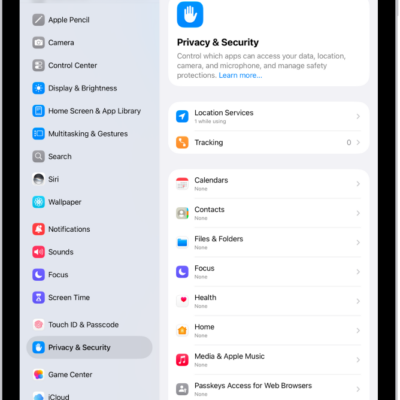
How to clear your location history in Maps on iPad
You can clear your location history in Maps on iPad by deleting your significant locations, which resets predictive traffic routing.
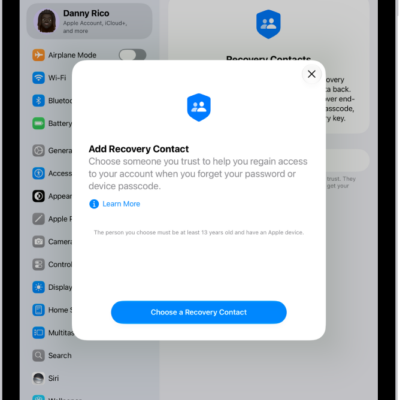
How to keep your Apple Account secure on iPad
You can keep your Apple Account secure on iPad with best practices, Account Recovery Contacts, and Family Sharing instead of shared accounts.
How to use security keys to sign in to your Apple Account on iPad
You can use security keys to sign in to your Apple Account on iPad for extra protection from targeted attacks.
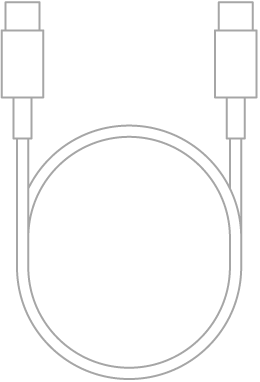
How to connect iPad and your computer with a cable
You can connect iPad and your computer with a cable to set up iPad, share your internet connection, update it, or sync content.
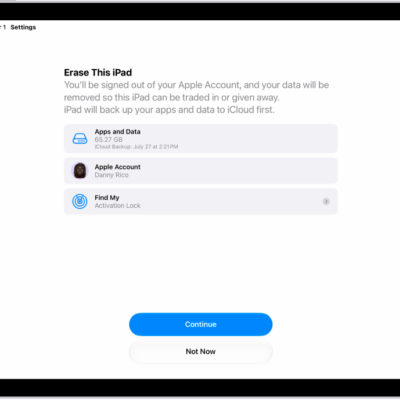
How to reset iPad settings to their defaults
You can reset iPad settings to their defaults without erasing your content, and back up first to keep your settings.
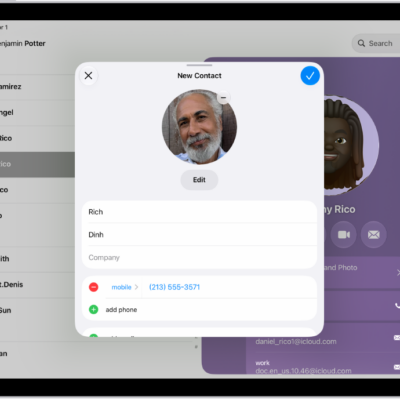
How to add and use contact information on iPad
You can add and use contact information on iPad to create, find, share, and delete contacts, and quickly reach a contact.
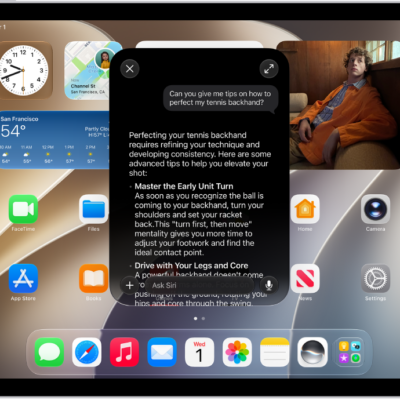
How to use Siri to get answers from ChatGPT on iPad
You can use Siri to get answers from ChatGPT on iPad with Apple Intelligence, after you set up the ChatGPT extension.