









Abigail Shilets
Abigail Shilets's Articles
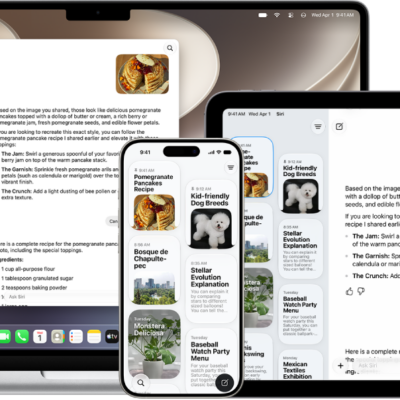
How to use the Siri app with Siri AI on iPad
You can use the Siri app on iPad with Siri AI to keep your conversations in one place, search and pin them, and continue them later.
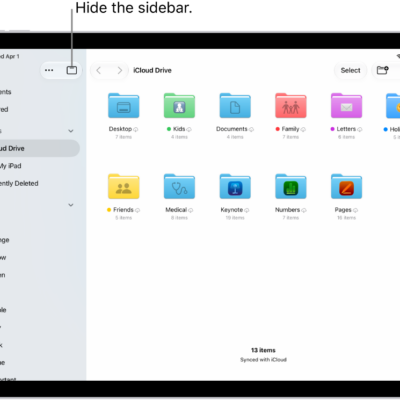
How to modify files and folders in Files on iPad
You can modify files and folders in Files on iPad, customize folder colors and icons, change views, and move, copy, or share files.
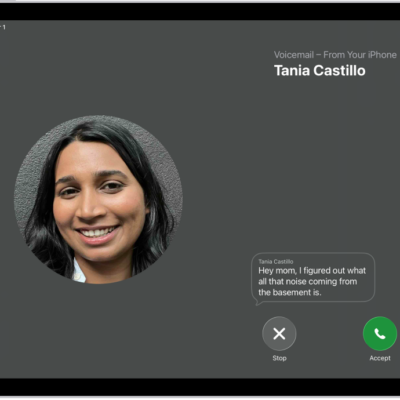
How to set up Voicemail on iPad
You can set up voicemail on iPad, turn on Live Voicemail, and store your voicemail in iCloud.
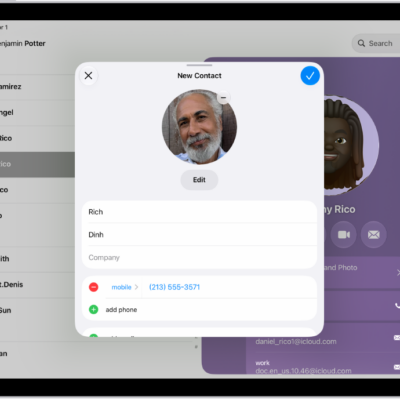
How to select ringtones on iPad
You can select ringtones on iPad, assign a distinctive ringtone to a contact, and turn the ringer on or off.
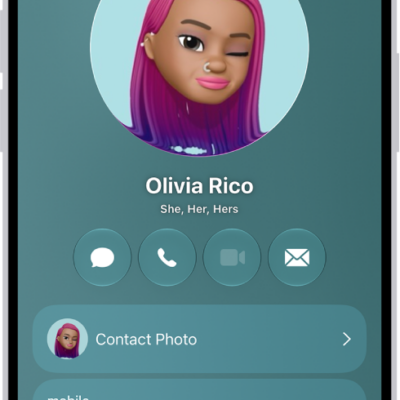
How to add or edit your contact info and photo on iPad
You can add or edit your contact info and photo on iPad in My Card, set your avatar and Contact Poster, and update your address.
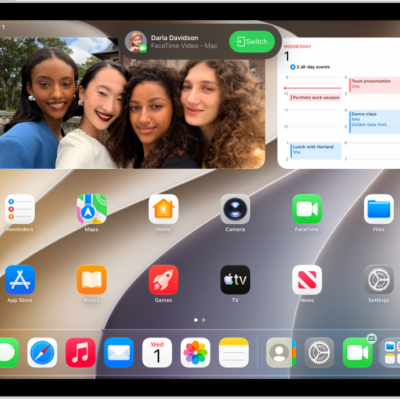
How to view and respond to notifications on iPad
You can view and respond to notifications on iPad, in Notification Center and on the Lock Screen, and customize them.
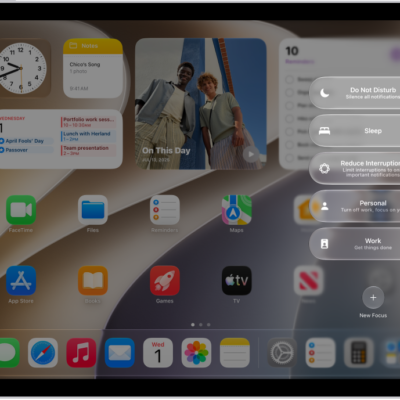
How to turn on or schedule a Focus on iPad
You can turn on or schedule a Focus on iPad from Control Center, or have it turn on automatically at certain times or places.
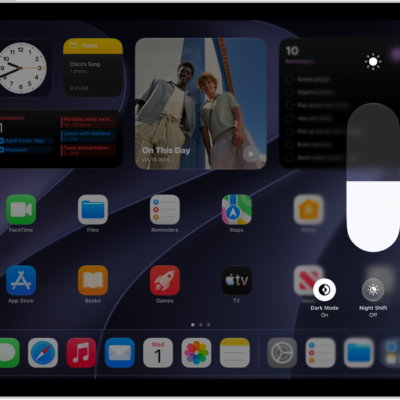
How to adjust the screen brightness and color on iPad
You can adjust the screen brightness and color on iPad manually or automatically, and use Dark Mode, True Tone, and Night Shift.
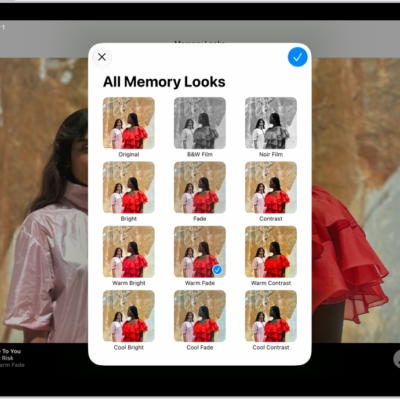
How to personalize your memory movies in Photos on iPad
You can personalize your memory movies in Photos on iPad with Memory Looks, new music, a new title, and different photos.
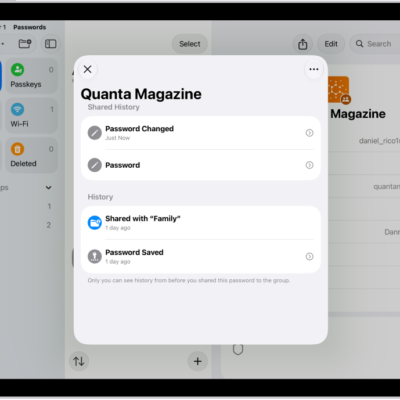
How to remove a password from your iPad and iCloud Keychain
You can remove a password from your iPad and iCloud Keychain in the Passwords app, and recover it within 30 days.