Got a tip for us?

Abigail Shilets

Abigail is a staff writer for GeeksModo based in Pennsylvania. She covers news, how-tos, and user guides for iPhone, iPad, Mac, and Apple Watch. Before becoming a writer Abigail studied computer science at University and also worked at Apple for more than two years. When not creating masterpiece for GeeksModo, you can usually find Abigail hiking, climbing, or otherwise unplugged.

Abigail Shilets's Articles

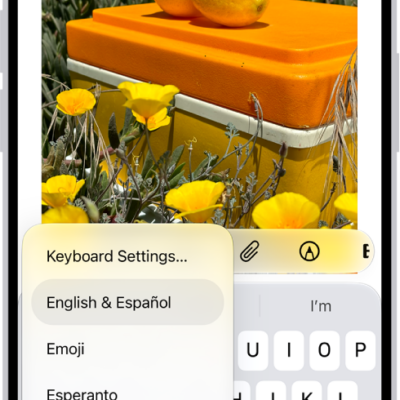
The Keyboard Settings menu is open, and shows three options: English (US), Emoji, and Keyboard Feedback. At the bottom of the menu, from left to right, are buttons for left-handed layout, default layout, and right-handed layout. The default layout button is selected.

How to switch between keyboards with Magic Keyboard and iPhone

You can switch between language keyboards, the emoji keyboard, and the onscreen keyboard with Magic Keyboard and iPhone.
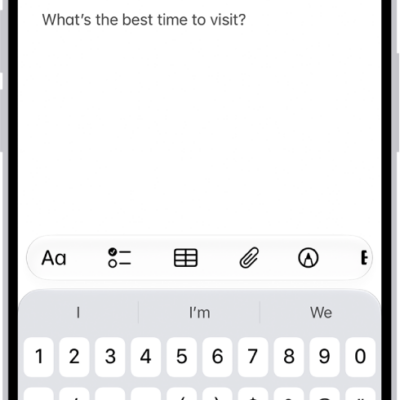
A Quick Note showing a link to a location in Maps and text underneath. The Save button is on the top left.

How to add links in Notes on iPhone

You can add links to webpages, other notes, and note sections in Notes on iPhone, and tap detected addresses, phone numbers, and dates.

The Home Screen for the Passwords app, with buttons for All, Passkeys, Verification Codes, W-Fi, Security, and Deleted, along with a list of Shared Groups.

How to recover a password you deleted from your iPhone

You can recover a password you deleted from your iPhone within 30 days from the Deleted section of the Passwords app.
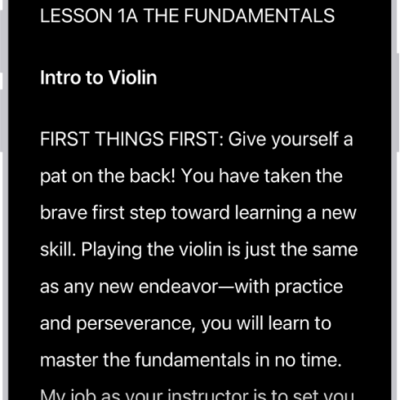
The Accessibility Reader screen showing content from Files in large white text on a black background.

How to hear iPhone speak the screen, selected text, and typing feedback

You can hear iPhone speak the screen or selected text out loud, read what you type as typing feedback, and show text in Accessibility Reader.
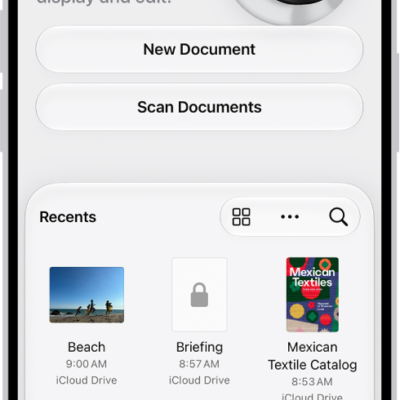
The main screen of the Preview app. The New Document and Scan Documents buttons are in the middle of the screen. At the bottom of the screen are the Recents, Shared, and Browse tabs.

How to open and view PDFs and images in Preview on iPhone

You can open PDFs and images directly in Preview on iPhone, find text in a PDF, view file information, and check an Apple Reference Image.

The Accessibility screen in Settings showing the built-in features for Vision support.

How to change your VoiceOver settings on iPhone

You can change VoiceOver settings on iPhone, including audio, language, voice, speaking rate, verbosity, activities, navigation, and Quick Settings.
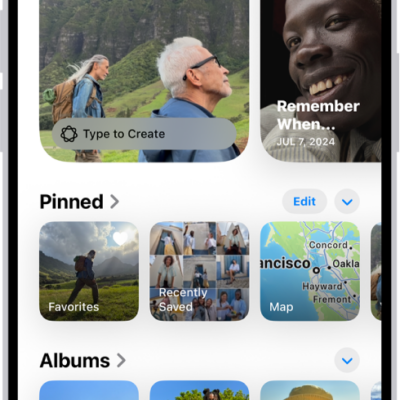
The Photos app is open and the Collections button is selected at the bottom of the screen. On the screen from top to bottom are the following Collections: Memories, Pinned, Albums, and Recent Days.

How to create and work with photo albums on iPhone

You can create, rename, sort, and delete photo albums in Photos on iPhone, and group them in folders that stay in sync with iCloud Photos.
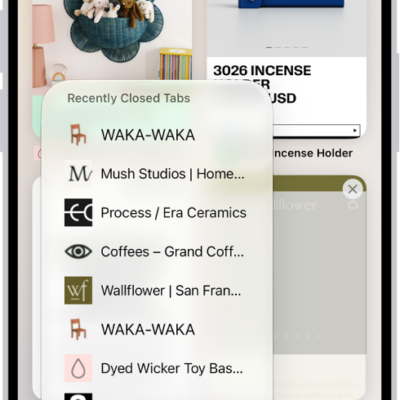
Previews of open tabs are visible on the screen. At the bottom left of the screen, the New Tab button is selected, revealing a list of recently closed tabs.

How to open and close tabs in Safari on iPhone

You can open links in new tabs in Safari on iPhone, see a tab's history, close tabs, and reopen a tab you closed recently.
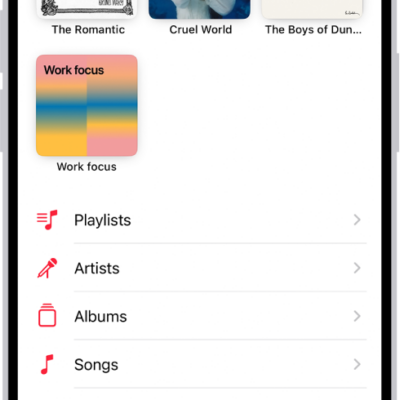
The Library tab showing a list of categories including Playlists, Artists, Albums, Songs, and Downloaded. The Recently Added heading appears below the list. The MiniPlayer showing the title of the current song and the Pause and Next buttons appear near the bottom.

How to play music on iPhone

You can play music from your library, Apple Music, and your iTunes Store purchases on iPhone, from the Lock Screen or other apps too.
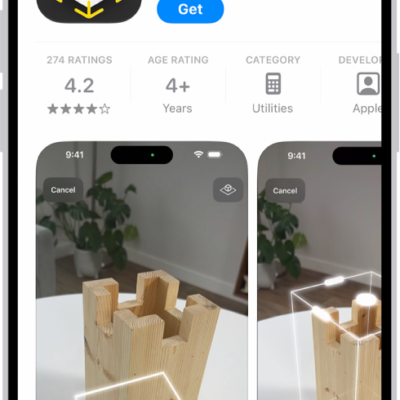
The information page for an app in the App Store. The page shows the Get button, ratings, age ratings, the developer, screenshots, and more. At the bottom, from left to right, are the following buttons: Today, Games, Apps, Arcade, and Search.

How to update apps from the App Store on iPhone

You can update apps from the App Store on iPhone manually, or turn off the automatic updates that are on by default.