








Got a tip for us?

Abigail Shilets

Abigail is a staff writer for GeeksModo based in Pennsylvania. She covers news, how-tos, and user guides for iPhone, iPad, Mac, and Apple Watch. Before becoming a writer Abigail studied computer science at University and also worked at Apple for more than two years. When not creating masterpiece for GeeksModo, you can usually find Abigail hiking, climbing, or otherwise unplugged.

Abigail Shilets's Articles

A CarPlay Dashboard showing Maps, Music, and Messages in the Sidebar. On the right is a map of San Francisco, navigation buttons, a now playing window, and a calendar entry.

How to listen to news stories with CarPlay

You can listen to Apple News Today and, with Apple News+, audio versions of news stories with CarPlay, using your car's controls.
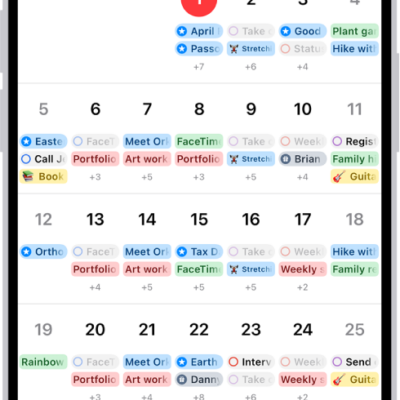
A calendar in Month view showing events and reminders.

How to search for events in Calendar on iPhone

You can search for events in Calendar on iPhone by title, invitees, location, and notes, right from the Search button.
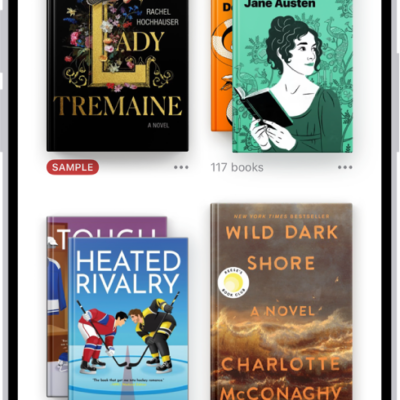
The Library screen in the Books app. At the top of the screen is the Collections button. In the middle of the screen are book covers. At the bottom of the screen are, from left to right, the Home, Library, Book Store, Audiobooks, and Search tabs. The Library tab is selected.

How to organize books in the Books app on iPhone

You can organize books, audiobooks, and PDFs in the Books app on iPhone with your own collections, and remove what you don't need.
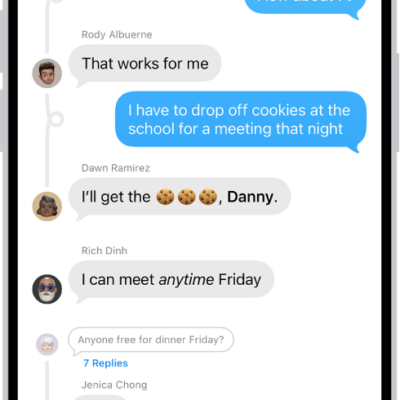
A group conversation in Messages.

How to get started with Messages on iPhone

You can use Messages on iPhone to send texts, photos, and videos, add backgrounds and effects, share music, and collaborate with others.

The iCloud settings screen showing the iCloud storage meter and a list of features—including Photos, iCloud Drive, and iCloud Backup—that can be used with iCloud.

How to protect your web browsing with iCloud Private Relay on iPhone

You can protect your web browsing with iCloud Private Relay on iPhone with iCloud+, so websites can't see your IP address or exact location.
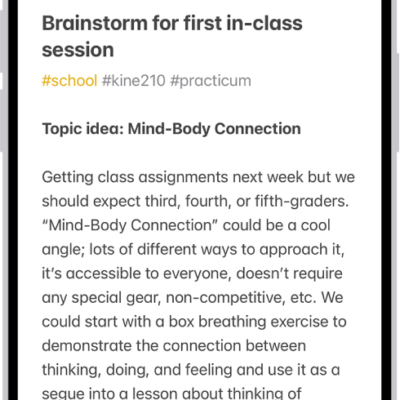
A note for a class brainstorm with tags such as #school and #kine210. The note features a hand-drawn diagram of a box breathing exercise, which illustrates a four-step breathing cycle.

How to organize your notes with Smart Folders on iPhone

You can create Smart Folders in Notes on iPhone that gather notes by tags, dates, mentions, and more, or convert a folder.
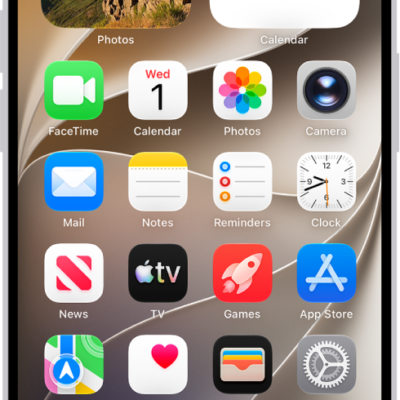
A screenshot showing an example of the default Home Screen.

How to find more resources for iPhone software and service

You can find more resources for iPhone software and service information, from personalized support to warranty and battery service.

The CarPlay Home Screen showing Maps, Music, and Messages in the sidebar. To the right is a collection of other app icons.

How to use other apps with CarPlay

You can use Siri and compatible third-party apps with CarPlay, from navigation and audio apps to parking and EV charging apps.

A news story in the News app. In the tabs across the bottom, Today is selected.

How to get News notifications and newsletters on iPhone

You can turn on News notifications for channels you follow on iPhone, and get newsletters from Apple News editors by email.
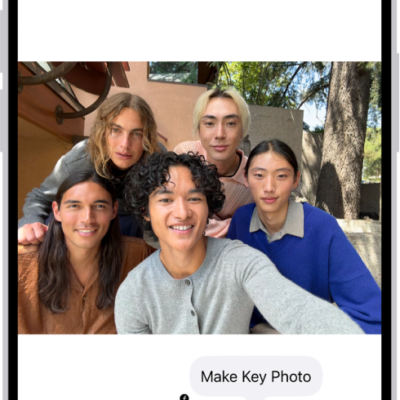
A Live Photo is open in the Photos app. Beneath the photo is the frame viewer with the Make Key Photo button active. On either end of the frame viewer are two arrows that allow you to trim the Live Photo. At the bottom of the screen are the Live, Adjust, Filters, and Crop buttons. The Live button is selected.

How to edit Live Photos on iPhone

You can edit Live Photos on iPhone, change the key photo, trim them, mute them, and add Loop, Bounce, or Long Exposure effects.
