








Got a tip for us?

Chris Smith

Chris Smith is a senior editor at GeeksModo based in Canada. He likes to think of himself as a jack of all trades (and a master of at least a few), though he mainly focuses on iPhones and Macs. Often covering both at the same time. When not surrounded by various Apple devices while putting them through their paces, Chris can be found streaming the latest movies or series, gaming on his PS5, or getting fresh air on a hike in the beautiful wilderness of British Columbia.

Chris Smith's Articles

The Home tab showing, from top to bottom, four categories, two scenes, three camera views, and the status of one room. Across the bottom are the tabs Home (which is selected), Automation, and Discover.

How to use Face Recognition in Home on iPhone

You can use Face Recognition in Home on iPhone with a HomeKit Secure Video camera or doorbell to get notified when people you've tagged are in view.
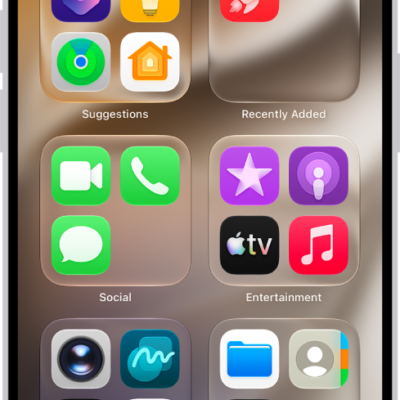
App Library on iPhone showing the apps organized by category (Utilities, Social, Entertainment, and so on).

How to lock or hide an app on iPhone

You can lock an app on iPhone so it needs Face ID, Touch ID, or your passcode, or hide it in a locked Hidden folder in App Library.
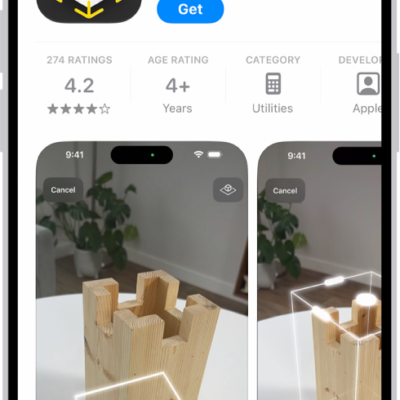
The information page for an app in the App Store. The page shows the Get button, ratings, age ratings, the developer, screenshots, and more. At the bottom, from left to right, are the following buttons: Today, Games, Apps, Arcade, and Search.

How to get apps in the App Store on iPhone

You can discover, buy, and download apps in the App Store on iPhone, browse featured stories and charts, and find Apple Arcade games.
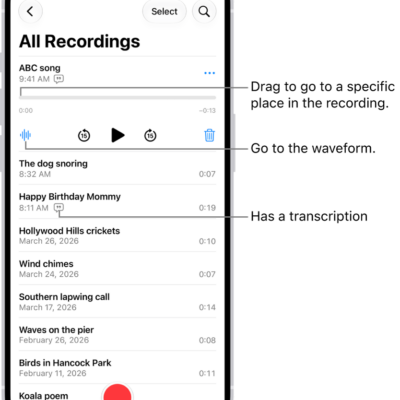
The Voice Memos list screen with a selected recording at the top. The recording timeline has a playhead, which you can drag to go to a specific place in the recording. The play controls are below the timeline.

How to play a recording in Voice Memos on iPhone

You can play Voice Memos recordings on iPhone and change playback speed, skip silences, enhance the audio, or turn on Studio Sound.
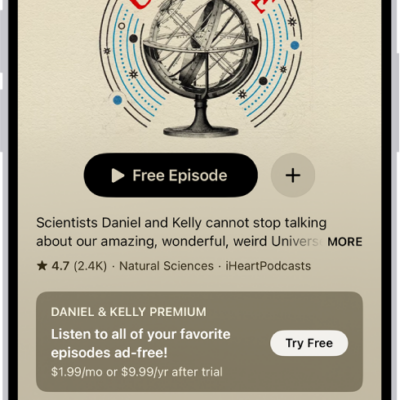
A show page in the Podcasts app showing an episode list. At the top of the screen are the Back, Follow, and More buttons. Toward the bottom of the screen is the MiniPlayer. Below that are the Home, New, Library, and Search buttons.

How to follow your favorite podcasts on iPhone

You can follow podcasts on iPhone to add them to your library, get notified about new episodes, and listen on your other devices.
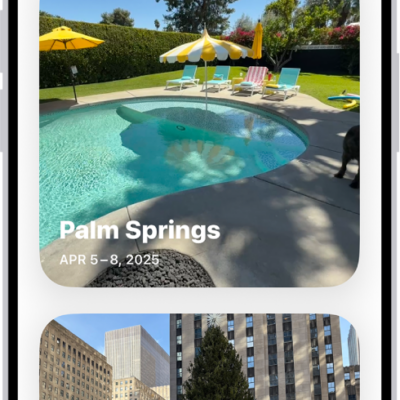
Trips is open in the Photos app. A row of years appears along the top of the screen. All is selected, and below it are collections of photos, each from a different trip.

How to browse photos and videos by location on iPhone

You can browse your photos and videos by location on iPhone, see them on a map, and check where any photo was taken.
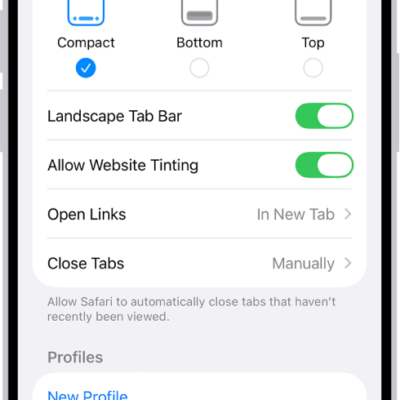
A screen showing three Safari layout options: Compact, Bottom, and Top.

How to change the layout in Safari on iPhone

You can choose a Compact, Bottom, or Top tab bar layout for Safari on iPhone in the Safari section of the Settings app.
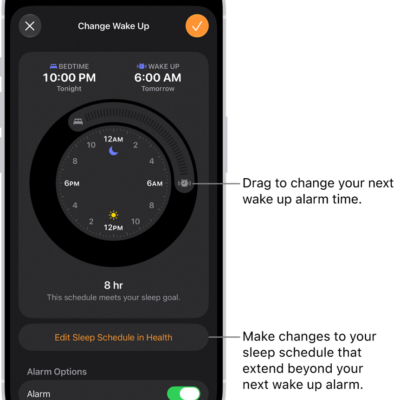
A screen for changing the next wake up alarm. The position of the ringing alarm button sets the time of the alarm.

How to change your wake up alarm in Clock on iPhone

You can change your wake up alarm in the Clock app on iPhone, including its sound, volume, and snooze if you've set a sleep schedule.
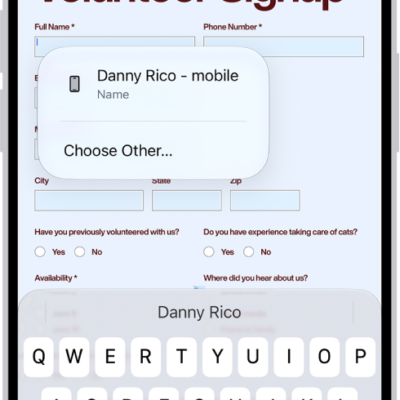
A fillable PDF form showing an AutoFill suggestion for the name and phone fields.

How to print PDFs or images in Preview on iPhone

You can print a PDF or image from the Preview app on iPhone to a printer you choose.
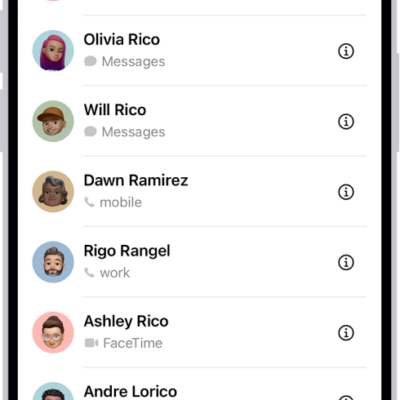
The Favorites screen in the Contacts app; six contacts are listed as favorites.

How to import contacts on iPhone

You can import contacts to iPhone from a SIM card, a vCard attachment, or a GAL, CardDAV, or LDAP directory.
