Got a tip for us?

Chris Smith

Chris Smith is a senior editor at GeeksModo based in Canada. He likes to think of himself as a jack of all trades (and a master of at least a few), though he mainly focuses on iPhones and Macs. Often covering both at the same time. When not surrounded by various Apple devices while putting them through their paces, Chris can be found streaming the latest movies or series, gaming on his PS5, or getting fresh air on a hike in the beautiful wilderness of British Columbia.

Chris Smith's Articles

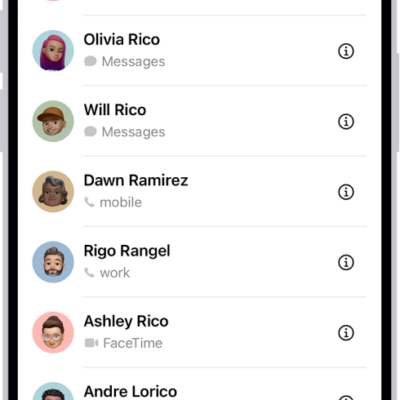
The Favorites screen in the Contacts app; six contacts are listed as favorites.

How to get rid of duplicate contacts on iPhone

You can merge duplicate contacts on iPhone and link contact cards for the same person so they appear only once in your contacts list.
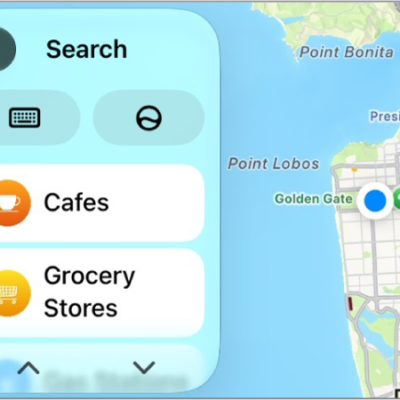
A CarPlay screen showing a map of San Francisco.

How to change the map view in CarPlay

You can change the map view in CarPlay, switching between detailed 3D and overview maps, zooming, scrolling, and showing your location.

The Photos app is open to the photo library grid. At the bottom of the screen, from left to right, are buttons to view the library by Years, Months, and All buttons. In the bottom-right corner is the Search button.

How to browse your photo library on iPhone

You can browse your photo library in Photos on iPhone, jump to a year or month, and change the size and content of the photo grid.

The Home Screen for the Passwords app, with buttons for All, Passkeys, Verification Codes, W-Fi, Security, and Deleted, along with a list of Shared Groups.

How to automatically fill in one-time verification codes on iPhone

You can set up iPhone to generate and autofill one-time verification codes using a QR code or setup key, without SMS or extra apps.

The Home tab showing, from top to bottom, four categories, two scenes, three camera views, and the status of one room. Across the bottom are the tabs Home (which is selected), Automation, and Discover.

How to set up security cameras in Home on iPhone

You can view video from security cameras in the Home app on iPhone, choose who can watch, and get notified when activity is detected.
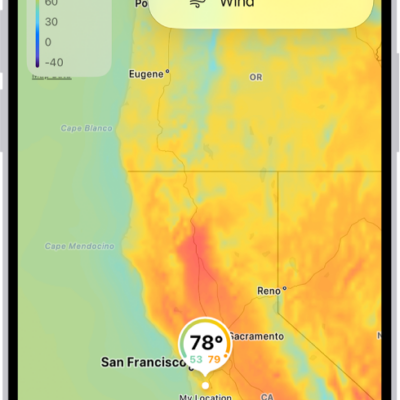
A wind map of the ocean fills the Weather app screen. The Close Map button and the Wind Map Overlay Scale are in the top-left corner. In the top-right corner, from top to bottom, are the Overlay Menu, Current Location, and Locations buttons. Along the bottom is a timeline.

How to view weather maps on iPhone

You can view full-screen precipitation, temperature, air quality, and wind maps in the Weather app on iPhone.

A CarPlay Dashboard showing Maps, Music, and Messages in the Sidebar. On the right is a map of San Francisco, navigation buttons, a now playing window, and a calendar entry.

How to use the Messages app with CarPlay

You can send, hear, and reply to text messages with CarPlay, react with Tapbacks, and pin important conversations.
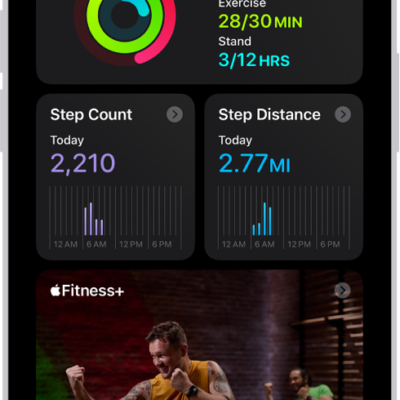
The Summary screen in Fitness, showing the Activity Rings, Step Count, Step Distance, and Trends areas.

How to sync a third-party workout app to Fitness on iPhone

You can sync a compatible third-party workout app to Fitness on iPhone, and its workouts count toward closing your Move ring.
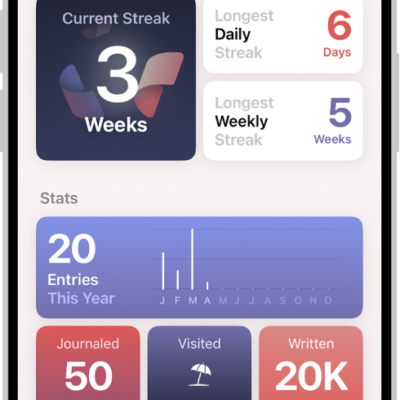
A screen in the Journal app showing the current streak and metrics like number of words written.

How to build a habit with Journal on iPhone

You can track your journaling streak, set reminders to write, and add a Journal widget to build a writing habit on iPhone.
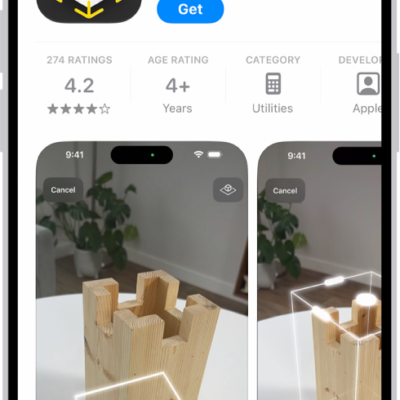
The information page for an app in the App Store. The page shows the Get button, ratings, age ratings, the developer, screenshots, and more. At the bottom, from left to right, are the following buttons: Today, Games, Apps, Arcade, and Search.

How to change settings and restrictions in the App Store on iPhone

You can change App Store settings on iPhone, like automatic updates and Offload Unused Apps, and set content restrictions and block in-app purchases.