Got a tip for us?

Chris Smith

Chris Smith is a senior editor at GeeksModo based in Canada. He likes to think of himself as a jack of all trades (and a master of at least a few), though he mainly focuses on iPhones and Macs. Often covering both at the same time. When not surrounded by various Apple devices while putting them through their paces, Chris can be found streaming the latest movies or series, gaming on his PS5, or getting fresh air on a hike in the beautiful wilderness of British Columbia.

Chris Smith's Articles

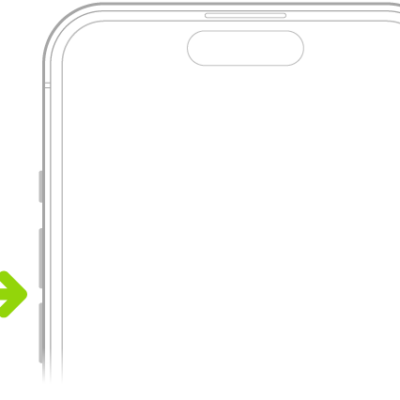
The upper portion of the front of iPhone with the volume up and volume down buttons on the upper left.

How to silence iPhone

You can silence calls, notifications, and system sounds on iPhone with Silent mode, though alarms and some apps still play sound.
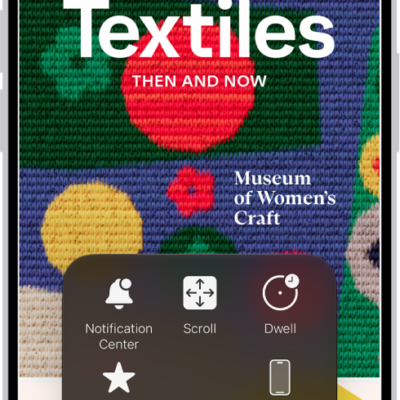
An iPhone with the AssistiveTouch menu visible, showing controls for Notification Center, Device, Control Center, Home, Gestures, and Custom.

How to use VoiceOver on iPhone with a pointer device

You can choose how it works with VoiceOver, like following the VoiceOver cursor if you use a pointer device with iPhone.
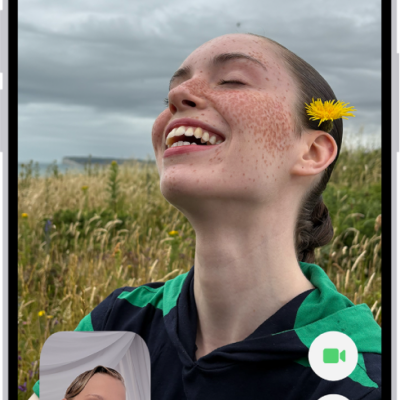
The FaceTime screen showing a call in progress. At the top of the screen is the name of the participant shown in the larger image. The other participant’s image appears in a small rectangle in the lower left, along with the Flip Camera button. The images of the other participants appear in tiles above it. Additional FaceTime controls are at the bottom right of the screen: Camera, Microphone, More, and End Call buttons.

How to use Live Captions and Live Translation in FaceTime on iPhone

You can turn on Live Captions, and with Apple Intelligence, Live Translation during a FaceTime video call on iPhone.

Composing an inline reply in a group conversation in Messages. Another person in the conversation is mentioned, so their name appears in bold.

How to send and reply to messages on iPhone

You can send messages and images on iPhone, reply inline to a specific message, send from your other number, and use Siri to respond.

The inbox, showing a list of messages. The Undo Send button (for pulling back a recently sent message) is in the center of the bottom of the screen.

How to unsend email with Undo Send in Mail on iPhone

You can unsend email with Undo Send in Mail on iPhone within 10 seconds, and set a longer delay for all emails.
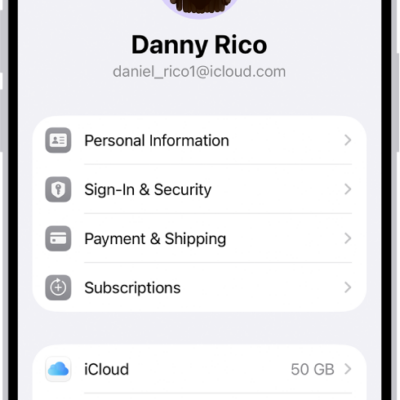
The Apple Account Settings shown with a list of options including personal information, subscriptions, Find My, and more.

How to keep your Apple Account secure on iPhone

You can keep your Apple Account secure on iPhone with two-factor authentication, Account Recovery Contacts, Legacy Contacts, and a recovery key.
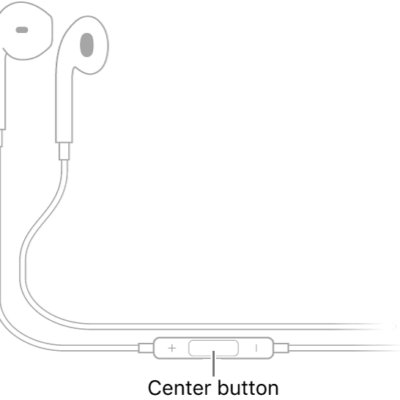
Apple EarPods; the center button is located on the cord leading to the earpiece for the right ear.

How to use EarPods with iPhone

You can use EarPods with iPhone to listen to music, make calls, and use Siri, with the center button doing most of the work.
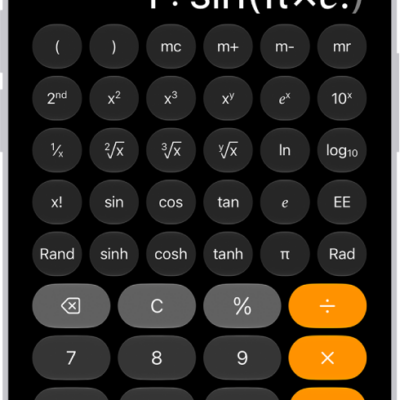
iPhone showing the scientific calculator with memory, exponential, logarithmic, and trigonometric functions.

How to get started with Calculator on iPhone

You can use the Calculator app on iPhone for basic or scientific math, unit and currency conversion, and handwritten Math Notes.

A Messages conversation list with two unread messages and one being marked as unread.

How to keep track of messages on iPhone

You can catch up on missed messages on iPhone, mark conversations as unread, pin important ones, and turn message summaries on or off.
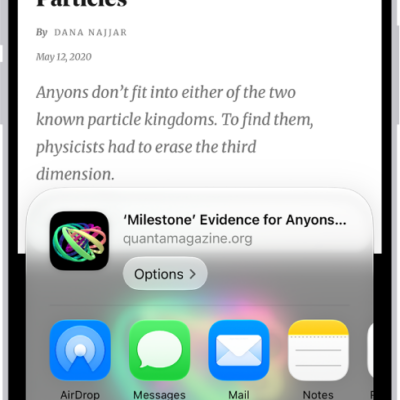
In Safari, the Share button on a webpage has been tapped, revealing a list of options, including Add to Reading List.

How to turn a website into an app in Safari on iPhone

You can turn a website into a web app on your iPhone Home Screen from Safari, so it opens and sends notifications like an app.