Got a tip for us?

Chris Smith

Chris Smith is a senior editor at GeeksModo based in Canada. He likes to think of himself as a jack of all trades (and a master of at least a few), though he mainly focuses on iPhones and Macs. Often covering both at the same time. When not surrounded by various Apple devices while putting them through their paces, Chris can be found streaming the latest movies or series, gaming on his PS5, or getting fresh air on a hike in the beautiful wilderness of British Columbia.

Chris Smith's Articles

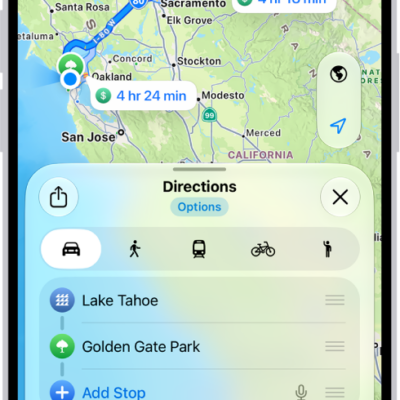
An iPhone showing a map with several driving route options to the same destination. Each route shows the estimated time and distance, and a Go button to start turn-by-turn directions. Color coding on each route indicates traffic conditions.

How to get driving directions in Maps on iPhone

You can get detailed driving directions in Maps on iPhone, with lane guidance in select cities and alerts about delays on routes you drive often.
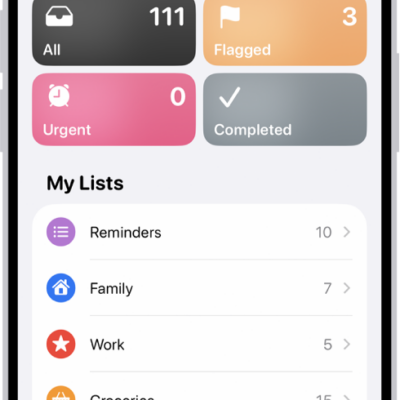
A Reminders screen showing a grid of Smart Lists, such as Today, Scheduled, and Flagged, each showing the number of items. Under the heading 'My Lists,' shows a list of custom reminder categories like Family, Work, and Camping Trip.

How to change your Reminders settings on iPhone

You can change Reminders settings on iPhone, including the default list, notifications, Today notifications for all-day reminders, and location sharing.
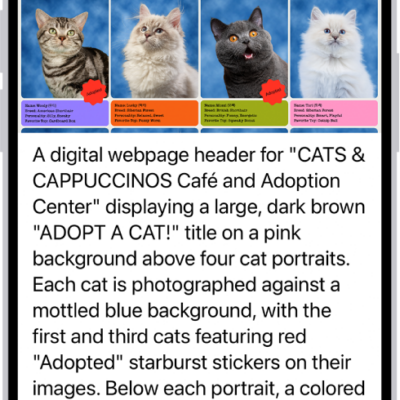
An Image Explorer screen giving a description of a cat adoption flyer.

How to hear what’s on your screen and around you with VoiceOver on iPhone

You can get live descriptions of your surroundings and ask questions about images and items on the screen with VoiceOver Recognition on iPhone.
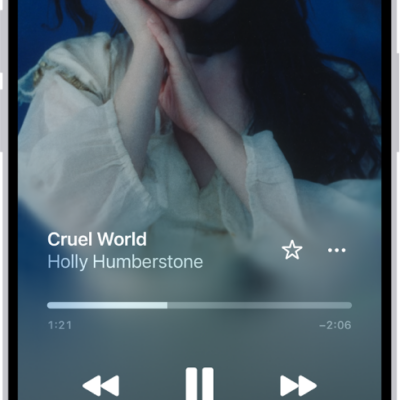
The Now Playing screen showing the various controls and buttons.

How to shuffle or repeat songs in Music on iPhone

You can shuffle your whole library, a playlist, or an album in Music on iPhone, and repeat songs, playlists, or albums.
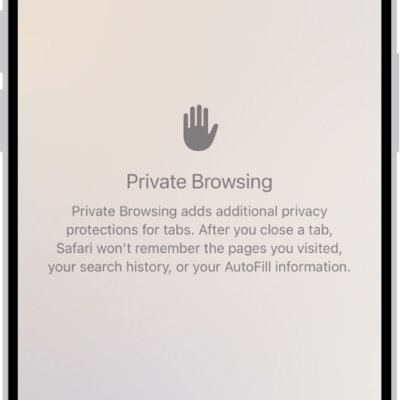
A Private Browsing screen in the Safari app. The word Private appears in the field at the bottom of the screen.

How to browse the web privately in Safari on iPhone

You can use Private Browsing in Safari on iPhone, view the Privacy Report, and use iCloud Private Relay and other privacy settings.
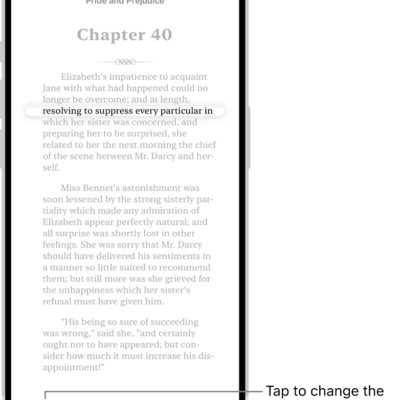
A page of a book in the Books app. A single line of text is highlighted and the rest of the text is dimmed. In the bottom-left corner of the screen is the Line Guide Menu button.

How to annotate books in the Books app on iPhone

You can highlight, underline, and add notes to books in the Books app on iPhone, share your annotations, and translate or copy text.
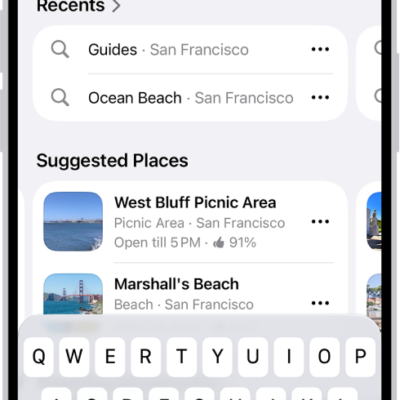
The Maps app showing the search field, categories for nearby services, and city guides. In the bottom part of the screen is the iPhone onscreen keyboard.

How to report an issue with Maps on iPhone

You can add missing places to Maps on iPhone and report other issues, like a wrong step in directions or a closed business.
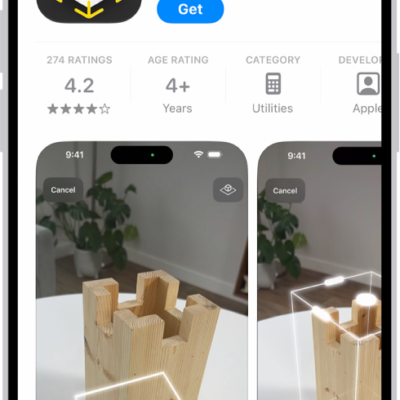
The information page for an app in the App Store. The page shows the Get button, ratings, age ratings, the developer, screenshots, and more. At the bottom, from left to right, are the following buttons: Today, Games, Apps, Arcade, and Search.

How to install and manage fonts on iPhone

You can install fonts on iPhone by getting an app that contains them from the App Store, then manage them in Settings.

The Home tab showing, from top to bottom, four categories, two scenes, three camera views, and the status of one room. Across the bottom are the tabs Home (which is selected), Automation, and Discover.

How to use Grid Forecast to plan energy use in Home on iPhone (U.S. only)

You can use Grid Forecast in the Home app on iPhone, in the contiguous U.S., to plan energy use around cleaner and less clean times.
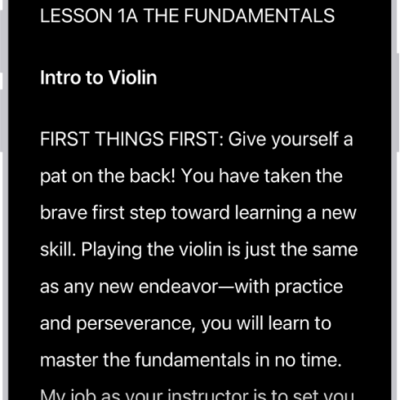
The Accessibility Reader screen showing content from Files in large white text on a black background.

How to read or listen to text in apps with Accessibility Reader on iPhone

You can read or listen to text in a full-screen view in any app, with your own fonts and colors with Accessibility Reader on iPhone.