Got a tip for us?

Chris Smith

Chris Smith is a senior editor at GeeksModo based in Canada. He likes to think of himself as a jack of all trades (and a master of at least a few), though he mainly focuses on iPhones and Macs. Often covering both at the same time. When not surrounded by various Apple devices while putting them through their paces, Chris can be found streaming the latest movies or series, gaming on his PS5, or getting fresh air on a hike in the beautiful wilderness of British Columbia.

Chris Smith's Articles

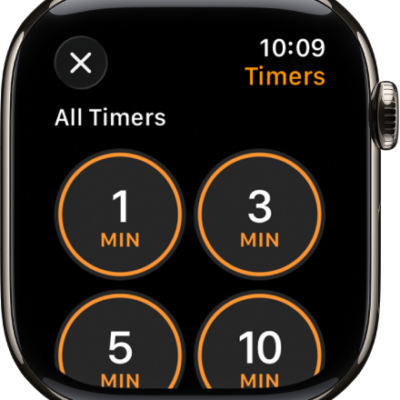
The Timer app screen, showing the add button to create a new timer, and quick timers for 1, 3, 5, or 10 minutes.

How to set timers on Apple Watch

You can set timers on Apple Watch, create custom and multiple timers up to 24 hours, and pause, end, or repeat a timer.
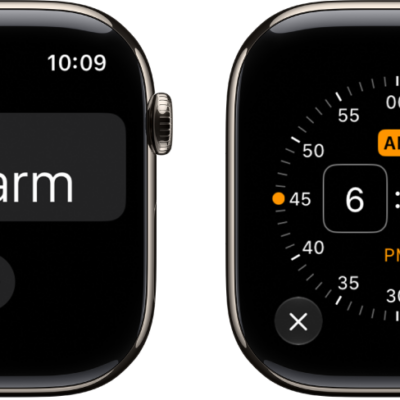
Two watch screens showing the process for adding an alarm: Tap Add Alarm, tap AM or PM, turn Digital Crown to adjust the time, then tap the check button.

How to add an alarm on Apple Watch

You can add an alarm on Apple Watch in the Alarms app, edit or delete it, skip a wake-up alarm, and get alarms on iPhone too.
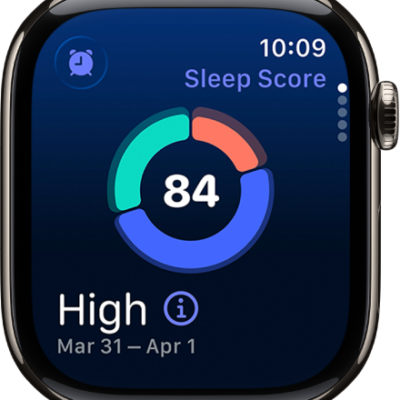
The sleep score screen showing a score in the center of the screen. A rating and the time spent asleep appears at the bottom-left of the screen.

How to view your sleep score on Apple Watch

You can view your sleep score on Apple Watch, a score from 0 to 100 based on how long you slept, bedtime consistency, and interruptions.
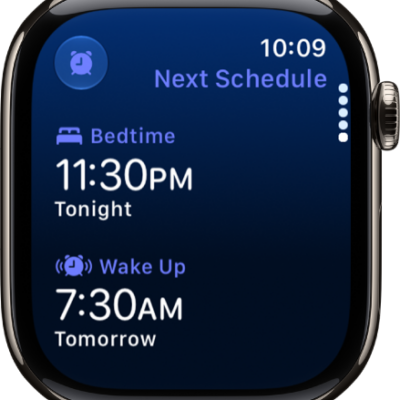
The Sleep app on Apple Watch showing the evening's sleep schedule. Bedtime appears at the top, and Wake Up time is below it.

How to set up sleep schedules on Apple Watch

You can set up sleep schedules on Apple Watch to meet your sleep goals, add schedules for weekdays and weekends, and change your wake-up alarm.
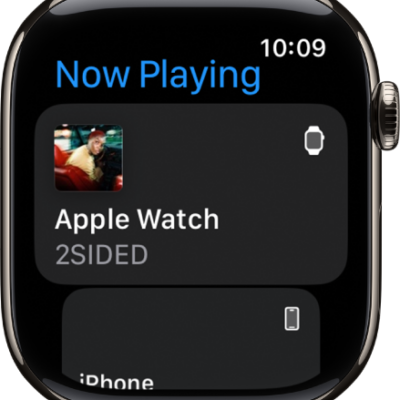
The Now Playing screen showing media on Apple Watch and on iPhone.

How to control Apple TV 4K with Apple Watch

You can control Apple TV 4K with Apple Watch through the Remote app, and use Siri to start watching something.
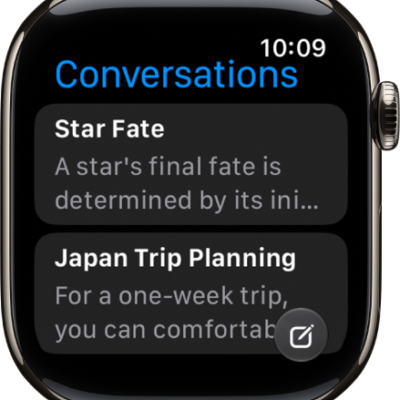
The Siri app showing two conversations. A button to start a new conversation appears at the bottom of the screen.

How to find information with Siri on Apple Watch

You can find information with Siri on Apple Watch, from web answers and calculations to detailed answers with Siri AI.
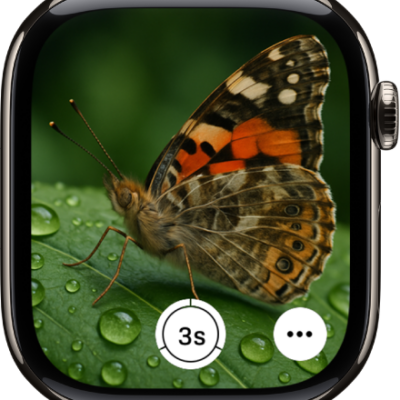
The Apple Watch screen showing what's in the iPhone camera's view. The shutter button is at the bottom center. The More Options button is at the bottom right.

How to use Camera Remote on Apple Watch

You can use Camera Remote on Apple Watch as a viewfinder for your iPhone camera, take photos and videos, and review your shots.

The Home tab showing, from top to bottom, four categories, two scenes, three camera views, and the status of one room. Across the bottom are the tabs Home (which is selected), Automation, and Discover.

How to configure a router in Home on iPhone

You can use the Home app on iPhone to let a compatible router control which services your Apple Home accessories can reach.
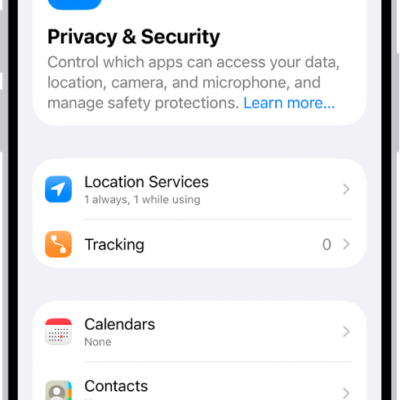
The Privacy & Security screen, with settings for Location Services and Tracking, and settings to control which apps can access your data.

How to control how Apple delivers advertising to you on iPhone

You can see the information Apple uses to show ads in the App Store, Apple News, and Stocks on iPhone, and turn off personalized ads.
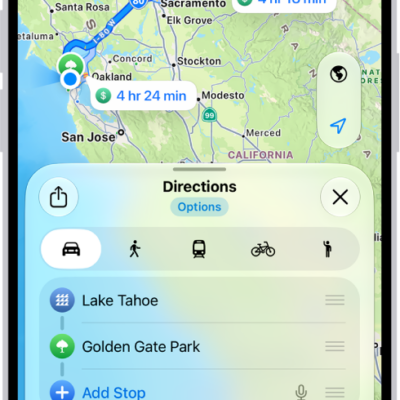
An iPhone showing a map with several driving route options to the same destination. Each route shows the estimated time and distance, and a Go button to start turn-by-turn directions. Color coding on each route indicates traffic conditions.

How to get cycling directions in Maps on iPhone

You can get cycling directions in Maps on iPhone, with bike paths and lanes, elevation previews, and routes that avoid hills or busy roads.