






Got a tip for us?

Chris Smith

Chris Smith is a senior editor at GeeksModo based in Canada. He likes to think of himself as a jack of all trades (and a master of at least a few), though he mainly focuses on iPhones and Macs. Often covering both at the same time. When not surrounded by various Apple devices while putting them through their paces, Chris can be found streaming the latest movies or series, gaming on his PS5, or getting fresh air on a hike in the beautiful wilderness of British Columbia.

Chris Smith's Articles

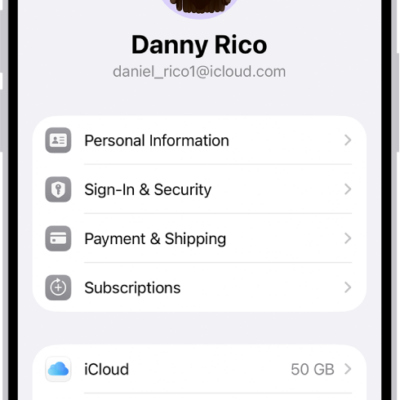
The Apple Account Settings shown with a list of options including personal information, subscriptions, Find My, and more.

How to use two-factor authentication for your Apple Account on iPhone

You can use two-factor authentication for your Apple Account on iPhone, so signing in takes your password and a six-digit code.
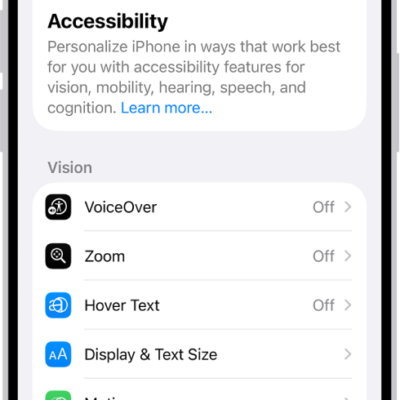
The Accessibility screen in Settings showing the built-in features for Vision support.

What Switch Control is and how it works on iPhone

You can use Switch Control on iPhone with one or more switches, from an adaptive button to a head movement or a sound.
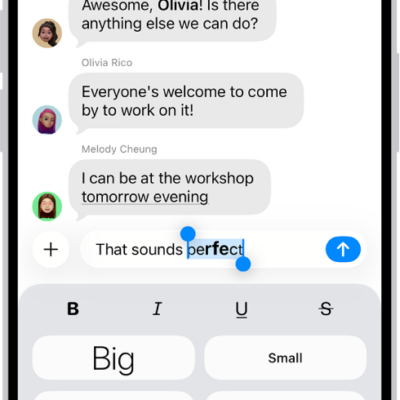
A Messages conversation with a new message selected in the text field, and formatting and effects options shown below it. The selected text appears with a preview of the effect.

How to format text and animate messages on iPhone

You can format text with bold, italics, and underlining in Messages on iPhone, animate words, add bubble and screen effects, and send GIFs.
The Apple Account sign-in screen.

How to use security keys to sign in to your Apple Account on iPhone

You can use security keys to sign in to your Apple Account on iPhone, replacing verification codes for extra protection from targeted attacks.
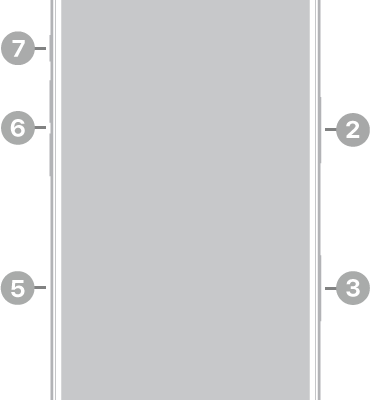
The front view of iPhone 17 Pro. The front camera is at the top center. The side button is on the right side. The USB-C connector is on the bottom. On the left side, from bottom to top, are the SIM tray, the volume buttons, and the Action button.

How to change the name of your iPhone

You can change your iPhone's name, which is used by iCloud, AirDrop, Bluetooth, your Personal Hotspot, and your computer.
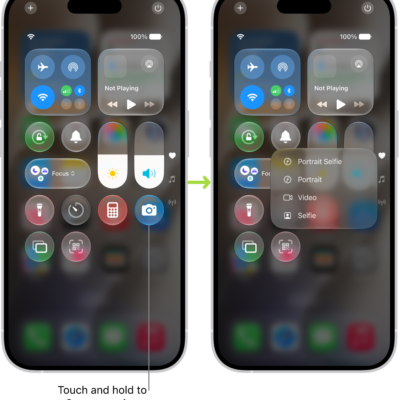
Two Control Center screens side by side—the one on the left shows controls for Airplane Mode, cellular data, Wi-Fi, and Bluetooth in the top-left group. The Camera icon is shown at the bottom right. The screen on the right shows more options in the Quick Actions menu for Camera: Selfie, Video, Portrait, and Portrait Selfie.

How to use and customize Control Center on iPhone

You can use and customize Control Center on iPhone for quick access to Airplane Mode, flashlight, volume, and more.
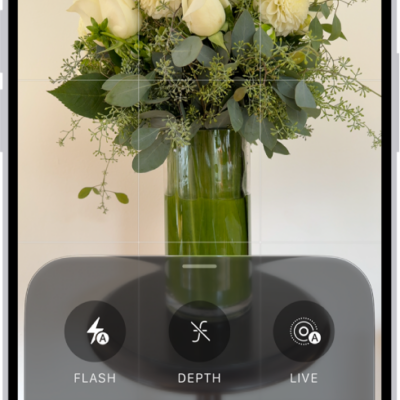
The Camera in Photo mode. At the bottom of the screen are buttons for the following camera controls: Flash, Live, Timer, Exposure, Styles, and Aspect.

How to capture a verifiable photo with Apple Reference Image

You can use Apple Reference Image to take a photo that also captures signed, original data from the Main camera sensor on iPhone 18 Pro models.

The front of a burgundy iPhone 18 Pro is displayed next to a rear-facing burgundy iPhone 18 Pro Max.

24 iOS 27 Tips Worth Knowing

The double-tap-to-type gesture from iOS 26 is gone without a word.

Side profiles of MacBook Air opened up in silver, starlight, space gray, and midnight.  

The Difference Between Security, Privacy and Anonymity

You can have privacy without security, like a changing room with a curtain.
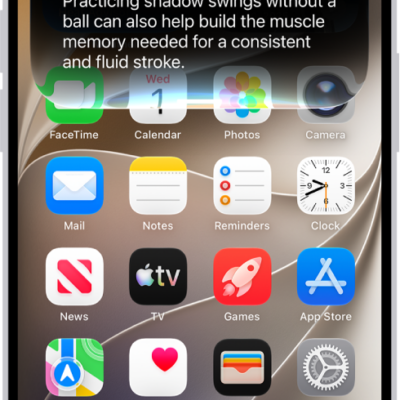
An iPhone showing Siri answering a request about how to improve a tennis backhand.

Everything New in iOS 27 and iPadOS 27

Apple calls this a building year, and the Siri rebuild is the flagship.