









Dave Johnson
Dave Johnson's Articles
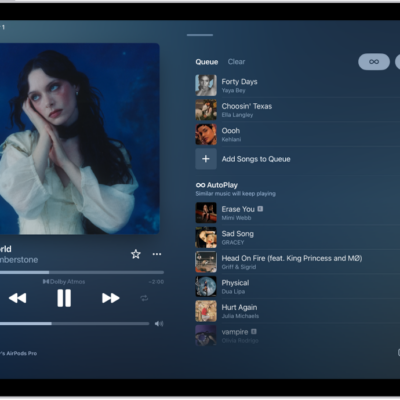
How to transition songs in Music on iPad
You can transition songs in Music on iPad with AutoMix or Crossfade, and choose the length of a crossfade in Settings.
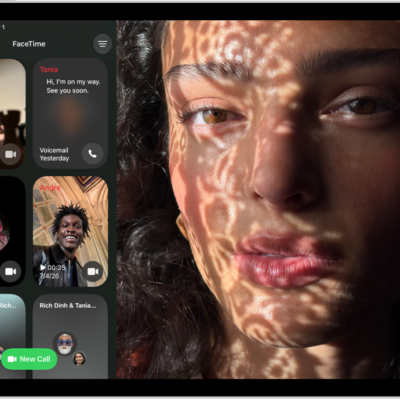
How to create a link to a FaceTime call on iPad
You can create a link to a FaceTime call on iPad, send it with Mail or Messages, and let anyone join, even from a browser.
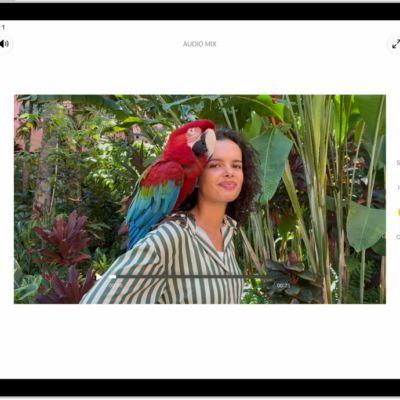
How to edit Cinematic mode videos on iPad
You can edit Cinematic mode videos on iPad, change the focus subject, adjust the depth of field, or turn off the Cinematic effect.
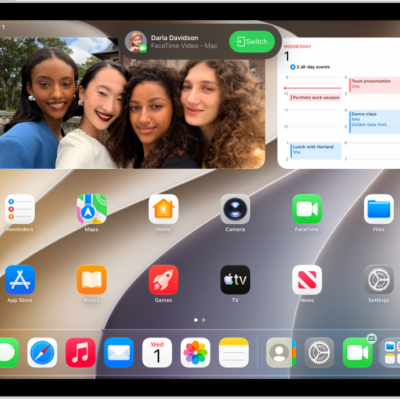
How to hand off a FaceTime call from your iPad to your other Apple devices
You can hand off a FaceTime call from your iPad to your iPhone or Mac, or move a call from another device to iPad.
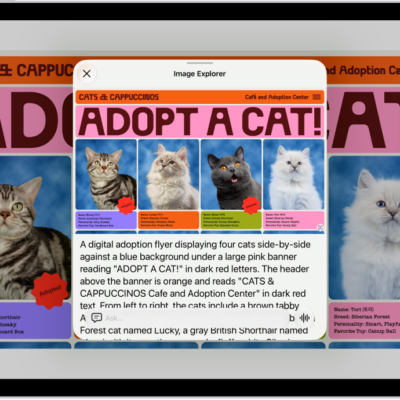
How to use VoiceOver in apps on iPad
You can use VoiceOver in apps on iPad, including Safari, Maps, and more, and get descriptions with VoiceOver Recognition.

How to record a video with your iPad camera
You can record a video with your iPad camera, including slow-motion and time-lapse, and record in HD or 4K.

How to adjust audio settings on iPad
You can adjust audio settings on iPad, use Mono Audio and stereo balance, amplify soft sounds, and make dialogue clearer in videos.
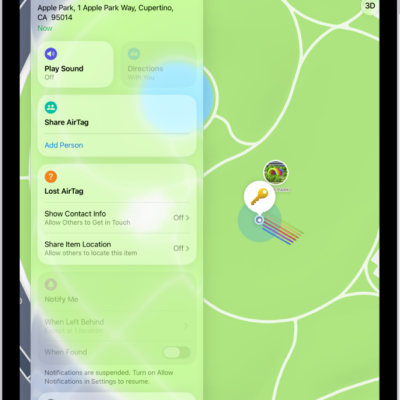
How to remove an AirTag, Apple Pencil Pro, or other item from Find My on iPad
You can remove an AirTag, Apple Pencil Pro, or other item from Find My on iPad so someone else can register it.
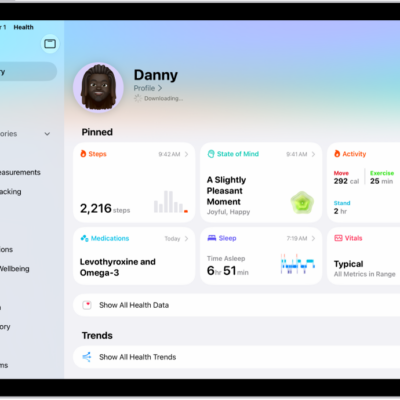
How to share your data in Health on iPad
You can share your data in Health on iPad with friends and family, review or change what you share, and stop sharing.
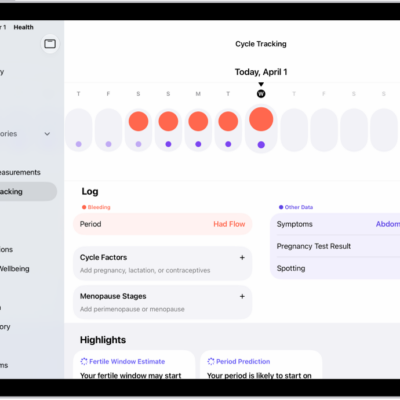
How to log menstrual cycle information in Health on iPad
You can log menstrual cycle information in Health on iPad to get period and fertile window predictions, and edit your log.