









Dave Johnson
Dave Johnson's Articles
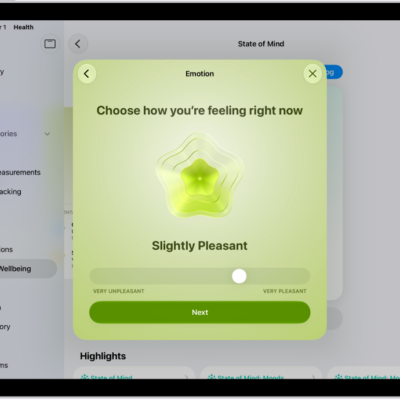
How to log your state of mind in Health on iPad
You can log your state of mind in Health on iPad, record emotions and daily moods, and view your state of mind history.
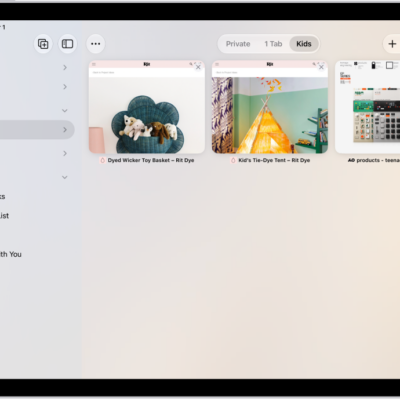
How to organize your tabs in Safari on iPad
You can organize your tabs in Safari on iPad into topics with Apple Intelligence, create Tab Groups, and pin, reorder, or move tabs.
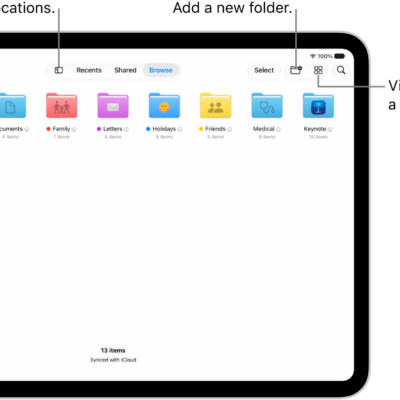
How to find your downloaded files on iPad
You can find your downloaded files on iPad in Downloads in the Files app, and check downloads in Safari.
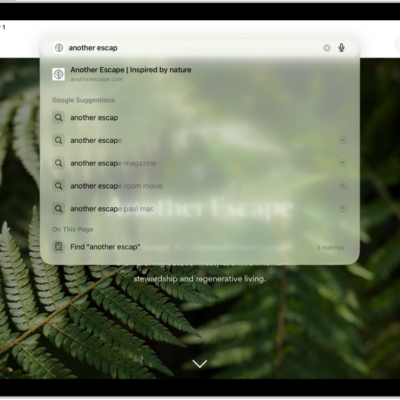
How to change your default search engine on iPad
You can change your default search engine on iPad in Settings, under Search, to search the web with a different engine.

How to adjust the onscreen and external keyboard settings for accessibility on iPad
You can adjust the onscreen and external keyboard settings for accessibility on iPad, show only uppercase keys, and change key responses.

How to view your passwords and related information on iPad
You can view your passwords and related information on iPad, copy passwords, add notes, and remove accounts.
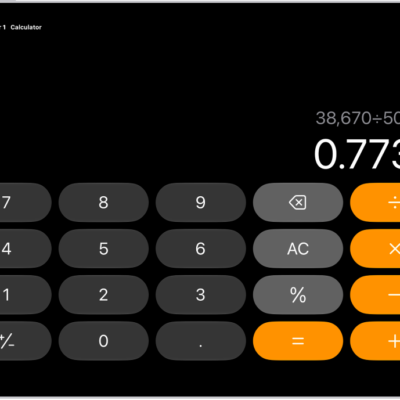
How to use the basic calculator on iPad
You can use the basic calculator on iPad to perform arithmetic calculations, clear numbers, copy results, and switch modes.

How to get started with Calculator on iPad
You can get started with Calculator on iPad, use basic or scientific mode, convert units, and solve and graph problems in Math Notes.

How to pair and charge Apple Pencil Pro with iPad
You can pair and charge Apple Pencil Pro with iPad by attaching it to the magnetic connector, and check its battery level.

How to measure a person’s height with iPad
You can measure a person's height with iPad in the Measure app on supported models, and take a photo of the measurement.