You can select an alternative search engine as the default to search for content on the web. You just pick the search engine you want to set as the default. And you can also change other default apps, like your default browser or email app.
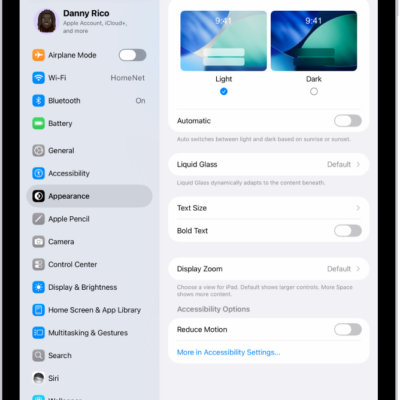
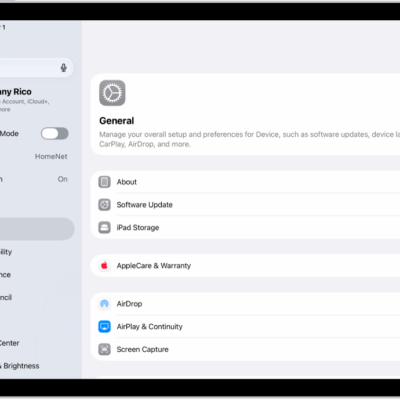
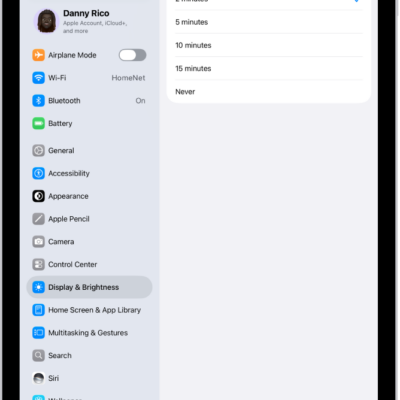
- Start the Settings app on your iPad.
- Tap Search, then tap Search Engine.
- Tap the search engine you want to set as the default and then tap the Back button.
To change other default apps, like your default browser or email app, see our article, Change the default apps.
See also