









Dave Johnson
Dave Johnson's Articles
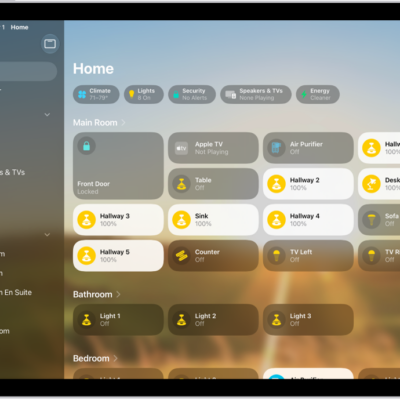
How to create and use scenes in Home on iPad
You can create and use scenes in Home on iPad to control multiple accessories at once, like lights, music, and the thermostat.
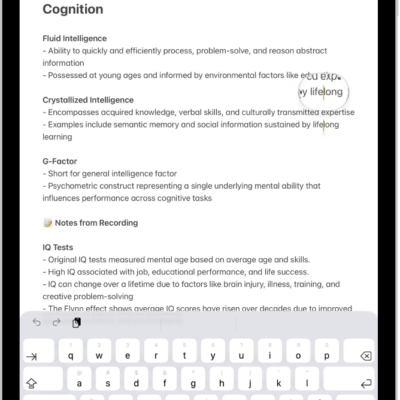
How to view a larger version of text you’re reading or typing on iPad
You can view a larger version of text you're reading or typing on iPad with Hover Text and Hover Typing.

How to customize VoiceOver gestures and keyboard shortcuts on iPad
You can customize VoiceOver gestures and keyboard shortcuts on iPad, add a gesture to a command, and reset VoiceOver commands.
How to use VoiceOver on iPad with an Apple external keyboard
You can use VoiceOver on iPad with an Apple external keyboard, using keyboard shortcuts for VoiceOver commands and VoiceOver Help.
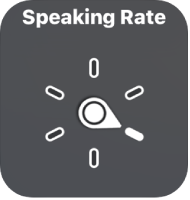
How to control VoiceOver using the rotor on iPad
You can control VoiceOver using the rotor on iPad to adjust volume and speaking rate, move between items, and customize rotor settings.
How to turn on and practice VoiceOver on iPad
You can turn on and practice VoiceOver on iPad, a gesture-based screen reader that lets you use iPad even if you can't see the screen.
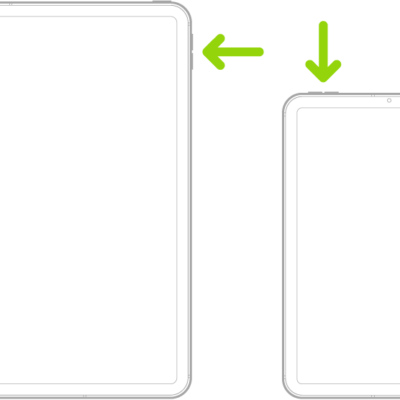
How to adjust the volume and silence on iPad
You can adjust the volume and silence iPad with the volume buttons or Control Center, lock the alert volume, and use Siri.
How to turn on and set up iPad
You can turn on and set up iPad with an internet connection or your computer, and transfer data from another iPhone, iPad, or Android device.
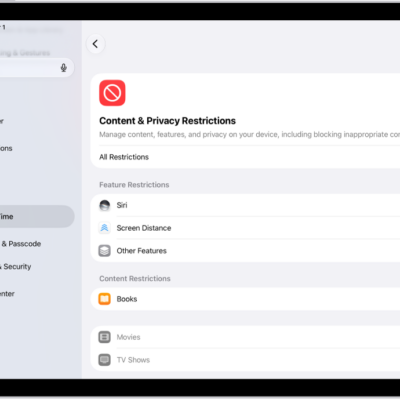
How to change settings and restrictions in the App Store on iPad
You can change settings and restrictions in the App Store on iPad, set content restrictions, prevent in-app purchases, and set Screen Time limits.
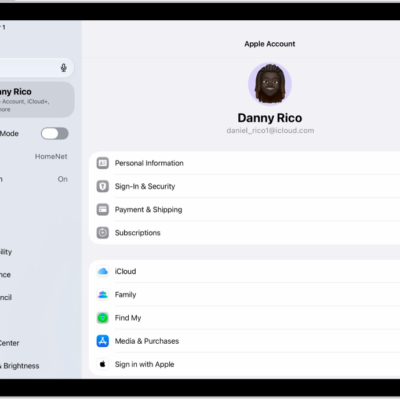
How to sign in with Apple on iPad
You can use Sign in with Apple on iPad to sign in to websites and apps with your Apple Account, and set up or upgrade accounts.