









Dave Johnson
Dave Johnson's Articles
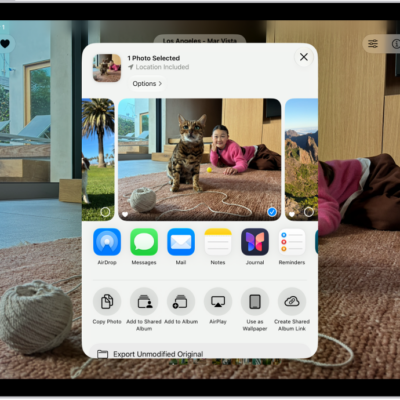
How to print from iPad
You can print from iPad with AirPrint to an AirPrint-enabled printer, print a document, and check or cancel a print job.
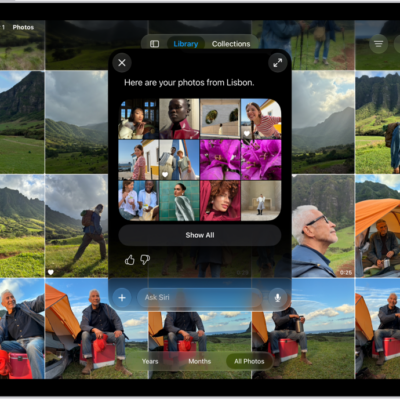
How to turn off and restrict access to Apple Intelligence features on iPad
You can turn off and restrict access to Apple Intelligence features on iPad, like Siri AI, summaries, and priority notifications.
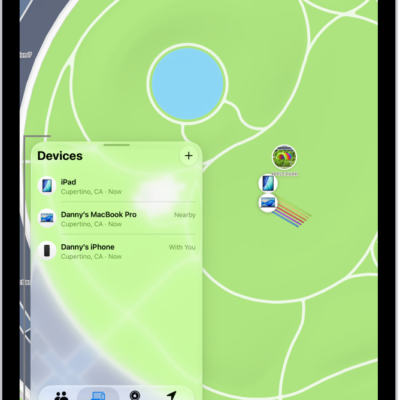
How to share locations with family members and locate their lost devices on iPad
You can share locations with family members on iPad through Family Sharing, and locate a family member's lost device.
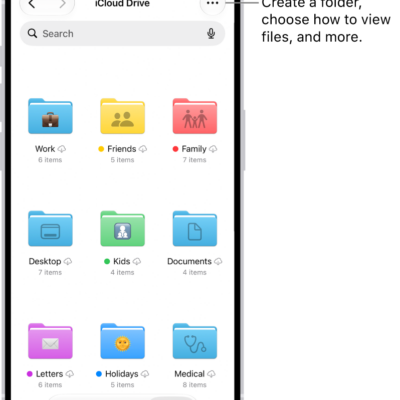
How to transfer files from iPad to a storage device, a server, or the cloud
You can transfer files from iPad to a storage device, a server, or the cloud, using services like iCloud, Box, or Dropbox.

How to back up iPad
You can back up iPad using iCloud or your Mac or Windows device, view and manage iCloud storage, and use a backup on a new iPad.
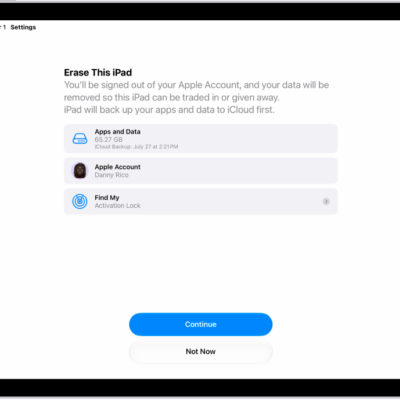
How to erase iPad
You can erase iPad to restore it to factory settings using Settings or your computer, and choose whether to keep your eSIM.
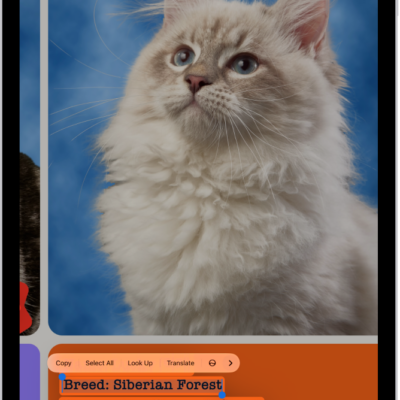
How to interact with content in a photo or video on iPad
You can interact with content in a photo or video on iPad with Live Text, and copy, translate, or act on text you find.
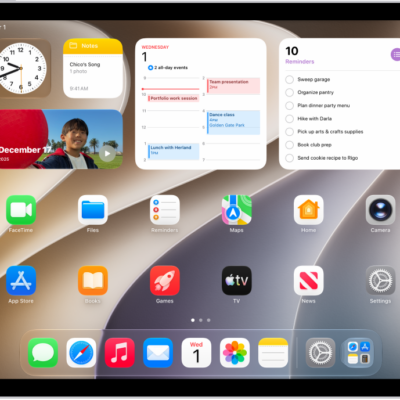
How to search with Spotlight on iPad
You can search with Spotlight on iPad for apps, contacts, content in apps, and webpages, and choose which apps appear in Search.
How to set up iCloud Drive on iPad
You can set up iCloud Drive on iPad, browse it in the Files app, and choose which apps use iCloud Drive.
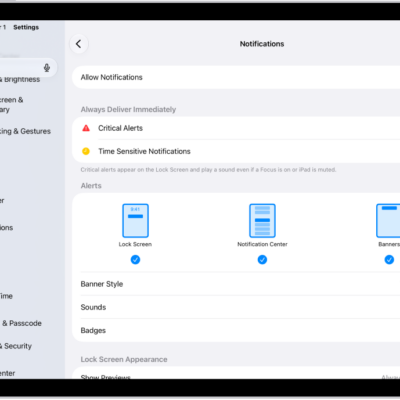
How to change notification settings on iPad
You can change notification settings on iPad, choose where notifications appear, set notification sounds, and customize them for each app.