









Kevin Hollington
Kevin Hollington's Articles
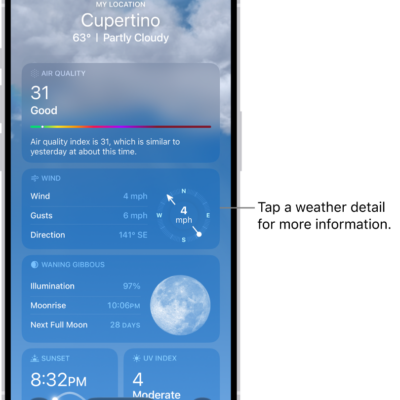
How to check the weather in other locations on iPhone
You can check the weather anywhere in the world on iPhone, save locations to your list, and switch between them with a swipe.
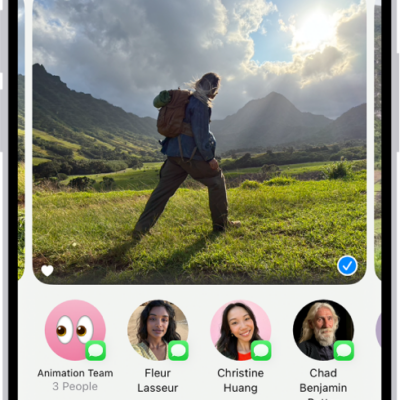
How to print from iPhone
You can use AirPrint to print wirelessly from iPhone in apps like Mail, Photos, and Safari, and check the status of a print job.
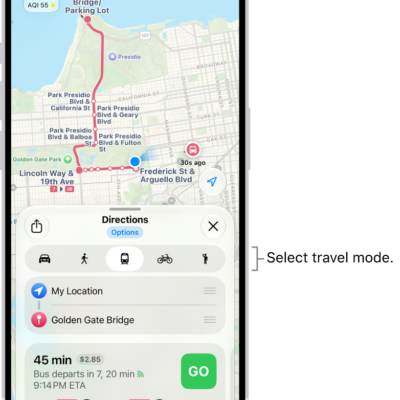
How to choose a default travel mode and Maps units on iPhone
You can choose a default travel mode in Maps on iPhone, such as driving, walking, transit, or cycling, and change the units Maps uses.

How to find your password for a website or app on iPhone
You can find your password for a website or app in the Passwords app on iPhone by searching for the account or sorting your accounts.
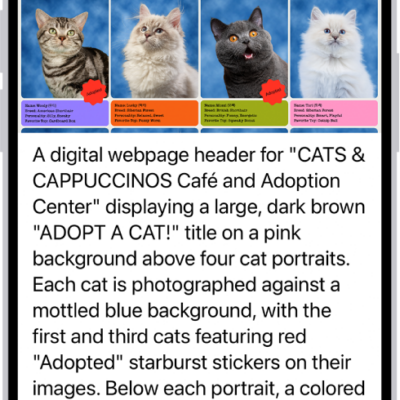
How to use VoiceOver in apps on iPhone
You can use VoiceOver in built-in iPhone apps like Safari and Maps, and VoiceOver Recognition describes images and screen elements.

How to block a FaceTime call and report it as spam on iPhone
You can block unwanted FaceTime and Group FaceTime calls on iPhone, report them to Apple as spam, and unblock a caller later.
How to magnify or get information about things around you with Magnifier on iPhone
You can use Magnifier on iPhone as a magnifying glass, freeze the frame, have captured text read aloud, and ask about your surroundings.
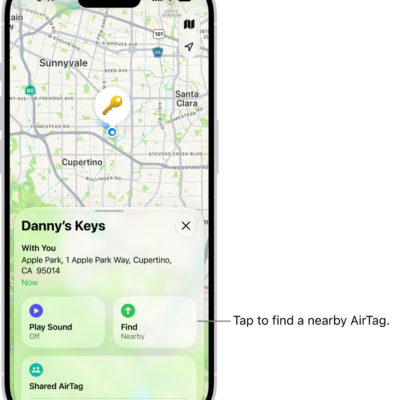
How to add or update a third-party item in Find My on iPhone
You can add a supported third-party item to Find My on iPhone, rename it, keep it up to date, and view its details.
How to use shortcuts on Magic Keyboard with iPhone
You can open Search and use text replacements from anywhere without lifting your hands from the keys with Magic Keyboard and iPhone.
How to find your travel photos and videos on iPhone
You can find your travel photos and videos on iPhone in Trips, collections the Photos app creates from location data.