Got a tip for us?

Kevin Hollington

Kevin Hollington is a seasoned tech journalist based in Los Angeles with a penchant for all things Apple. He started writing about Apple products in 2007 and it’s been a love affair ever since. He has spent over a decade testing and writing about iPhones, iPads, Macs, and other Apple products. In his spare time, he likes nothing more than catching up with the latest news and sports podcasts on the beach.

Kevin Hollington's Articles

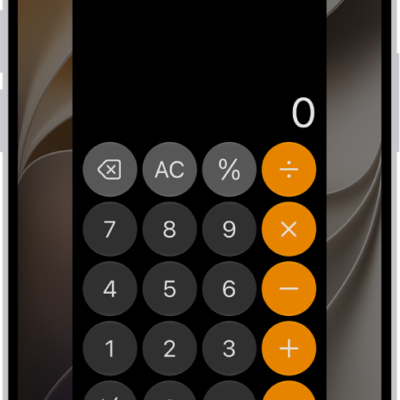
An iPhone screen showing Guided Access being set up. iPhone is being temporarily locked to just the Calculator app, and one of the buttons in the app has been disabled.

How to lock iPhone to one app with Guided Access

You can lock iPhone to one app, set a time limit, and choose which features and buttons are available with Guided Access.
An iPhone showing Siri finding content specified in the request.

How to turn on and activate Siri on iPhone

You can turn on Siri on iPhone, activate it to make requests, and turn it off.

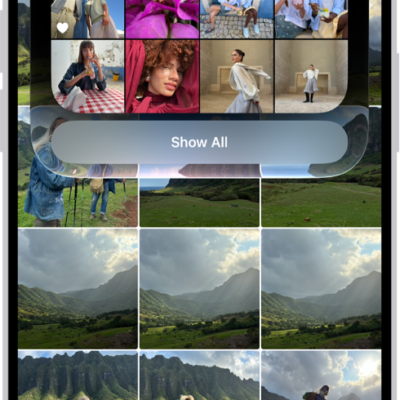
An open photo with thumbnails of other photos across the bottom of the screen. At the top left is a Back button to go back to browsing.

How to view photos and videos on iPhone

You can view photos and videos in the Photos app on iPhone, browse in full screen, and see photos in 3D with Spatial Scene.

The Now Playing screen in the Podcasts app, showing a video. Below the video is the podcast artwork, the episode title, the playback controls, and the volume slider. At the bottom of the tab are the View Transcript button, the AirPlay icon, and the Playing Next button.

How to share podcasts on iPhone

You can share a podcast show or episode as a link from the Podcasts app on iPhone, even starting at a specific time.
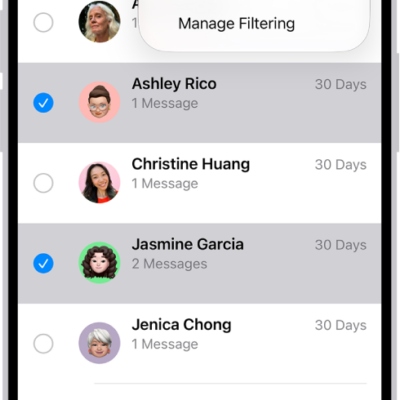
A list of recently deleted messages with two conversations selected, and two options available at the bottom of the screen: Recover and Permanently Delete.

How to delete messages and attachments in Messages on iPhone

You can delete messages, attachments, and whole conversations in Messages on iPhone, and recover them within 30 days.
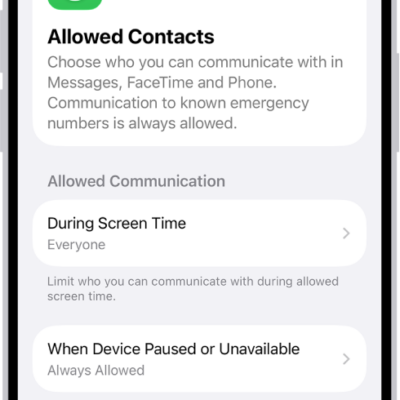
The Allowed Contacts screen in Screen Time showing communication allowed during Screen Time and when devices are paused.

How to prevent contacts from communicating with you on iPhone

You can block contacts on iPhone so they can't reach you in Phone, Messages, or FaceTime, and unblock them later.

The Home tab showing, from top to bottom, four categories, two scenes, three camera views, and the status of one room. Across the bottom are the tabs Home (which is selected), Automation, and Discover.

How to add more homes with iPhone

You can add another home in the Home app on iPhone, such as a small office, and switch between your homes at any time.
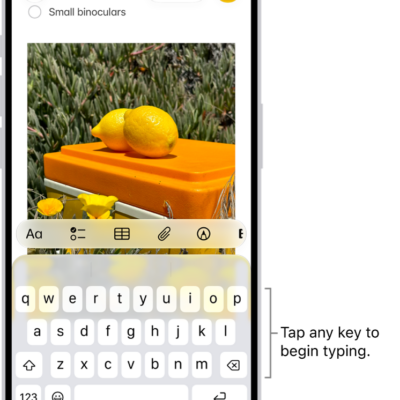
A document is open in the Notes app. The onscreen keyboard is in the bottom half of the screen.

How to change your Notes settings on iPhone

You can change Notes settings on iPhone, including the default account, a password for locked notes, mention notifications, and viewing options.
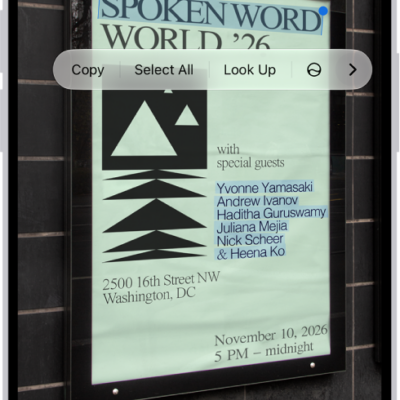
A photo of a real estate sign, with the phone number highlighted. The phone number appears in the menu above the Call, Message, Add to Contacts, and Copy options.

How to interact with text in an image in Preview on iPhone

You can use Live Text in Preview on iPhone to copy, translate, or look up text in an image, and call, email, or open a website.
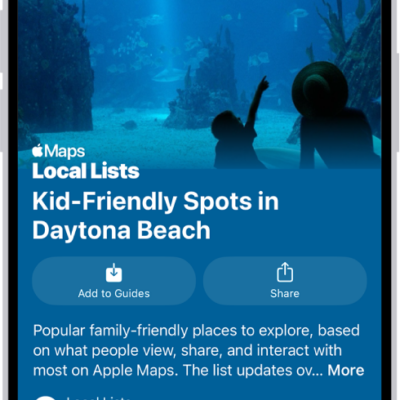
The Maps app showing a guide about underwater locations.

How to explore places with guides in Maps on iPhone

You can browse guides in Maps on iPhone to find great places to eat, shop, and explore, by city, interest, or publisher.