








Kevin Hollington
Kevin Hollington's Articles

Clean Install or In-Place Upgrade for macOS 27
A clean install is worth it only in four specific situations.
What’s New for Apple Pay and Wallet in iOS 27
Tap to Share lets you send a merchant your address without saying it aloud.

What to Ask Siri AI: Examples That Actually Work
Siri identified The Third Man from the single clue of Harry Lime.
iOS 27 Blurs Gore and Violence for Children
The filter already covered nudity. This release adds gore and violence to it.
How to Use ChatGPT With Siri AI
ChatGPT requests skip Private Cloud Compute, so signing in changes where your words end up.
The Siri AI Commands Worth Knowing
Apple has never published the list of commands Siri accepts, so trying things is the method.

Face ID Not Working On iPad after iPadOS 27 update? Here’s The Fix!
In this article, I’ll explain why Face ID is not working on your iPad after the iPadOS 27 update and show you how to fix the problem.
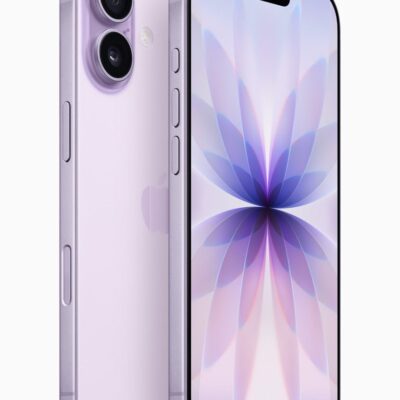
Here’s How to Restart, Force Restart, or Reset an iPhone 17
To restart your iPhone 17, press and hold down the Power and Volume buttons until a slider appears on-screen. If restarting doesn’t work, you can "force restart" your iPhone 17 by pressing Volume Up, Volume

iPhone Can’t Connect to a VPN on iOS 26? How to Fix it
If you can’t establish a VPN connection on your iPhone after iOS 26 update, you are not alone. Most people who updated to iOS 26 are facing this problem. Various factors can prevent you from
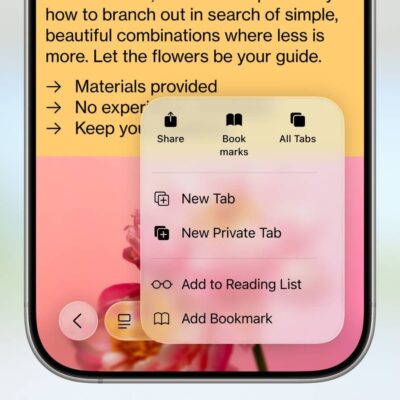
Safari Not Working on iOS 26? Here’s How to Fix it
Safari is the native browser for iPhones. It comes pre-installed on iPhone, and it’s designed to be fast and efficient for it. However, most people are complaining that Safari is not working on their iPhones