









Stacey Butler
Stacey Butler's Articles
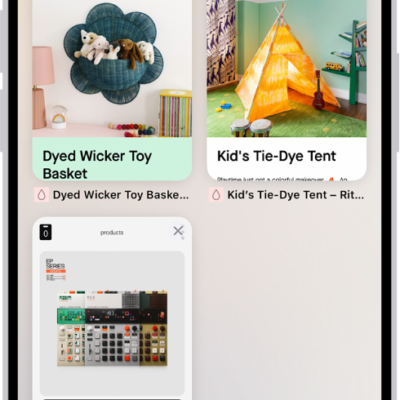
How to organize your tabs in Safari on iPhone
You can organize tabs in Safari on iPhone into Tab Groups, pin and reorder tabs, and let Apple Intelligence sort them into topics.
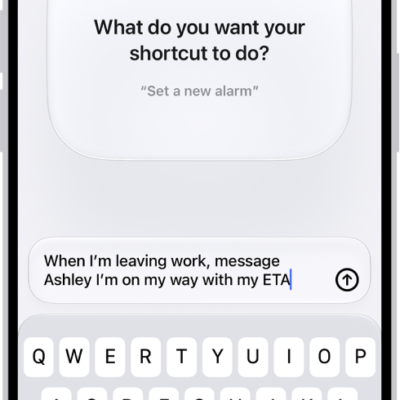
How to use Shortcuts to automate tasks on iPhone
You can use Shortcuts to automate tasks on iPhone with a tap or Siri, using ready-made shortcuts from the Gallery or your own.
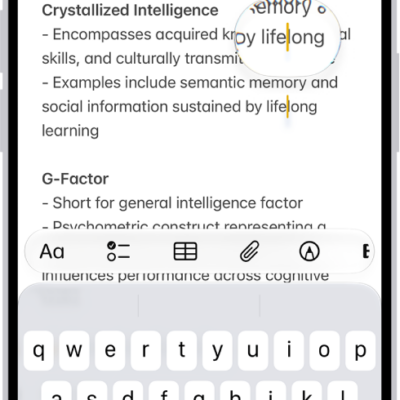
How to view a larger version of text you’re reading or typing on iPhone
You can see larger versions of text under the pointer or text you're typing with Hover Text and Hover Typing on iPhone.
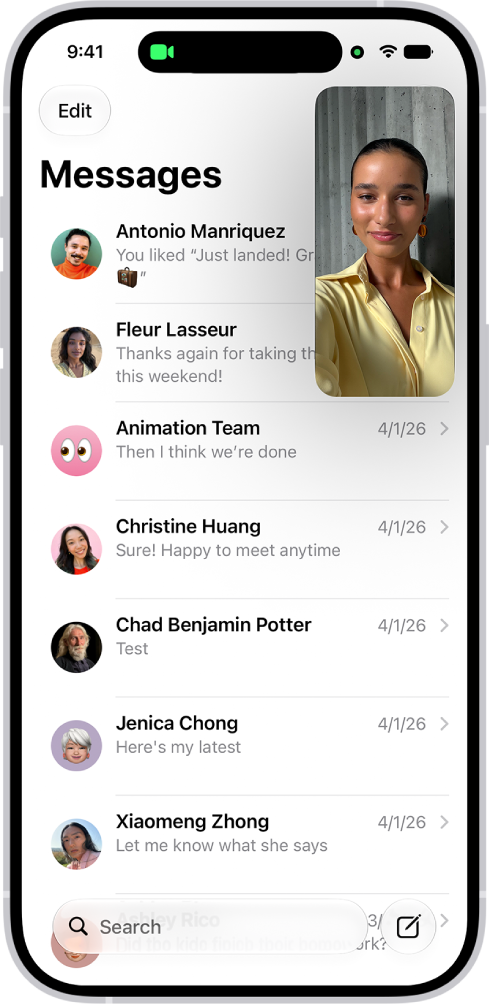
How to multitask with Picture in Picture on iPhone
You can keep watching a video or stay on a FaceTime call while you use other apps with Picture in Picture on iPhone.
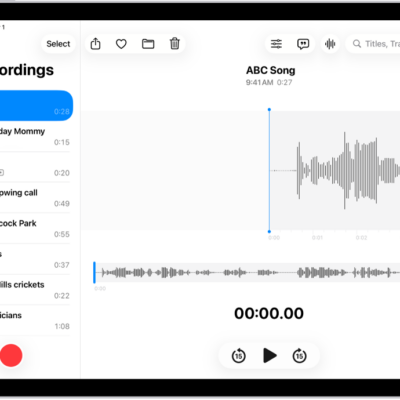
How to keep recordings up to date in Voice Memos on iPad
You can keep recordings up to date in Voice Memos on iPad across your iPhone, iPad, and Mac with iCloud.
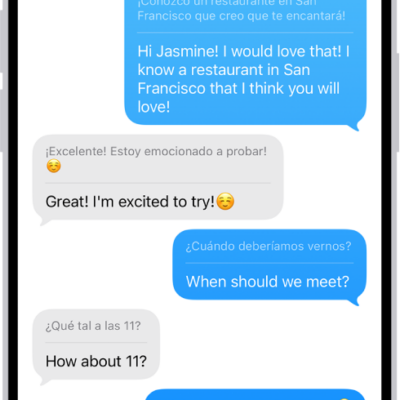
How to change your Translate settings on iPhone
You can download languages for the Translate app on iPhone, choose when to use on-device translation, and pick a default translation app.
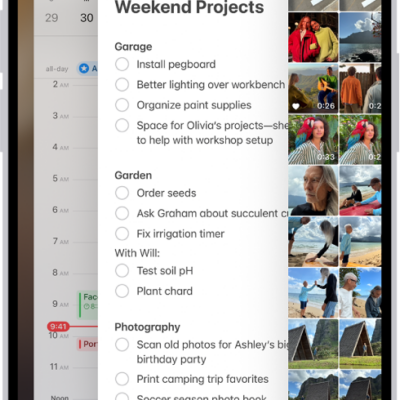
How to switch between open apps on iPhone
You can switch between open apps on iPhone with the App Switcher, or with a swipe on an iPhone with Face ID.
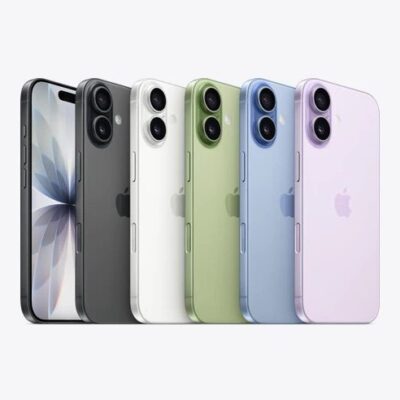
How Thieves Steal iPhone Passcodes, and How to Stop Them
A 4K video from across a room is enough to capture a passcode being typed.

How Gatekeeper Decides Which Mac Apps Can Run
Gatekeeper checks Apple’s revocation list every single time an app launches.
How the Mac Keychain Works, and How to Lock It
Turning on your Mac can be enough to unlock every password you have saved.