









Stacey Butler
Stacey Butler's Articles
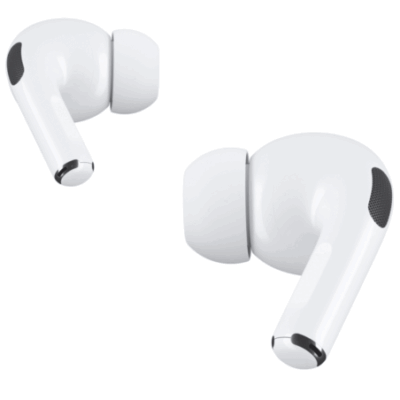
How to listen and respond to messages with AirPods
You can listen and respond to messages with AirPods by having Siri announce and read them, then reply with your voice or dismiss notifications.
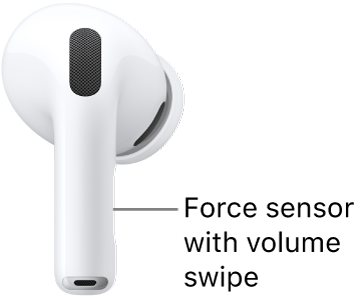
How to change force sensor, force sensor with volume swipe, or button settings for AirPods
You can change force sensor, force sensor with volume swipe, or button settings for AirPods to adjust press speed, hold duration, and Volume Swipe.
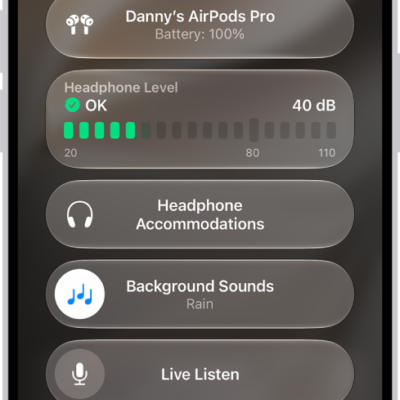
How to set headphone accommodations for AirPods
You can set headphone accommodations for AirPods on iPhone, iPad, or Mac to amplify soft sounds and tune audio for your hearing needs.
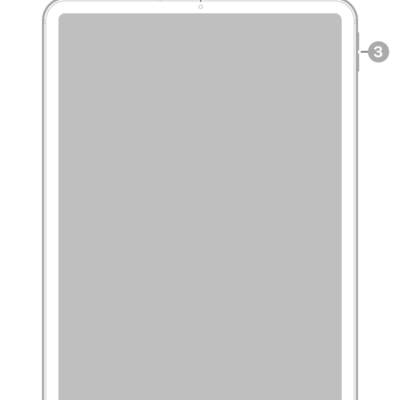
iPad Pro 11-inch (2nd generation) hardware: buttons, cameras, and ports
You can learn the location of the cameras, buttons, and other essential hardware features on iPad Pro 11-inch (2nd generation).
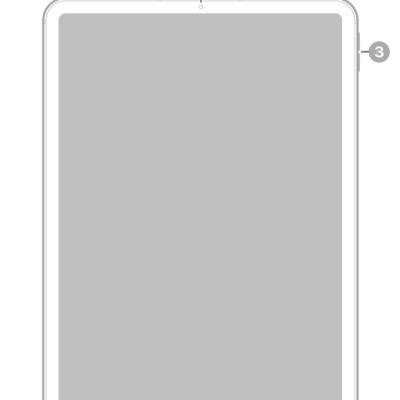
iPad Pro 11-inch (4th generation) hardware: buttons, cameras, and ports
You can learn the location of the cameras, buttons, and other essential hardware features on iPad Pro 11-inch (4th generation).
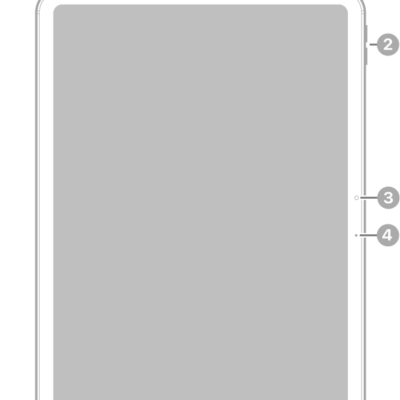
iPad Air 11-inch (M3) hardware: buttons, cameras, and ports
You can learn the location of the cameras, buttons, and other essential hardware features on iPad Air 11-inch (M3).
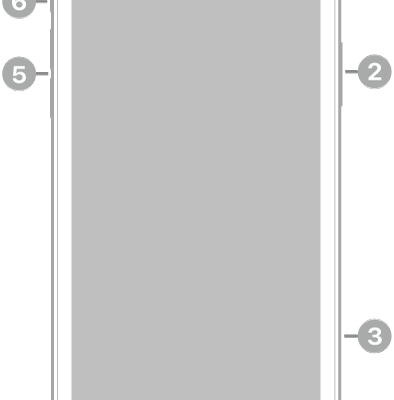
iPhone 11 hardware: buttons, cameras, and ports
You can find the cameras, buttons, and other essential hardware features on iPhone 11, plus links to help you get started.
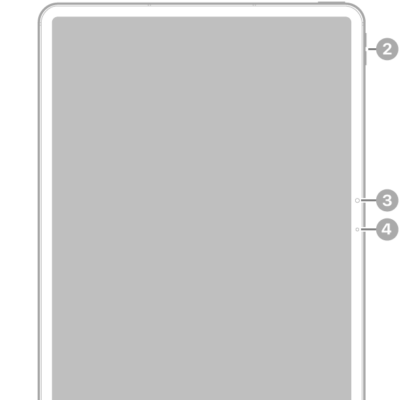
iPad Air 13-inch (M3) hardware: buttons, cameras, and ports
You can learn the location of the cameras, buttons, and other essential hardware features on iPad Air 13-inch (M3).
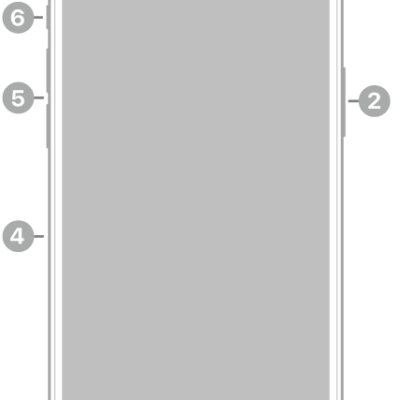
iPhone 12 Pro Max hardware: buttons, cameras, and ports
You can find the cameras, buttons, and other essential hardware features on iPhone 12 Pro Max, plus links to help you get started.
How to use Siri with AirPods
You can use Siri with AirPods to find information, play music, answer calls, announce notifications, and start a workout on AirPods Pro 3.