









Tyler Stephen
Tyler Stephen's Articles
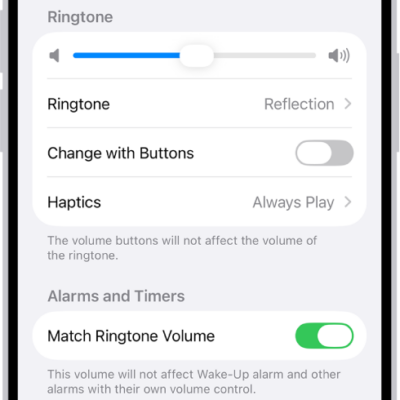
How to change iPhone sounds and vibrations
You can change your iPhone ringtone, alert sounds, and vibration patterns, create your own vibration, and give contacts their own tones.
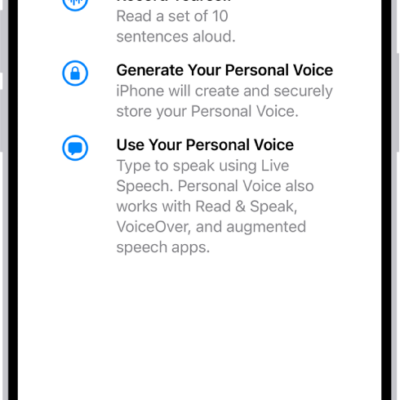
How to record your Personal Voice on iPhone
You can record a Personal Voice on iPhone that sounds like you and use it with Live Speech and calls if you're at risk of speech loss.
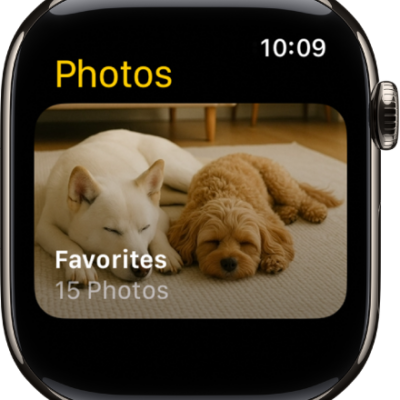
How to choose a photo album and manage storage on Apple Watch
You can choose a photo album for Apple Watch, show featured photos and Memories, stop photo syncing, and limit photo storage.
How to change your voicemail greeting and settings on iPhone
You can record a custom voicemail greeting on iPhone, change your voicemail password, and pick a new voicemail alert sound.
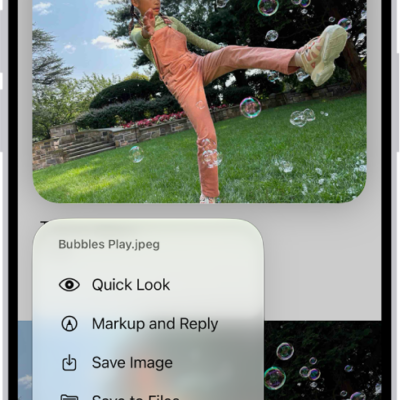
How to add email attachments in Mail on iPhone
You can attach photos, videos, documents, scans, and drawings to an email in Mail on iPhone, and send large files with Mail Drop.
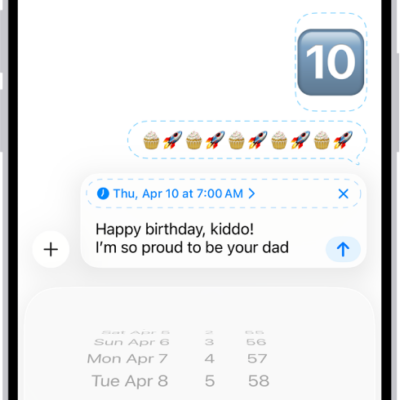
How to schedule a text message on iPhone to send later
You can schedule a text message on iPhone up to 14 days ahead, then edit, delete, or reschedule it before it's sent.
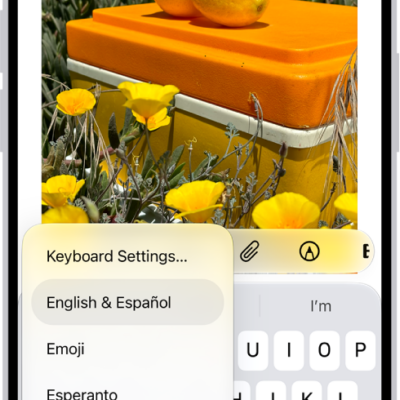
How to adjust the onscreen and external keyboard settings for accessibility on iPhone
You can set the iPhone keyboard to show only uppercase letters, and use Key Repeat, Sticky Keys, and Slow Keys with an external keyboard.
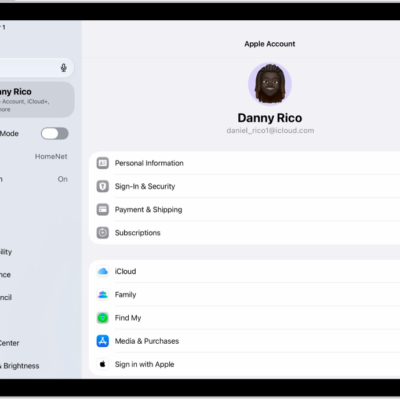
How to use two-factor authentication for your Apple Account on iPad
You can use two-factor authentication for your Apple Account on iPad to help prevent others from accessing your account.
How to play audio from iPhone on HomePod and other wireless speakers
You can play audio from iPhone on HomePod, Apple TV 4K, AirPlay 2 smart TVs, and Bluetooth speakers, and on several devices at once.
How to request or give remote control in a FaceTime call on iPhone
You can request control of someone's screen or let a trusted person control yours during a one-to-one FaceTime call on iPhone.