









Tyler Stephen
Tyler Stephen's Articles
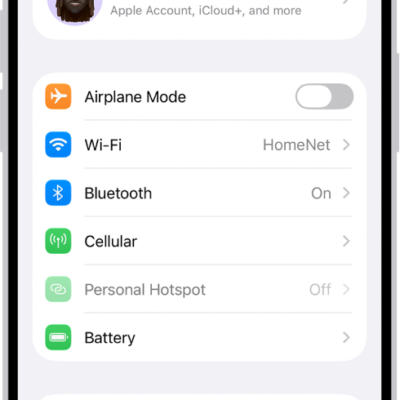
How to connect iPhone to the internet
You can connect iPhone to the internet over Wi-Fi or cellular, join hidden networks, and see which network iPhone uses first.
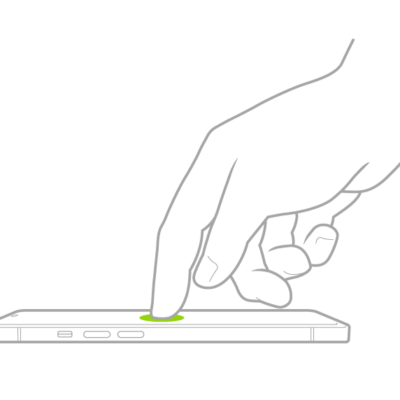
Basic iPhone gestures: tap, touch and hold, swipe, scroll, and zoom
You can control iPhone and its apps with a few simple gestures: tap, touch and hold, swipe, scroll, and zoom.

How to make your passwords and passkeys available across devices with iPhone and iCloud Keychain
You can make your passwords and passkeys available across devices with iCloud Keychain, along with cards and Wi-Fi details, encrypted so Apple can't read them.
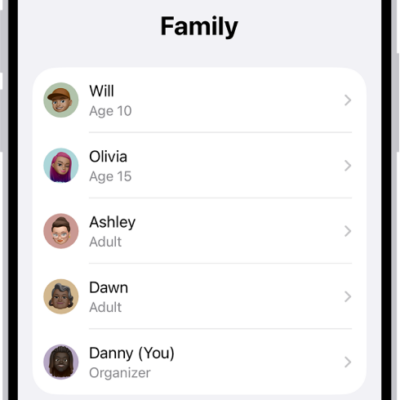
How to leave or remove a member from a Family Sharing group on iPhone
You can leave a Family Sharing group on iPhone, and the organizer can remove a member or stop sharing altogether.
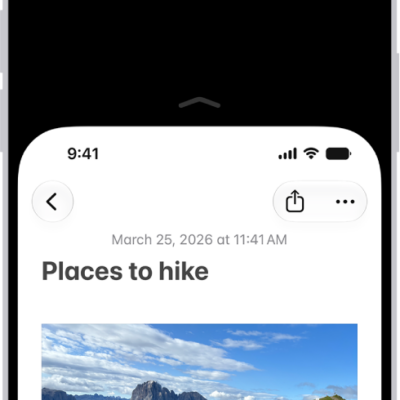
How to reach the top of the iPhone screen with one hand
You can lower the top half of the iPhone screen so it's within reach of your thumb when you use one hand with Reachability.
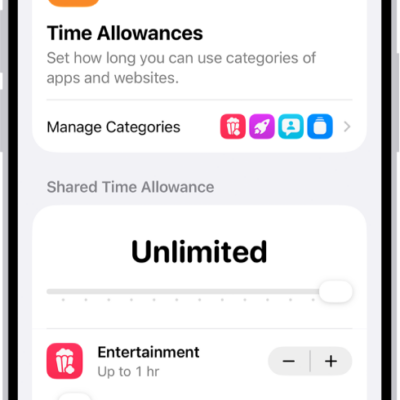
How to block features or content with Screen Time on iPhone
You can use Screen Time on iPhone to allow or block explicit content, built-in apps and features, and Siri and Apple Intelligence features.

How to play podcasts with CarPlay
You can play the podcasts on your iPhone with CarPlay, and control playback with your car's controls or CarPlay Dashboard.
How to interact with Apple Watch on your iPhone
You can see and control your Apple Watch screen from your paired iPhone, with touch or assistive features with Apple Watch Mirroring.
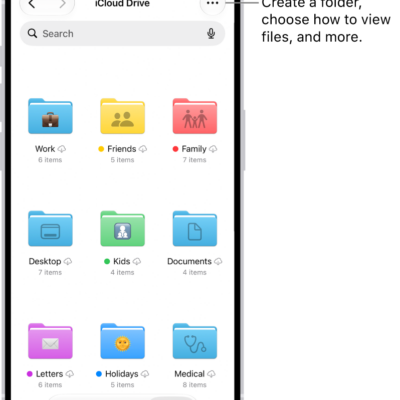
How to set up iCloud Drive on iPhone
You can turn on iCloud Drive on iPhone to store files and folders, share documents, and get to them on your Mac, PC, and iCloud.com.

How to control a nearby Apple device with iPhone
You can use Control Nearby Devices on iPhone to remotely control another Apple device signed in to your Apple Account, including media controls.