









Tyler Stephen
Tyler Stephen's Articles
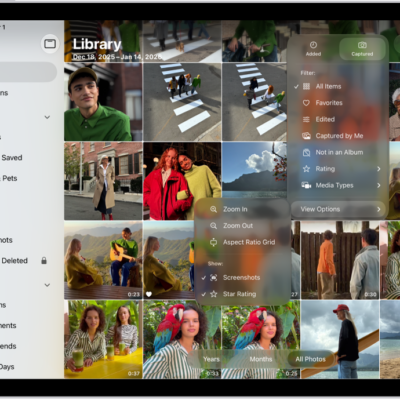
How to use iCloud Shared Photo Library on iPad
You can use iCloud Shared Photo Library on iPad to share photos and videos with up to five other participants in the Photos app.
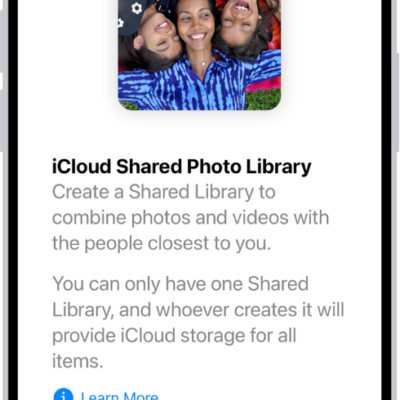
How to set up or join an iCloud Shared Photo Library on iPad
You can set up or join an iCloud Shared Photo Library on iPad and share photos and videos with up to five people.
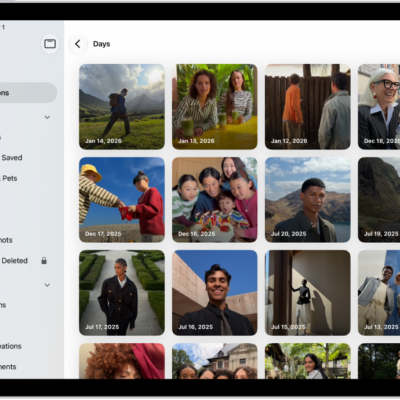
How to find photos and videos by date on iPad
You can find photos and videos by date on iPad in Recent Days, and browse your library by year, month, or day.
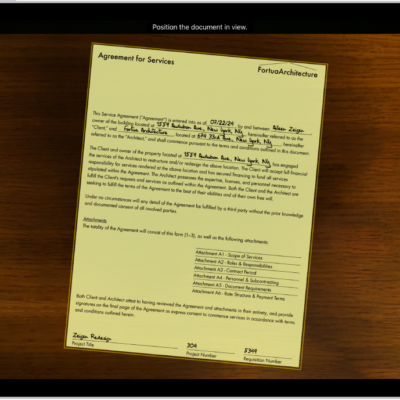
How to work with PDFs in Notes on iPad
You can work with PDFs in Notes on iPad to attach, view, edit, annotate, and collaborate on PDFs and scanned documents.
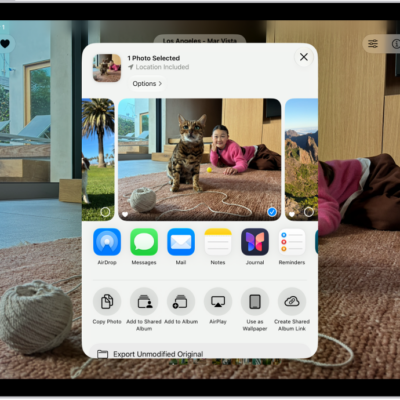
How to share long videos on iPad
You can share long videos on iPad with AirDrop or Mail Drop, when they're too large for a standard text message.
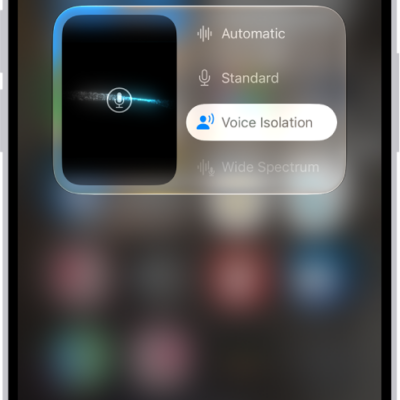
How to change FaceTime audio settings on iPad
You can change FaceTime audio settings on iPad, use Spatial Audio, filter background sounds with Voice Isolation, and mute your mic.

How to add keywords to photos and videos on iPad
You can add keywords to photos and videos on iPad, search for them by keyword, and manage, rename, or delete keywords.
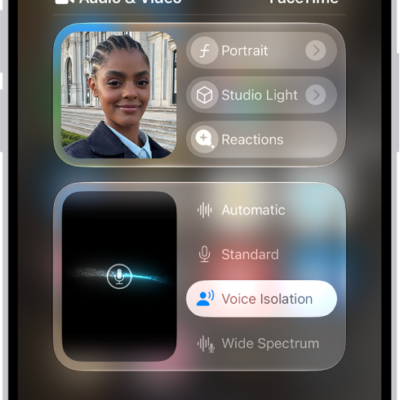
How to change FaceTime video settings on iPad
You can change FaceTime video settings on iPad, blur the background with Portrait mode, use Studio Light and Center Stage, and switch cameras.

How to share screens using Messages on iPad
You can share screens using Messages on iPad, see someone else's screen, and use SharePlay to watch or listen together.
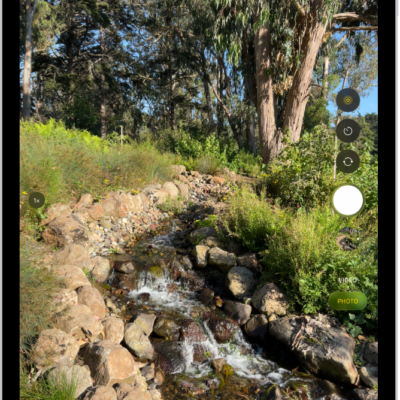
How to take photos with your iPad camera
You can take photos with your iPad camera in modes like Photo, Video, Pano, and Square, and use the timer, flash, zoom, and Burst.