Got a tip for us?

Tyler Stephen

I'm Tyler Stephen, from the US state of Maine. I have a life-long passion for technology, and in addition to writing here, I am also on the editorial team of AppleVis.com. I've been totally blind from birth and thus rely on screenreading software like VoiceOver on Apple products and NVDA on Windows. I have been a Mac user since 2005 and an iOS user since 2010, in addition to also having used Windows, Linux, and Chrome OS. On this site and elsewhere, I hope to write pieces that educate and entertain people, as well as bring attention to the accessibility or inaccessibility of various technologies. You can find me on mastodon at mastodon.applevis.com/@tyler.

Tyler Stephen's Articles

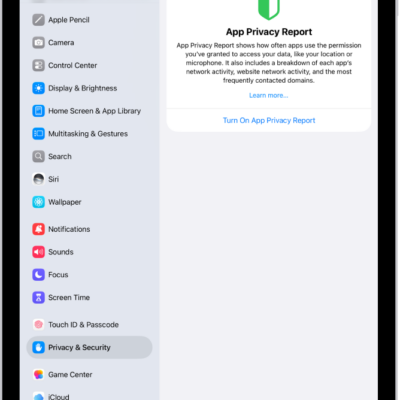
The App Privacy Report screen, where you can turn on a report to show how often apps use the permissions you've granted them, along with their network activity.

How Apple Intelligence protects your privacy on iPad

You can learn how Apple Intelligence protects your privacy on iPad with on-device processing and Private Cloud Compute, and create a report.
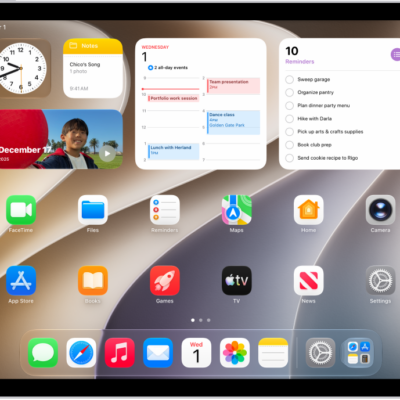
A screenshot showing an example of an iPad Home Screen.

How to use other apps during a FaceTime call on iPad

You can use other apps during a FaceTime call on iPad to look up information, write a note, or perform a calculation.
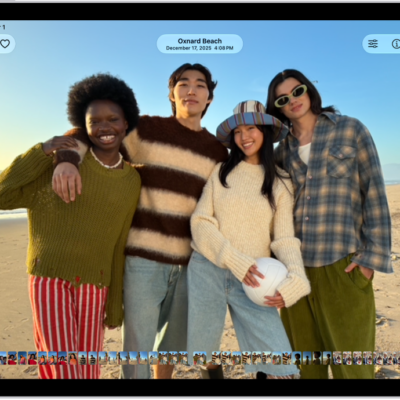
A photo is open in the Photos app and fills the center of the screen.

How to apply star ratings to photos and videos on iPad

You can apply star ratings to photos and videos on iPad, rate them from 1 to 5 stars, and filter your library by rating.
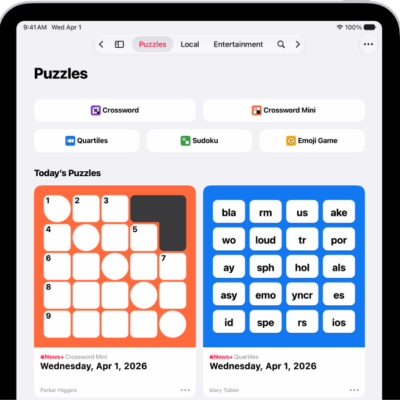
The Puzzles feed in the News app.

How to find puzzles in Apple News+ on iPad

You can find puzzles in Apple News+ on iPad, like crosswords, Quartiles, sudoku, and Emoji Game, and view your stats and streaks.
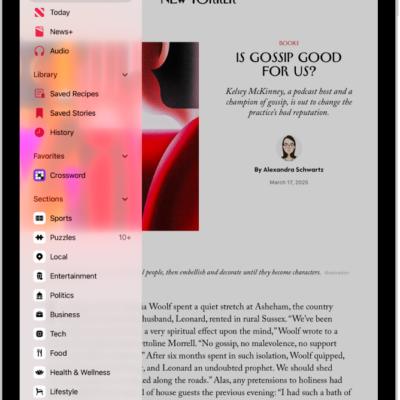
Followed channels and topics appear in the News sidebar over an article.

How to subscribe to individual channels in News on iPad

You can subscribe to individual channels in News on iPad, buy a subscription in News, or use one from a publisher.
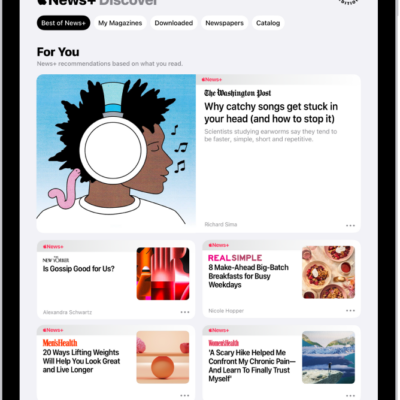
The Discover page in Apple News+. In the tab bar, News+ is selected, and below that, the Best of News+ category is selected.

How to browse and read Apple News+ stories and issues on iPad

You can browse and read Apple News+ stories and issues on iPad, follow publications, and access back issues.
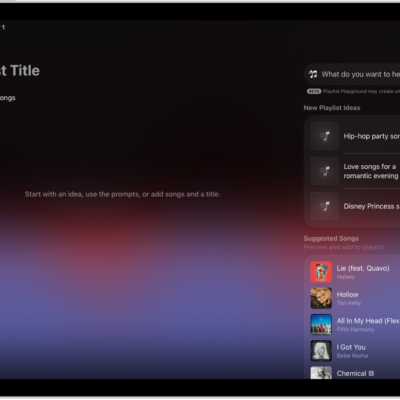
Playlist Playground open in Apple Music, showing the title field, the Add Songs button, and a search field with playlist suggestions below it.

How to create, edit, and delete music playlists on iPad

You can create, edit, and delete music playlists on iPad, use Playlist Playground in the U.S., and add, reorder, or remove songs.
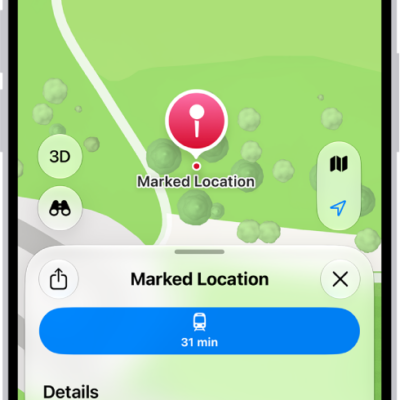
A map showing a dropped pin in a park. Below it, buttons to get directions to the pin, download its surrounding area, or move it appear.

How to mark a location with a pin in Maps on iPad

You can mark a location with a pin in Maps on iPad, share it, get its latitude and longitude, and edit or remove it.
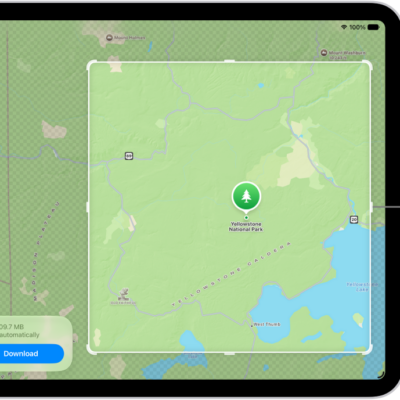
An iPad with a map of a national park. The park is framed by a rectangle with handles, which can be moved to change the size of the map to download. The selected map's download size is indicated near the bottom of the map. The Cancel and Download buttons are at the bottom of the screen.

How to download offline maps on iPad

You can download offline maps on iPad to get directions and see place details without Wi-Fi or cellular service.
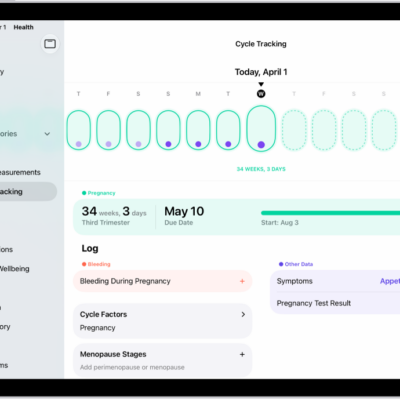
The Cycle Tracking screen with a pregnancy timeline for a week at the top of the screen. Light green ovals and purple dots mark the first 7 days on the timeline. Dashed light green ovals mark the other days on the timeline. Below the timeline is the pregnancy summary showing the gestational age, start date, and estimated due date. Below the pregnancy summary are options to add information about bleeding during pregnancy, symptoms, and more.

How to log a pregnancy in Health on iPad

You can log a pregnancy in Health on iPad, view your gestational age, log symptoms, and see your pregnancy cycle timeline.