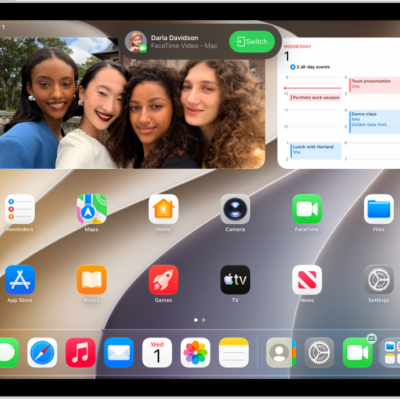
While you’re on a call using the FaceTime app, you can use other apps—for example, to look up information, write a note, or perform a calculation. You can get back to the FaceTime screen at any time, and you can even share your screen with the other people in your call while you use another app.
- Go to the Home Screen on your iPad.
- Tap an app icon to open the app.
- To return to the FaceTime screen, tap the green bar (or the FaceTime icon) at the top of the screen.
While using another app, you can share your screen with the other people in your FaceTime call, too. See our guide, Share your screen in a FaceTime call.
Tag: FaceTime