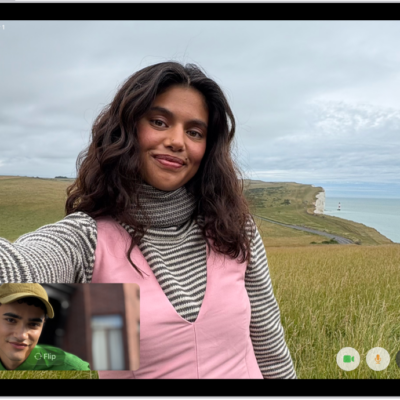
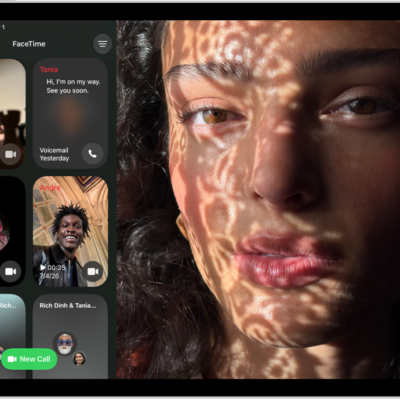
When you’re on a video call in the FaceTime app, you can take a FaceTime Live Photo to capture a moment of your conversation (not available in all countries or regions). The camera captures what happens just before and after you take the photo, including the audio, so you can see and hear it later just the way it happened.
You can take one during a one-to-one call or a Group FaceTime call, as long as FaceTime Live Photos is on.
To take a FaceTime Live Photo, first make sure FaceTime Live Photos is turned on in Settings > Apps > FaceTime, then do one of the following:
- During a one-to-one FaceTime call: Tap the Take Picture button.
- During a Group FaceTime call: Tap the tile of the person you want to take a picture of, then tap the Take Picture button.
The Live Photo is saved in your Photos app, and you both get a notification that the photo was taken.
See also
Tag: FaceTime