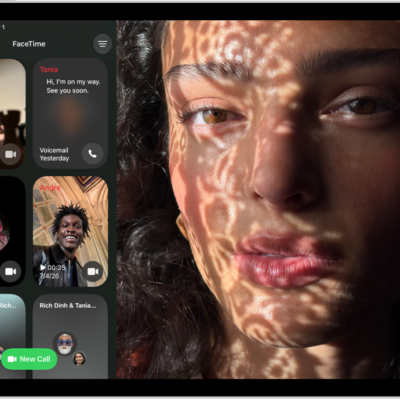
With real-time text (RTT) and Wi-Fi calling on your iPhone, you can also make and receive RTT calls in the FaceTime app on your iPad.
You can send each character as you type, or finish a message before sending it. When RTT is on, its icon appears in the status bar, and you can type text during an RTT call.
Here’s how to set up and use RTT on iPad.
Important: RTT isn’t supported by all carriers or in all countries or regions. RTT functionality depends on your carrier and network environment. When making an emergency call in the U.S., iPhone sends special characters or tones to alert the operator. The operator’s ability to receive or respond to these tones can vary depending on your location. Apple doesn’t guarantee that the operator will be able to receive or respond to an RTT call.
Set up RTT
- Make sure you can make and receive Wi-Fi calls.
- Open Settings, tap Accessibility, and then tap RTT.
-
Turn on Software RTT, then do any of the following.
- Tap Relay Number, then enter the phone number to use for relay calls using Software RTT.
- Turn on Send Immediately to send each character as you type. Turn it off to complete messages before sending.
When RTT is turned on, the RTT icon appears in the status bar at the top of the screen.
Start an RTT call
- Open the FaceTime app on iPad.
- Tap New and type the name or number you want to call, or tap the Add button to add a contact.
- Tap the Call button and tap Call. Tap RTT Call or RTT Relay Call.
Type text during an RTT call
- After accepting or starting an RTT call in the FaceTime app on iPad, tap Use RTT and tap the RTT button.
-
Enter your message in the text field.
If you turned on Send Immediately in Settings, your recipient sees each character as you type. Otherwise, tap the Send button to send the message.
- To also transmit audio, tap the Microphone Off Muted button in the top-right corner.
Note: Standard voice call rates apply for RTT calls.
See also
- Get live captions of spoken audio on iPad
- Type to speak using Live Speech on iPad
- Accessibility features for hearing on iPad