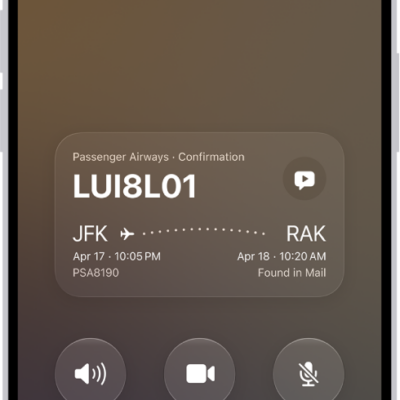
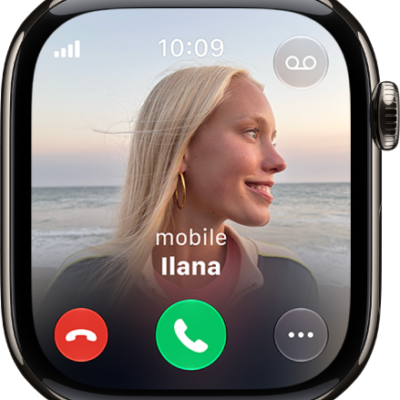
You can answer, silence, or decline an incoming call on iPhone. If you decline a call, it goes to voicemail, and you can also respond to a call with a text.
You can still answer a silenced call, too, until it goes to voicemail. Before deciding whether to answer, you can even ask the caller for more information, and their reply will appear on your screen as text. In some countries or regions, though, declined calls are disconnected without being sent to voicemail.
Answer a call
Pick up the call in one of these ways:
- Tap the Answer Call button.
- If your iPhone is locked, drag the slider.
Silence a call
Press the side button or either volume button when a call is coming in. You can still answer a silenced call until it goes to voicemail.
Note: It’s also possible to automatically screen and silence calls from unknown numbers.
Decline a call and send it directly to voicemail
If you’d rather not answer, decline the call in one of these ways:
- Press the side button twice quickly.
- Tap the Decline Call button.
- Swipe up on the call banner.
You can also tap the call banner for more options. Do any of the following:
- Tap Voicemail to send the call to voicemail.
- Tap Message, then choose a default reply or tap Custom.
To create your own default replies, go to Settings > Apps > Phone > Respond with Text, tap any field below Respond With, then type your own reply.
Note: In some countries or regions, declined calls are disconnected without being sent to voicemail.
Ask a caller for more information without answering a call
When you receive a call, you can type a message asking the caller for more information before deciding whether to answer. Tap Type to Reply, then type the message you want your iPhone to say to the caller. Their reply will appear on your screen as text. iPhone can help you avoid unwanted calls by identifying callers, blocking certain people, screening unknown callers, or sending spam callers directly to voicemail. You can also filter out unknown callers so they don’t appear in your recent and missed calls.